Review camera settings
To review the camera settings in a file right-click on a camera 2D view and the select the Review camera settings option. This opens the Review settings dialog, which shows the settings used during the capture for the camera system and other input devices.
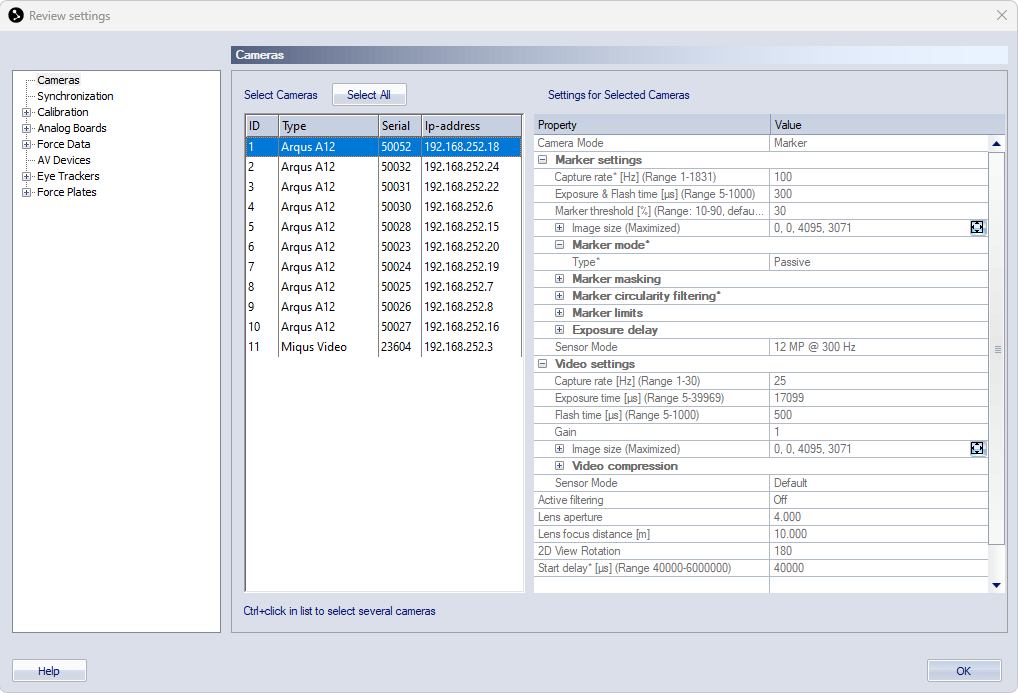
The settings are greyed out so that they cannot be changed, but otherwise you can navigate in the same way as in the Project options dialog. Any setting that were not available in the QTM version in which the file was capture will be set to its default value. For more information about the settings, refer to the chapters Cameras, Synchronization, and the chapters of the respective input devices.