Scripting
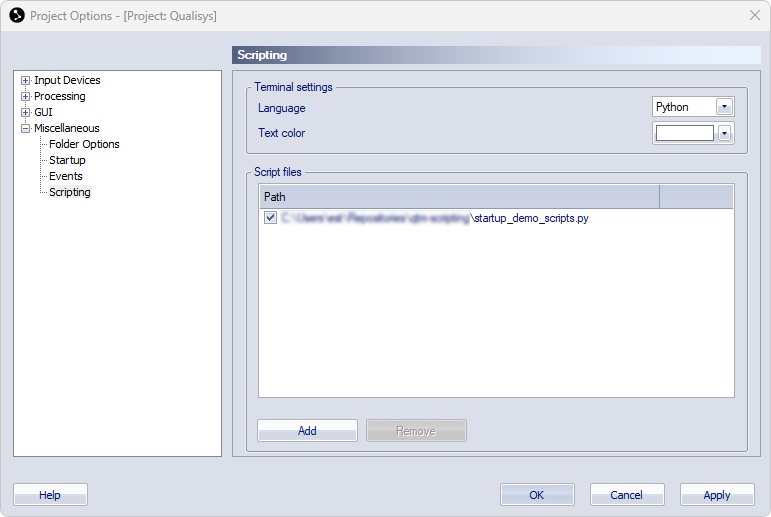
The Scripting page contains the settings for the terminal and the use of script files in QTM. For more information about the QTM Scripting Interface, see chapter QTM Scripting Interface.
-
Terminal settings
-
Language
Choose the language used in the terminal window. The choices are Python or Lua.
-
Text color
Define the color of the text used in the terminal window.
-
-
Script files
-
The script files section contains a list of script files that are loaded when starting the project. Use the check box to activate or deactivate the script files.
-
Add
Open a file dialog for adding script files to the list. You can use multiple select for adding multiple scripts at once.
-
Remove
Remove a script file from the list.
-