Setting the cameras up in QTM
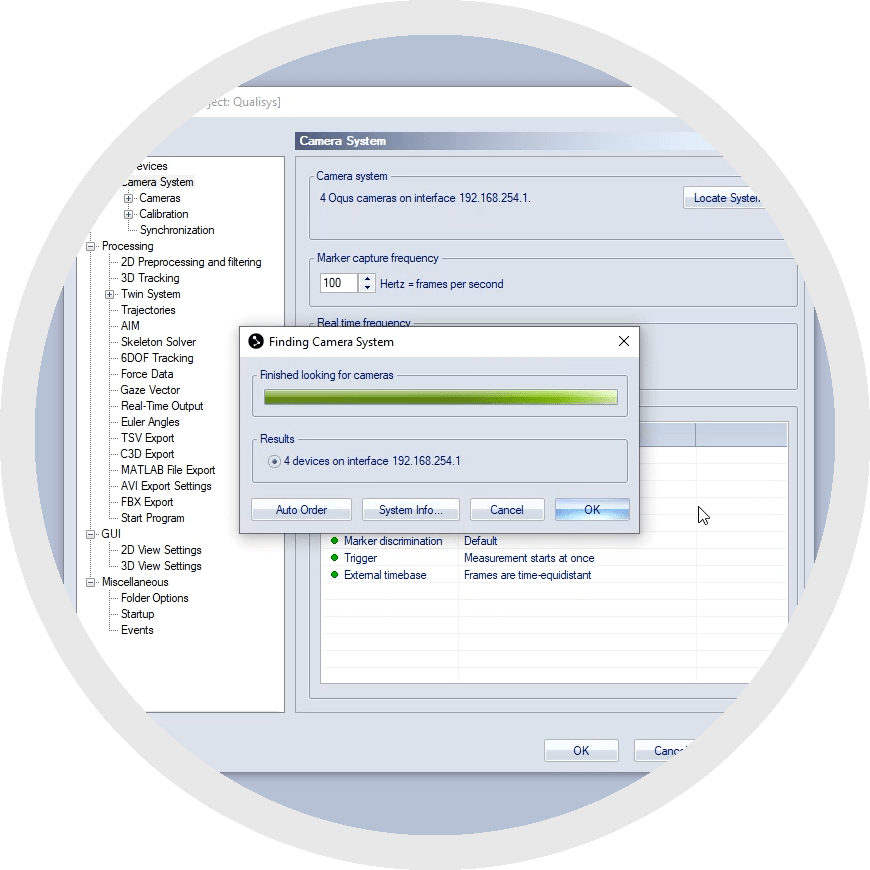
Once your cameras are mounted, connected, and configured through the QDS utility, you can begin viewing and controlling them in QTM. The following chapters walk you through the setup process, which only needs to be done the first time you use your current arrangement.
For instructions on setting up Oqus cameras, please refer to the QAcademy tutorial How to set Oqus cameras up in QTM.
Prefer to watch the tutorial?
How to set your cameras up in QTM