Recording with QTM
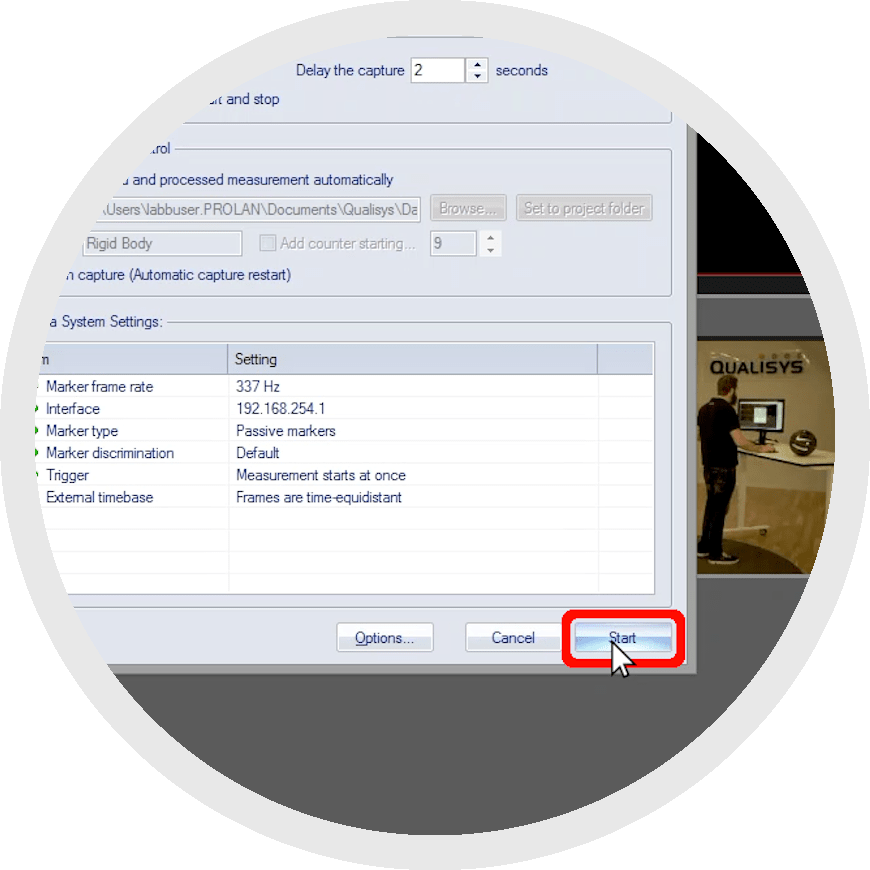 Once you’ve made sure that the camera settings are optimized for viewing the markers and that your system is calibrated for the volume you want to capture, you can begin recording with QTM. The recorded files store all of the captured data, including marker, analog, and force data. The following chapters show you how to select automatic processing actions, capture and stream data, and set up batch recordings.
If you are using an analysis module, the recording process is slightly different. Please refer to the user manual that comes with your analysis module for instructions on installing and running it.
Prefer to watch the tutorial?
How to record data with QTM