Setting up your QTM workspace
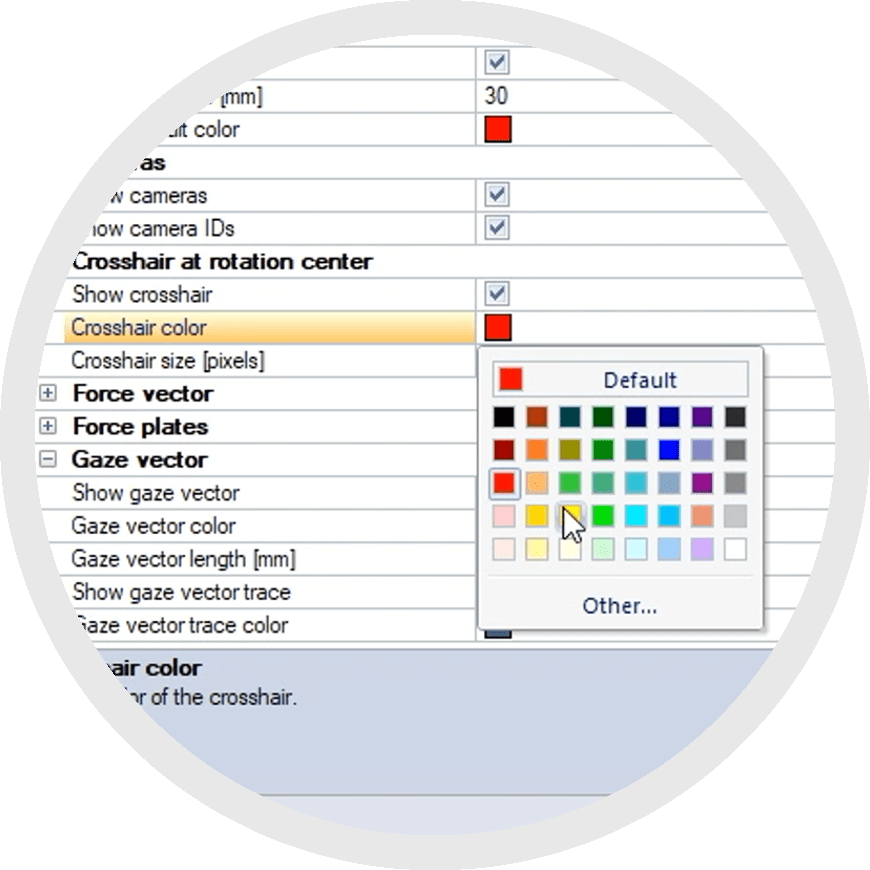 Setting up a personalized QTM workspace can improve your experience by letting you choose the colors, perspectives, and window layouts that you prefer. Choosing exactly which elements to display will let you focus on the tools that apply to your project.
These settings are simply to help you more easily visualize your data; they do not affect how the data is collected or processed. The following chapters walk you through the different types of windows in QTM, how to arrange and customize your workspace, and how to save and apply layouts.
Remember that for more complete details about each aspect of QTM, you can refer to the QTM user manual.
Prefer to watch the tutorials?
How to change the view settings in QTM
How to set up your QTM workspace