Multiple daisy chains
Some setups require multiple daisy chains—for example, large systems or setups that combine Oqus camera models with Miqus or Arqus models. Multiple daisy chains are also used in markerless setups or when integrating more than two video cameras in a system with marker cameras.
Large systems
A maximum of 20 Arqus or Miqus cameras or 15 Oqus cameras can be connected in a single daisy chain. If your system includes more cameras than this, they should be split into groups and connected through multiple daisy chains.
Combining Oqus with Arqus/Miqus
Oqus camera models use different cables than Arqus and Miqus models but can still be integrated in the same system by connecting them through their own daisy chain.
Video cameras
A maximum of three video cameras or hybrid cameras in video mode can be connected in a single daisy chain without marker cameras. If using more than three video cameras, they should be split into equal groups of no more than three and connected through multiple daisy chains.
Up to two video cameras can be hooked up in the same chain as marker cameras. If your marker-based system includes more than two video cameras, it is recommended to put them in separate chains without marker cameras.
How to connect multiple daisy chains
In a multiple-chain setup, hook up each daisy chain individually but do not connect their host cables to the computer. Instead, plug the host cables into an Ethernet switch and use an additional Ethernet cable to connect the switch to the computer running QTM.
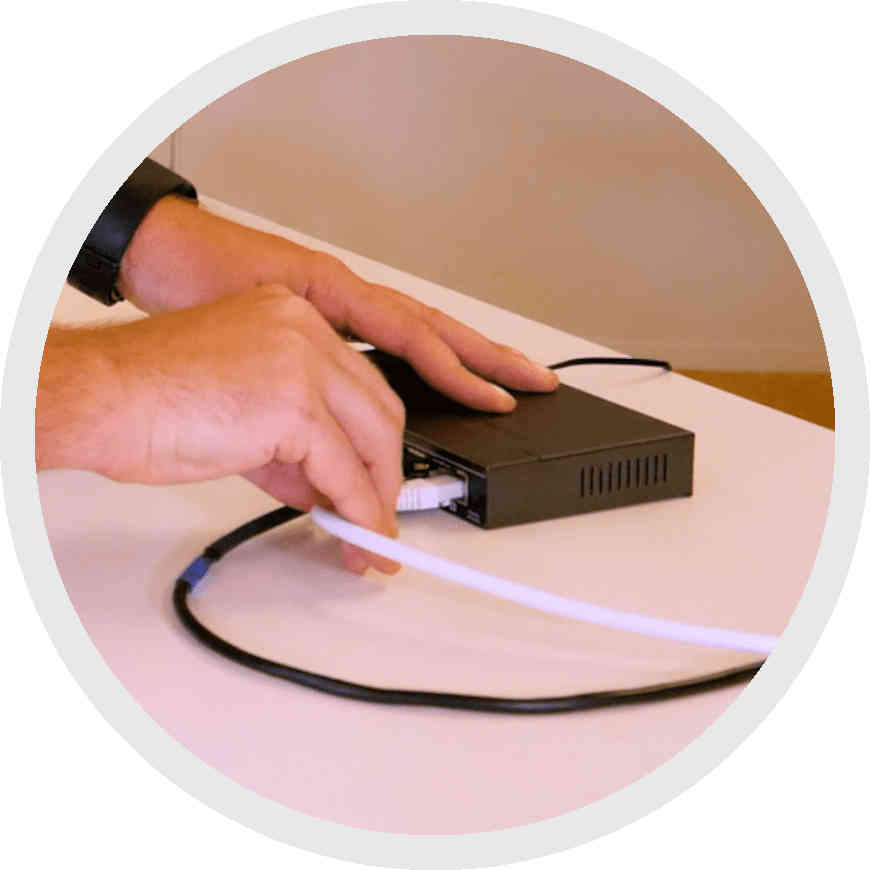
Make sure to only use an Ethernet switch that is recommended by Qualisys so that the cameras will synchronize correctly. You will also need to make sure that the computer running QTM has a fast-enough Ethernet port to handle the data. Please contact Qualisys Support to find out the requirements for your setup.