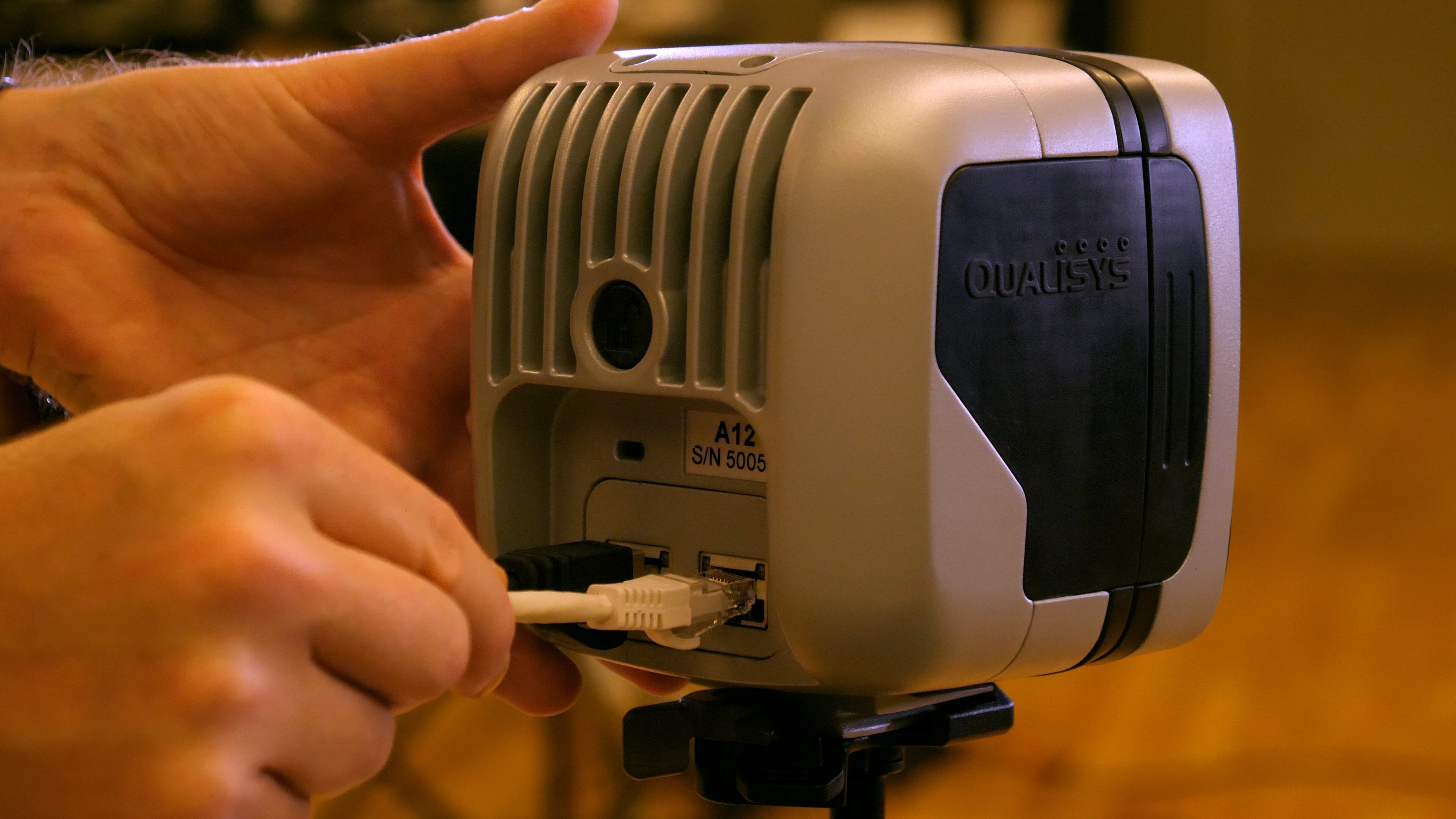
Connecting the cameras
Arqus and Miqus cameras are linked to each other, the camera sync unit, and the computer in a daisy chain using the power kit and cables that come with the system.
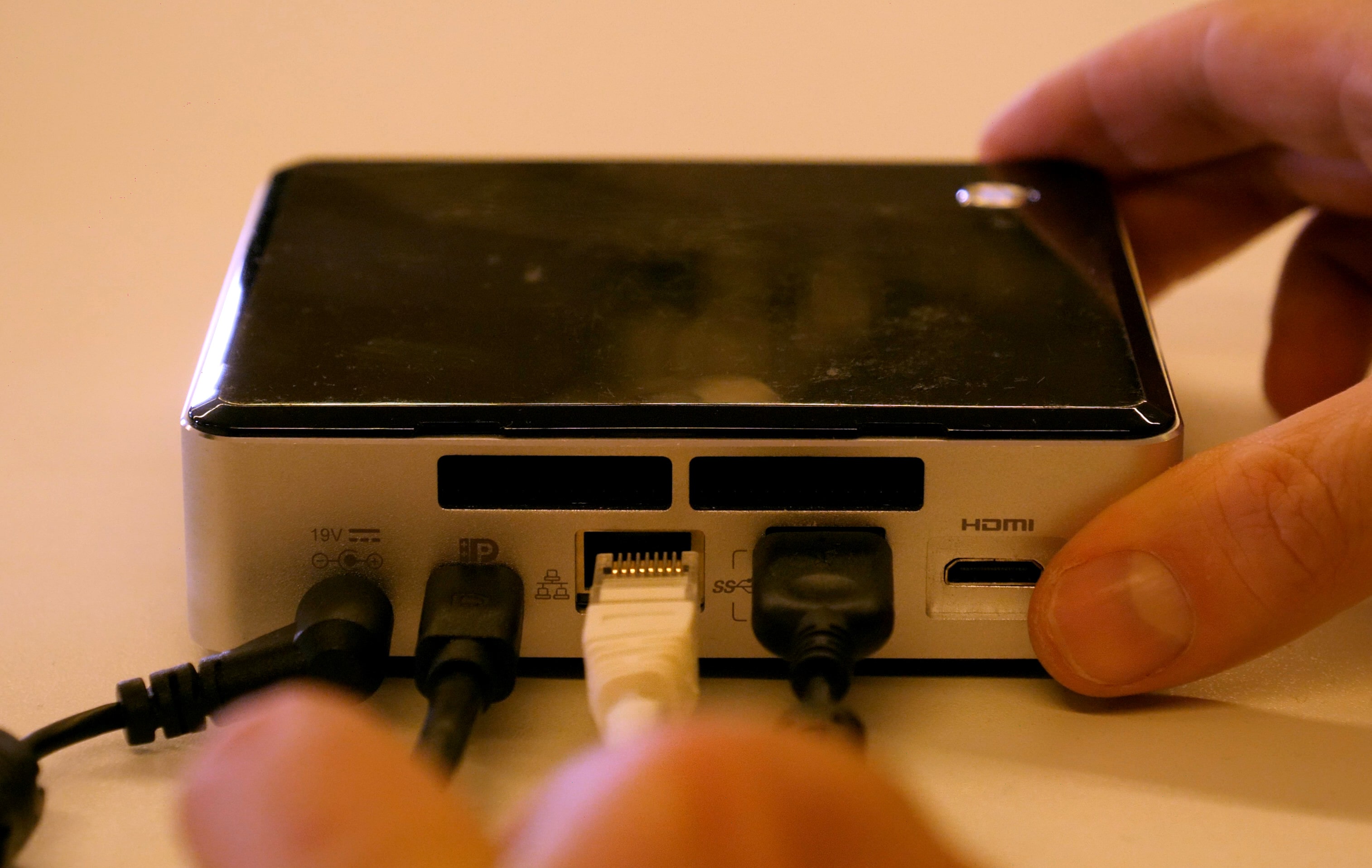
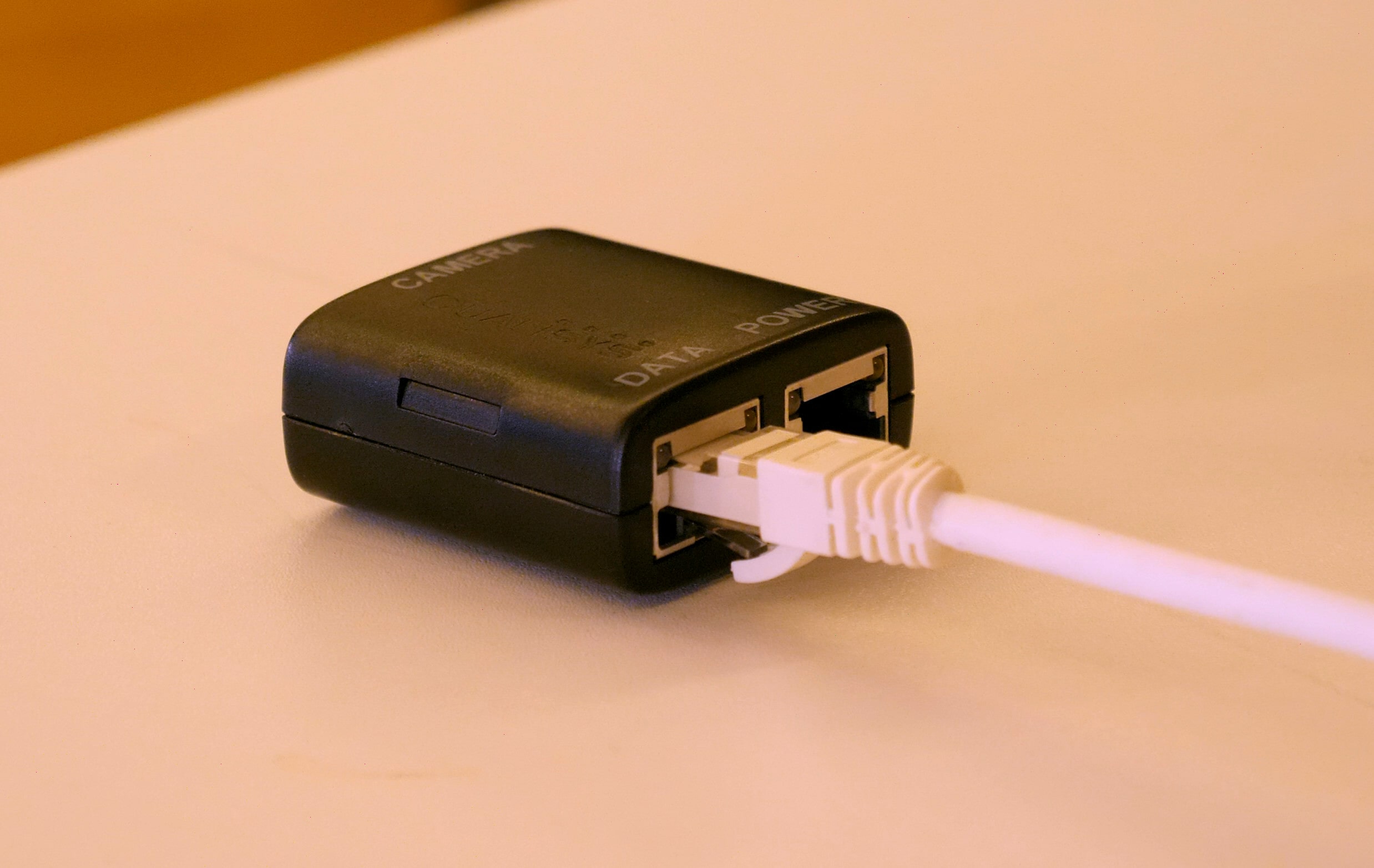
The daisy chain begins with the computer running QTM. Plug a host cable into the Ethernet port on your computer and connect the other end to the “DATA” port on a power injector.
|
|
Next, plug a power supply into the “POWER” port on the injector.
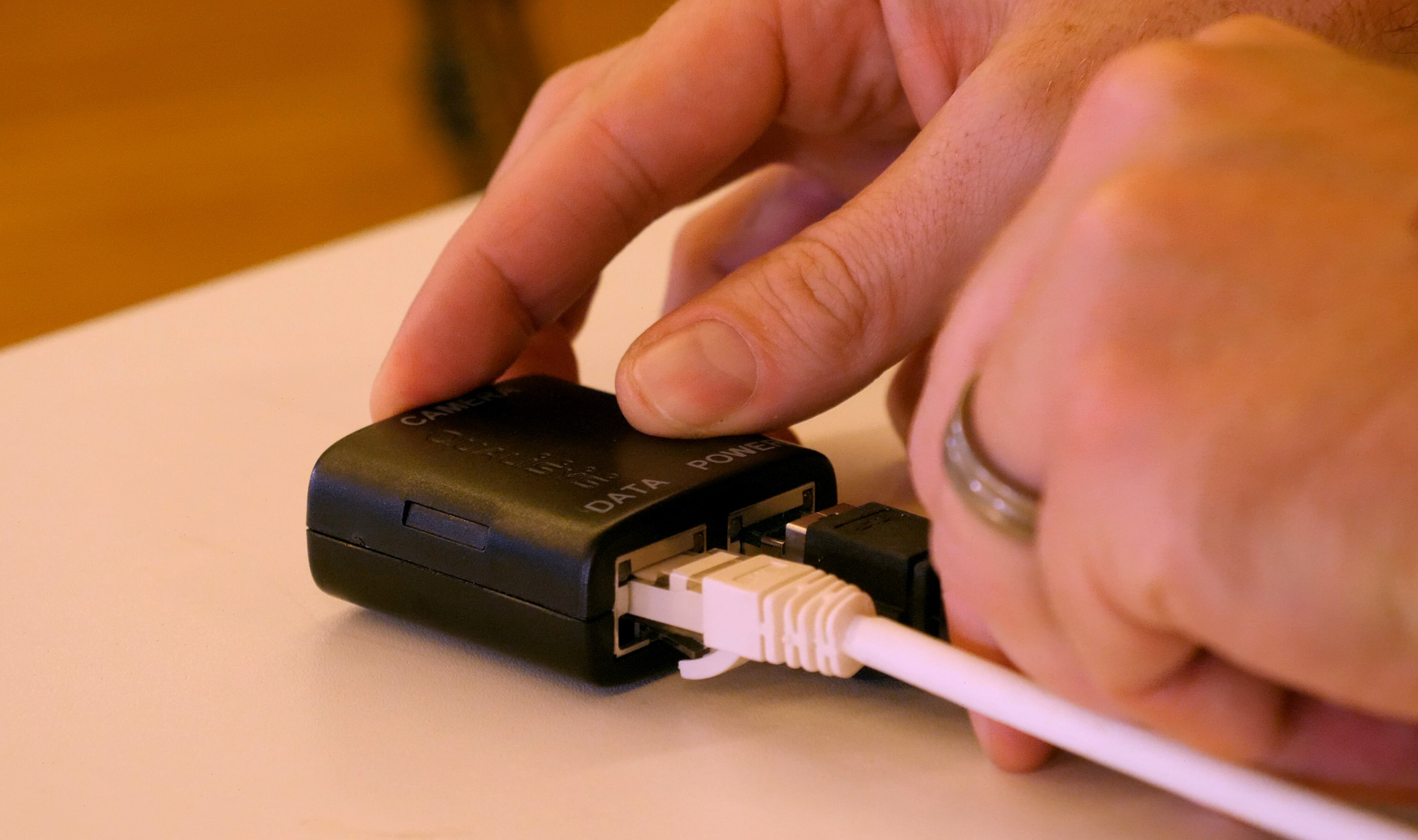
Finally, use a camera cable to connect the “CAMERA” port on the injector to either port on the back of the nearest camera.
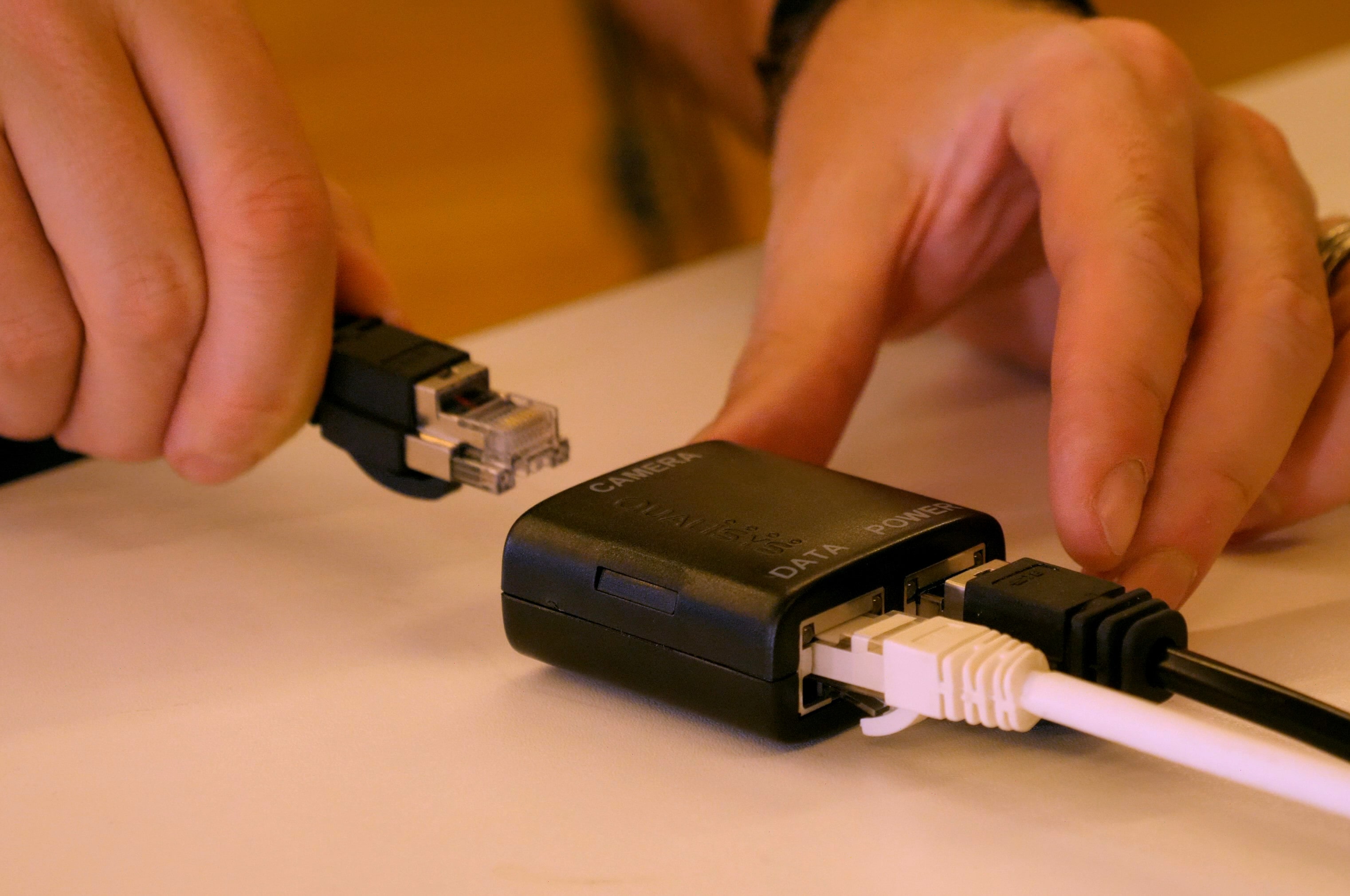
|
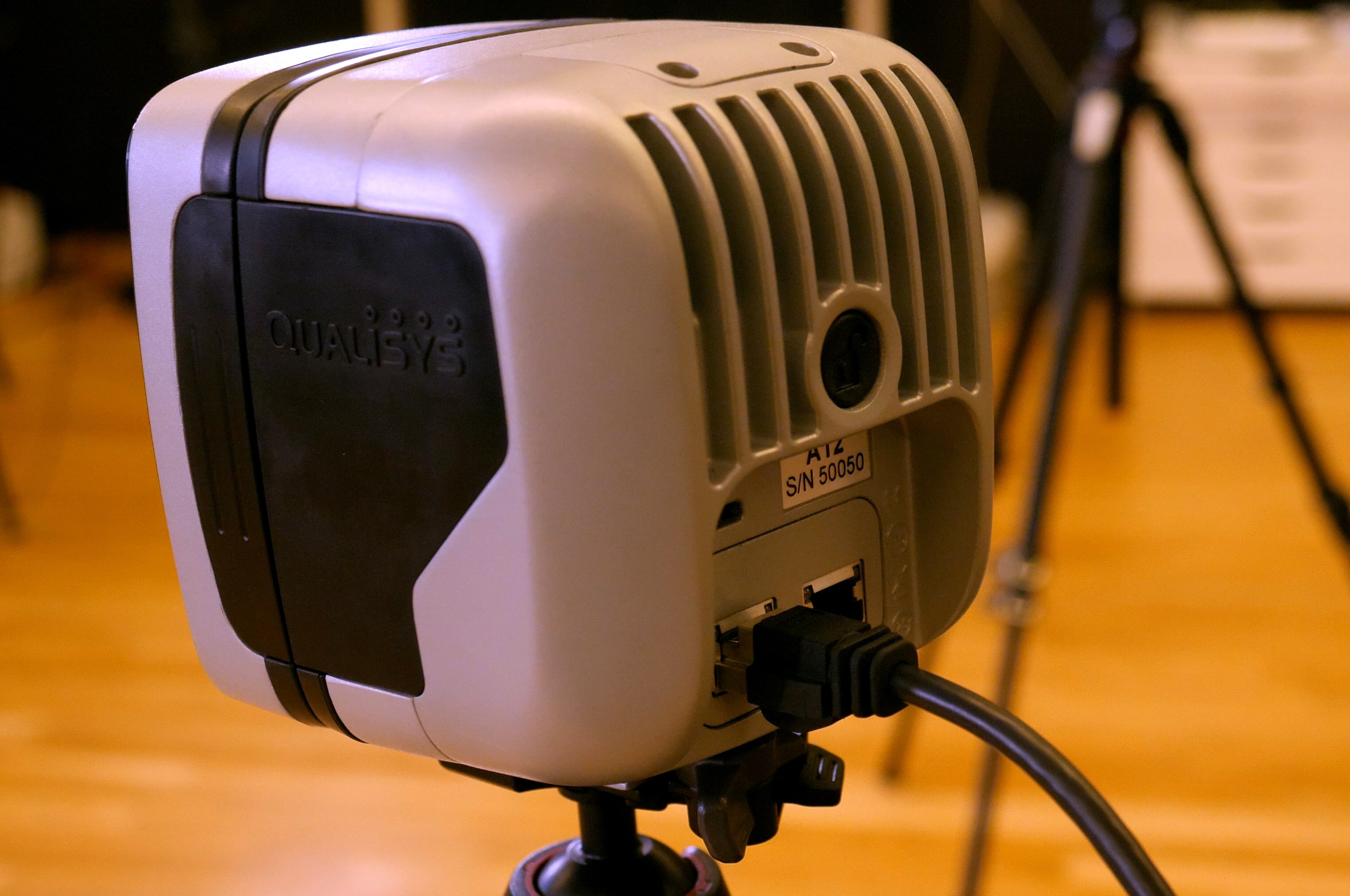
|
Use additional camera cables to link the rest of the cameras to each other. The ends of the cables are identical and can be used on either port on the back of each camera.
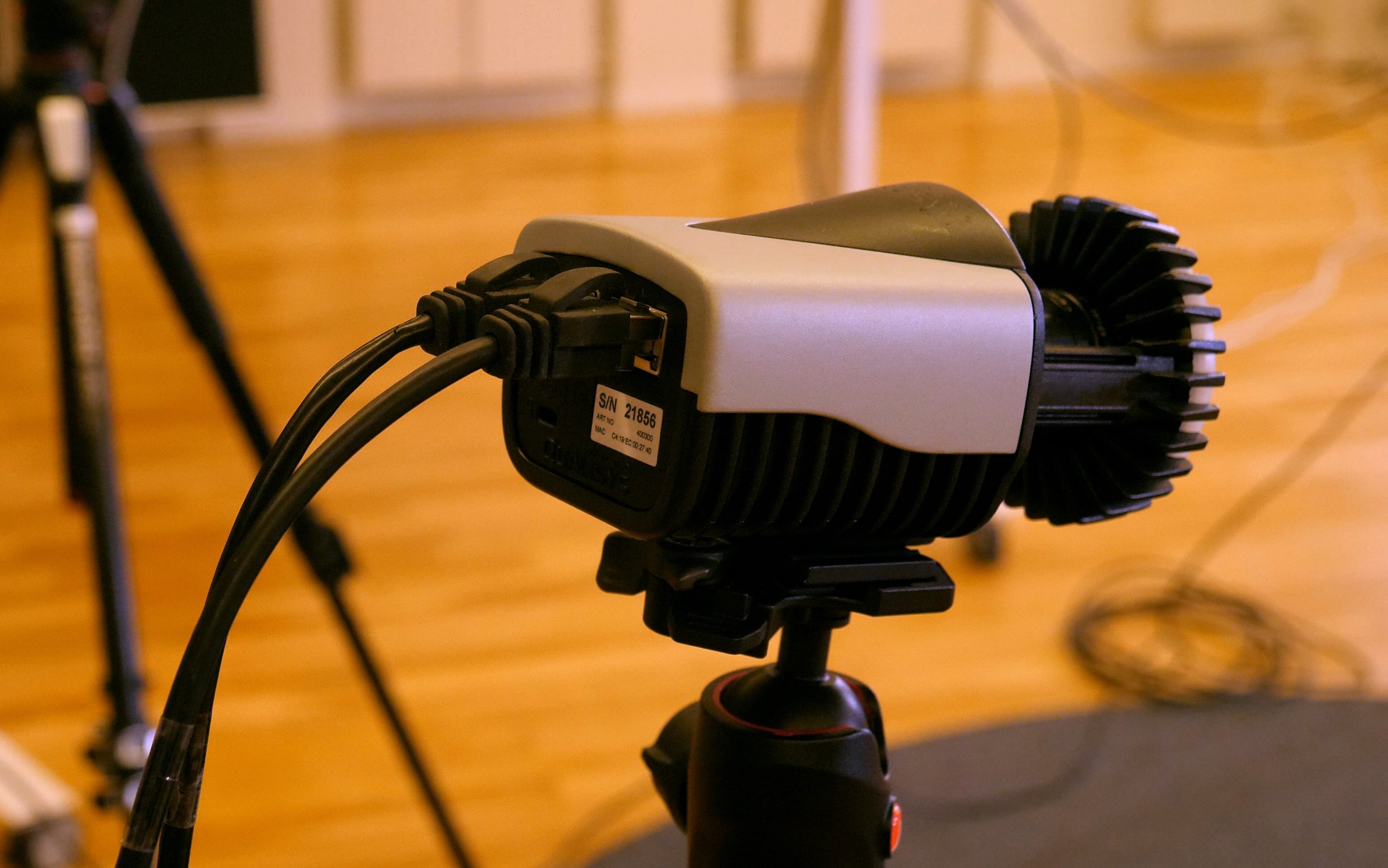
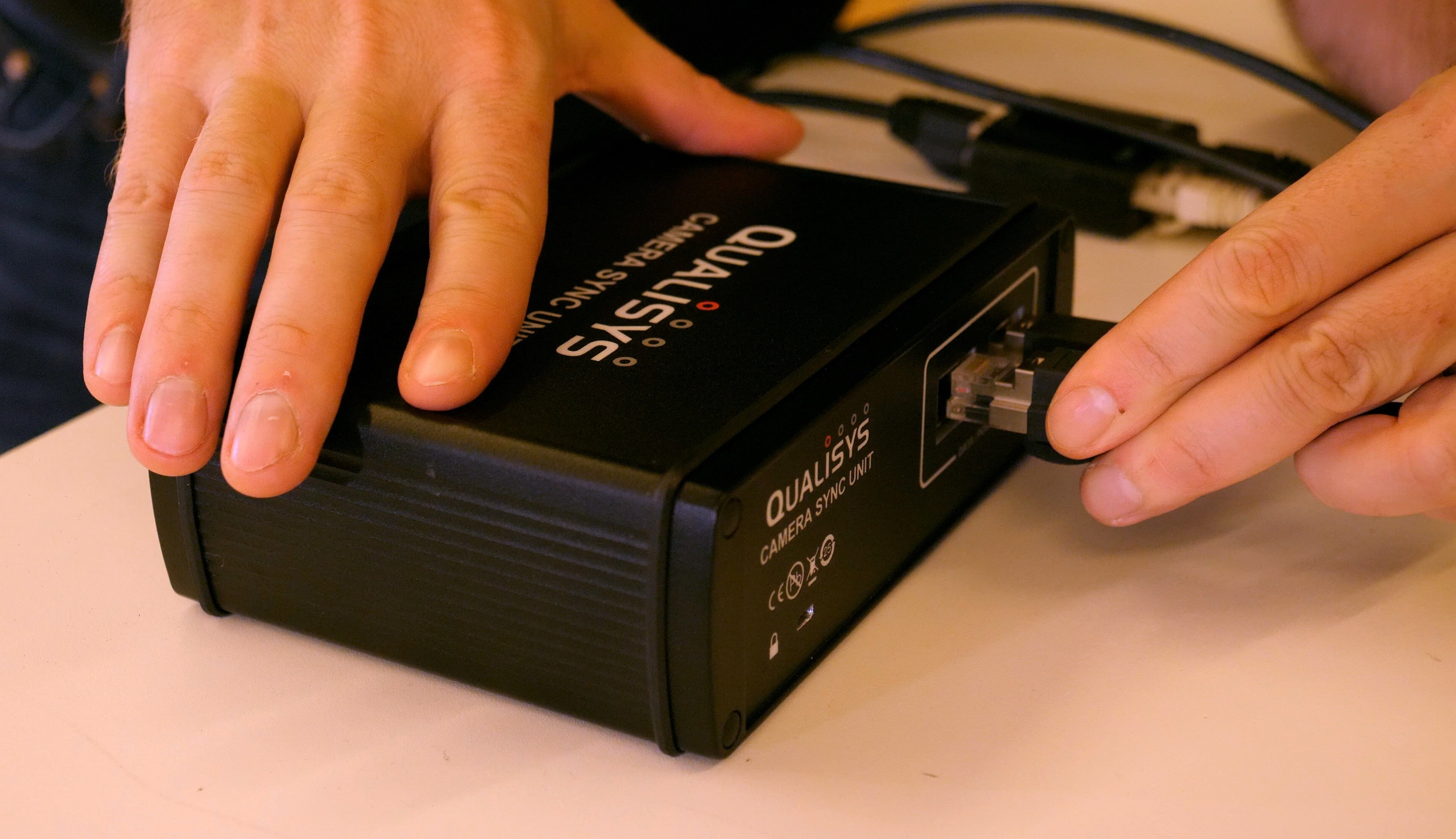
If you are using a camera sync unit, it is linked exactly like the cameras anywhere in the daisy chain through its data/power ports.
Direct-to-camera setup
An alternative way to connect the power supply to your system is to plug it directly into the open port on the back of your last camera rather than using a power injector. If you have a small system that only uses a single power supply, you can then plug the host cable from the computer directly into the first camera without using any power injectors.