Booting up the cameras
Once the cameras are connected, plug the power supplies into power sources.
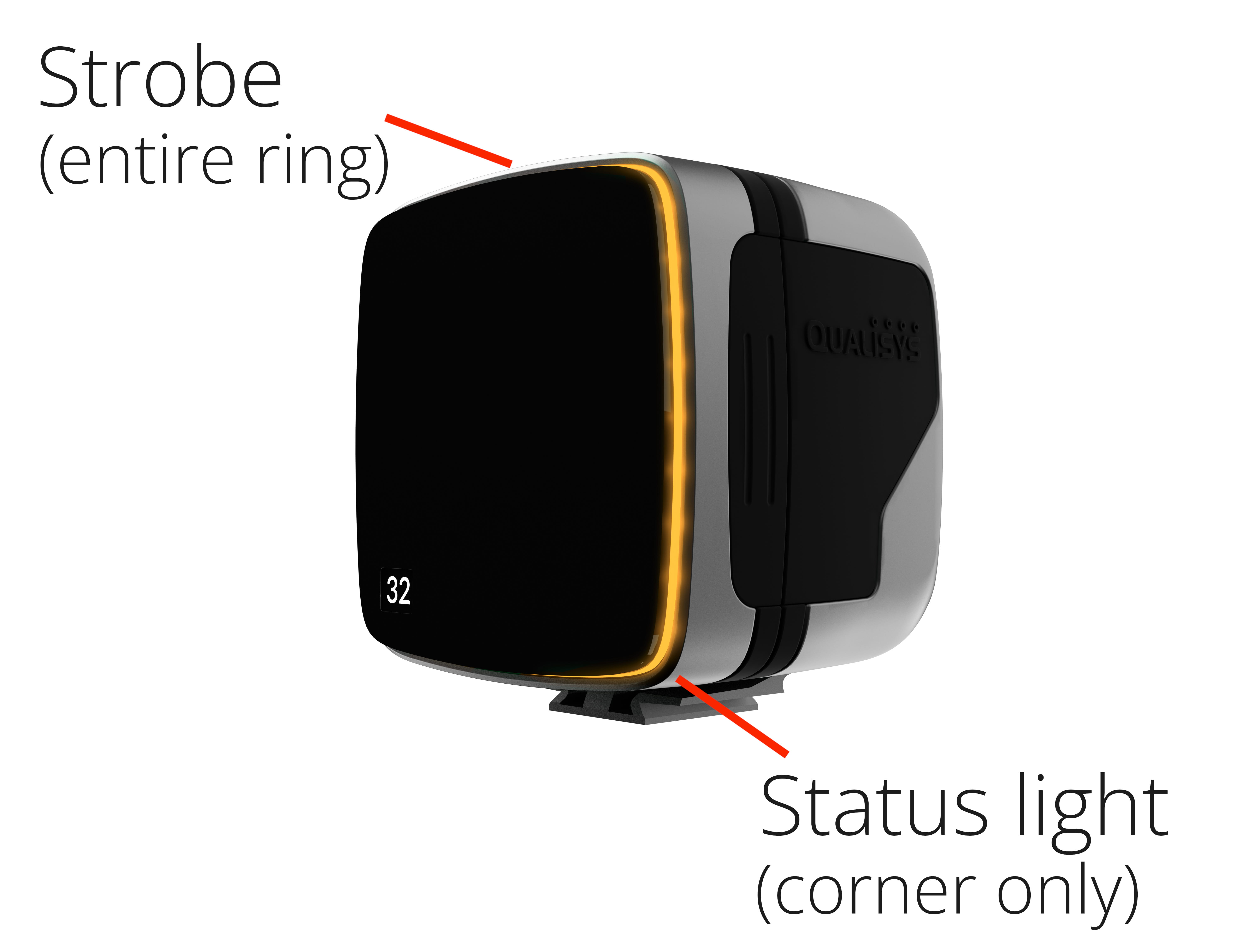
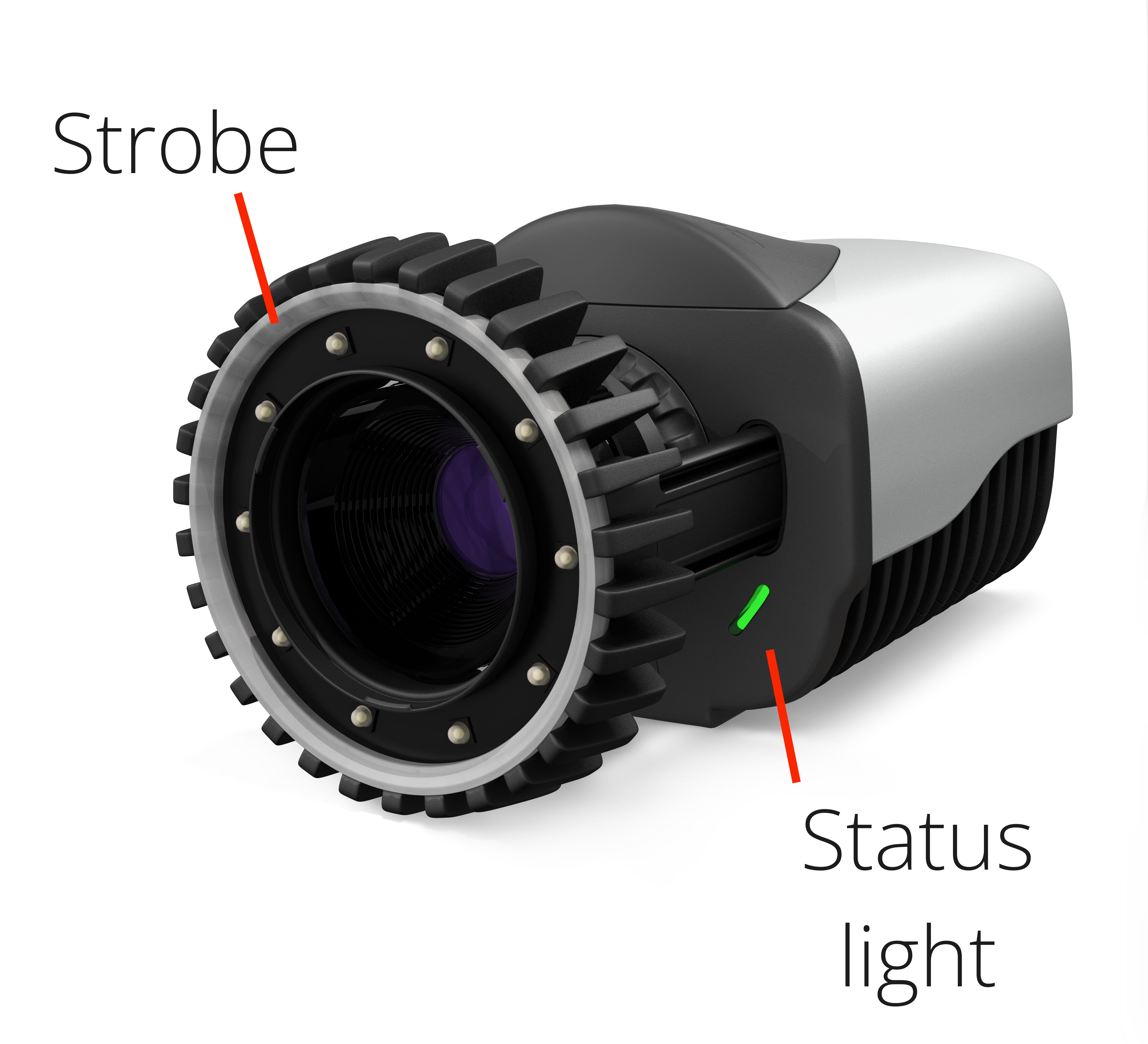
You will see the lights on the fronts of the cameras cycle through the boot sequence.
-
The strobes will glow amber as the cameras turn on.
-
The strobes will pulse amber while the cameras wait for their IP address.
-
Once the cameras receive an IP address, the strobes will turn off.
-
The status lights will blink green while the cameras are synchronizing.
-
The status lights will turn solid green once the cameras are synchronized and ready to use.
|
|
If the strobes continue pulsing amber, you will need to configure the network by running the QDS utility before you proceed to using the cameras in QTM.