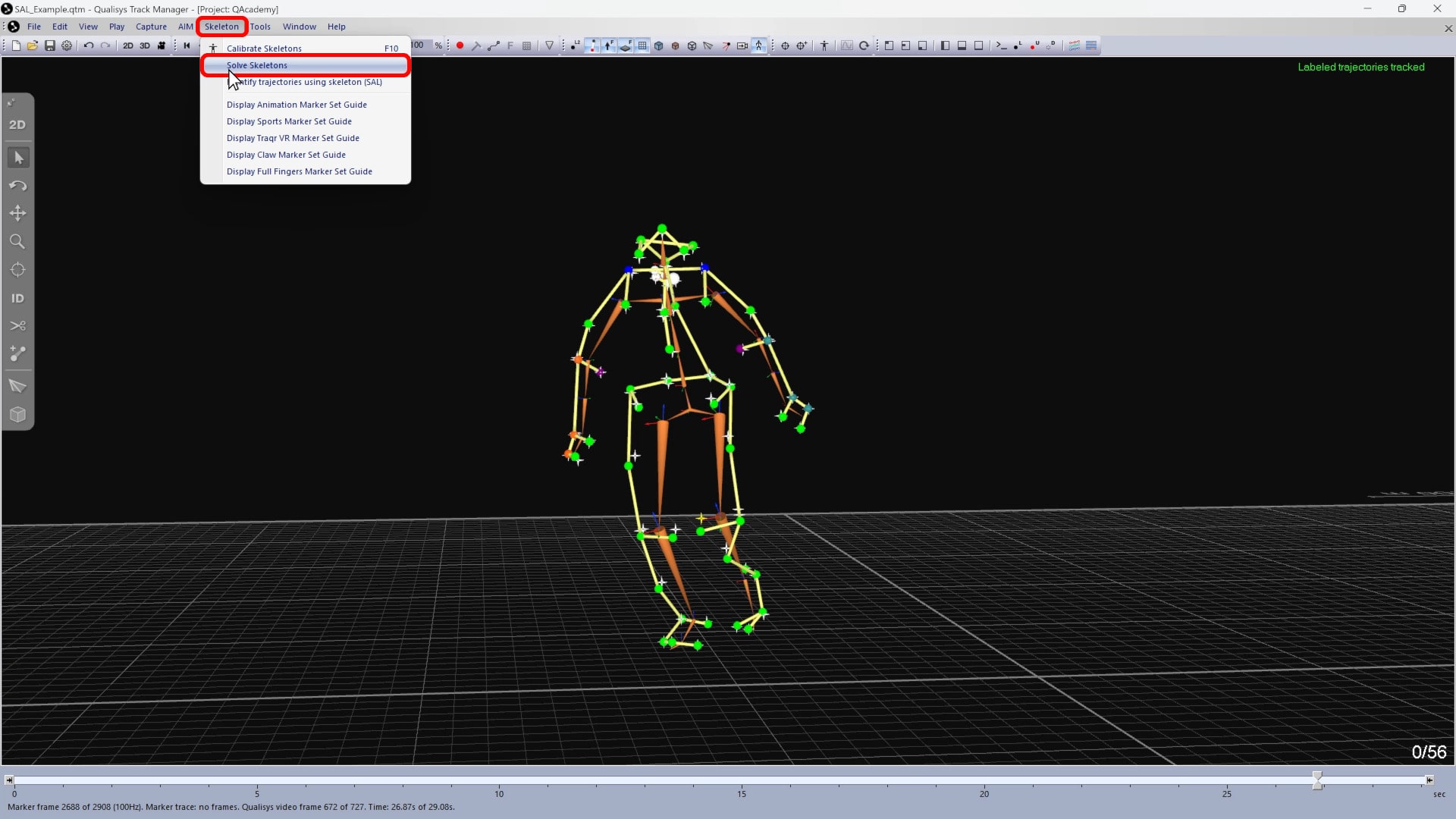
How to process files with SAL
Skeleton-assisted labeling can also be used to process previously recorded files that include a solved skeleton.
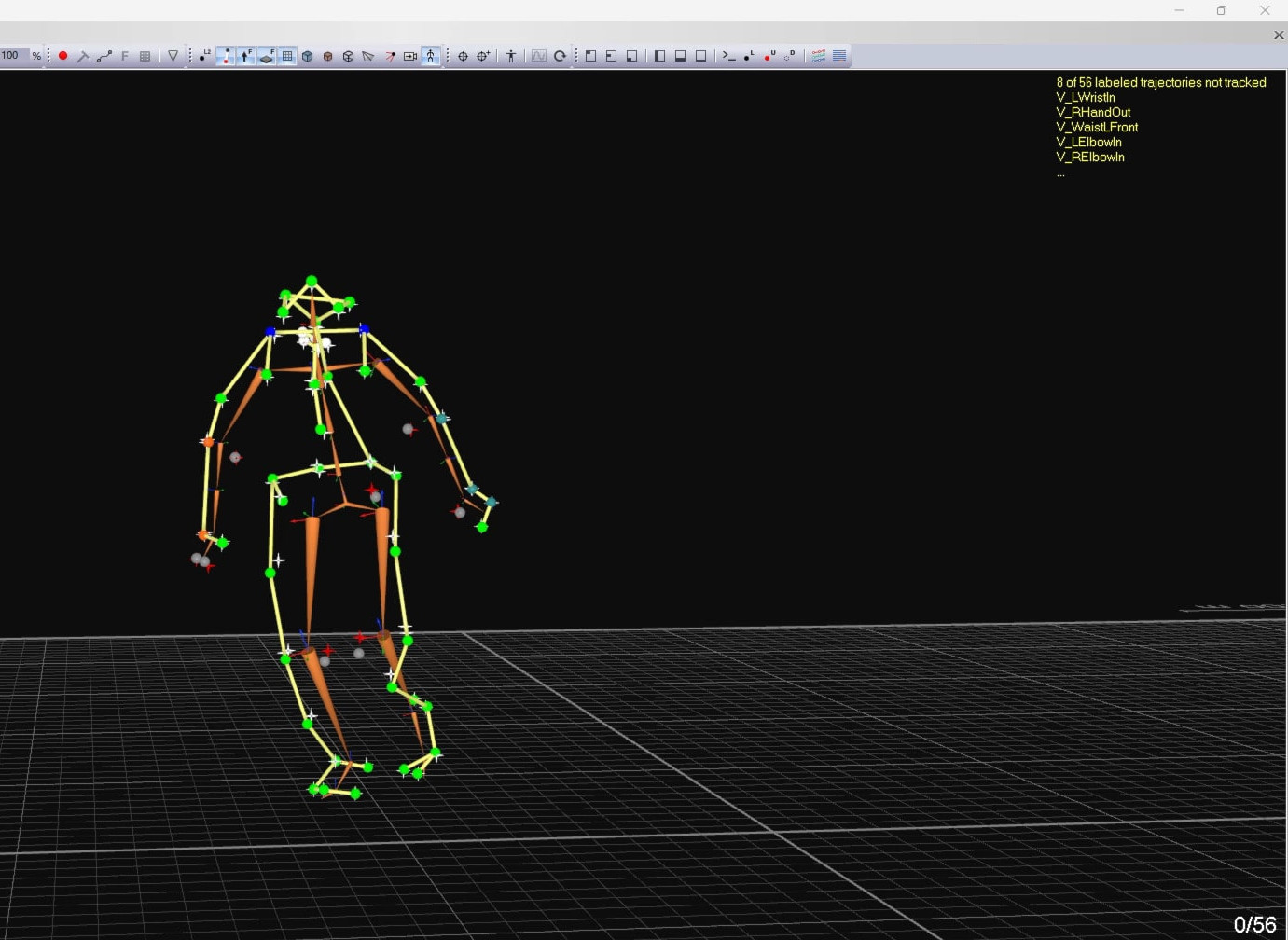
For example, if AIM had difficulty identifying skeleton markers in a captured file, you can reprocess with skeleton-assisted labeling rather than having to label the trajectories manually.
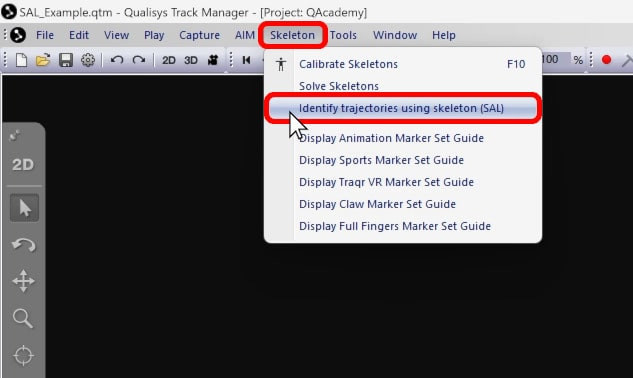
You can easily do this by clicking “Skeleton” in the top menu bar and selecting “Identify trajectories using skeleton (SAL).”
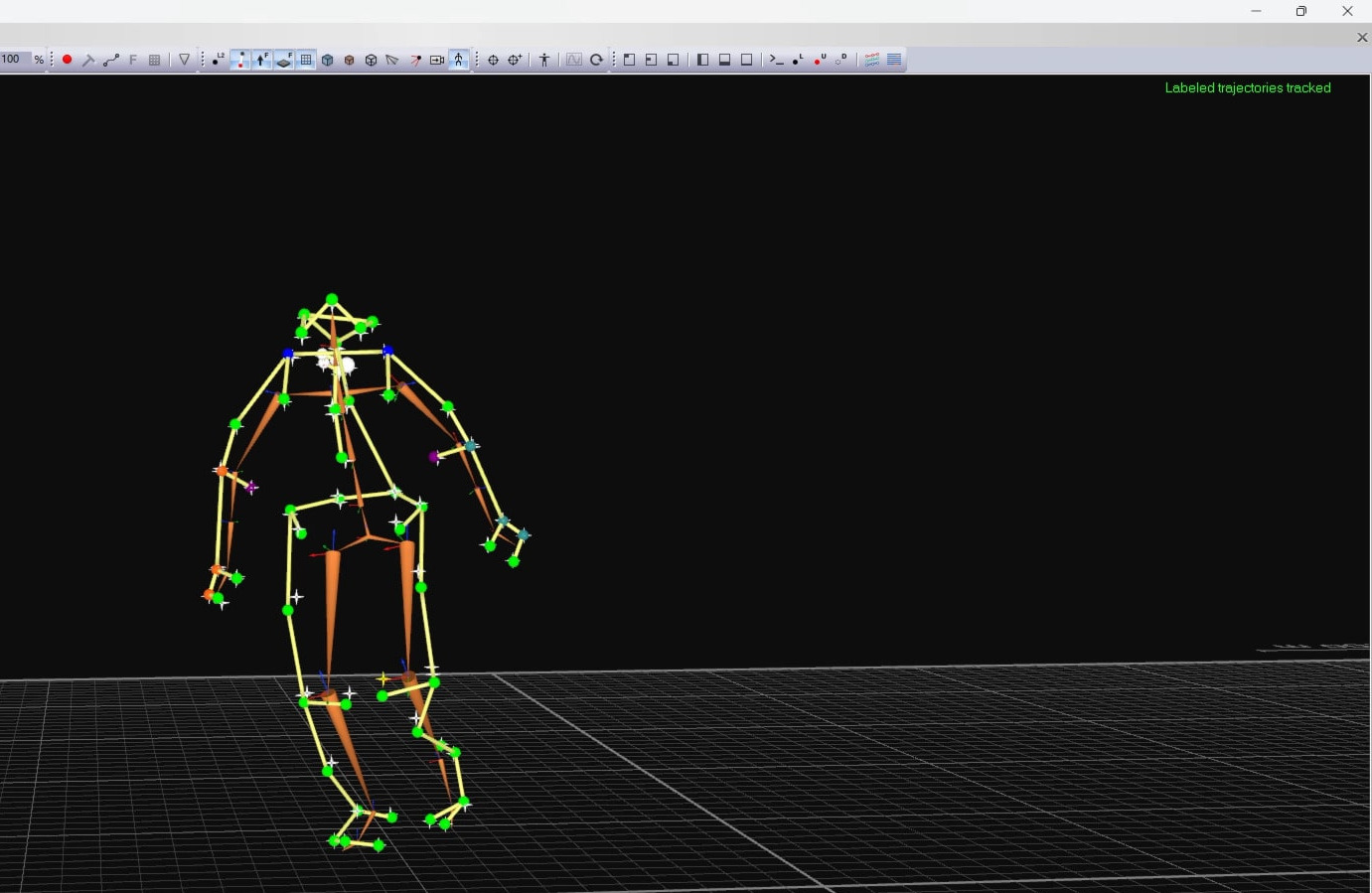
QTM will use skeleton-assisted labeling to help identify the unlabeled trajectories.
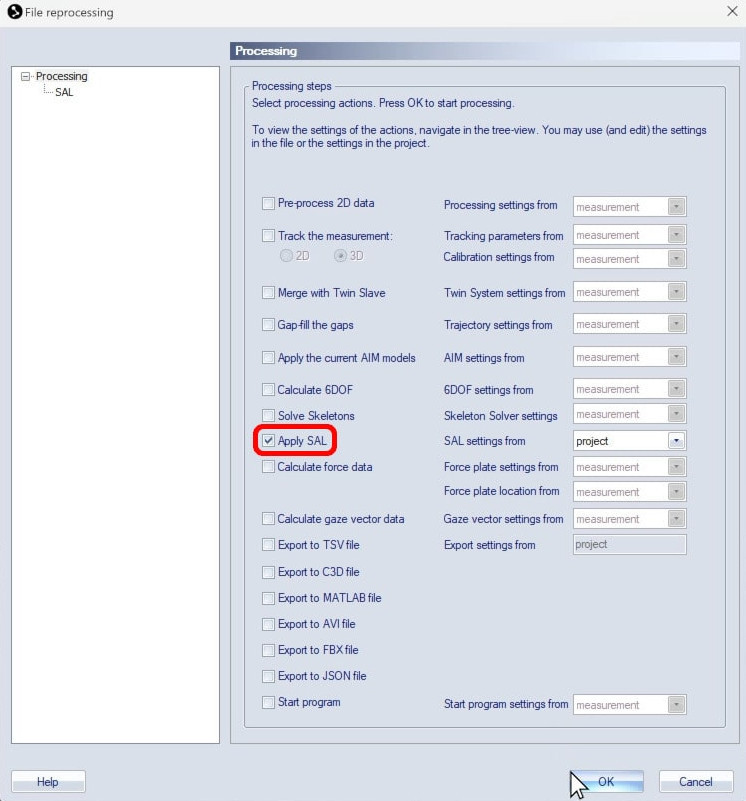
Alternatively, you can use the Reprocessing dialog with only “Apply SAL” enabled.
Remember to re-solve the skeletons after applying skeleton-assisted labeling to the file.