User dashboard
The online resources for Qualisys users are accessed from the user dashboard.
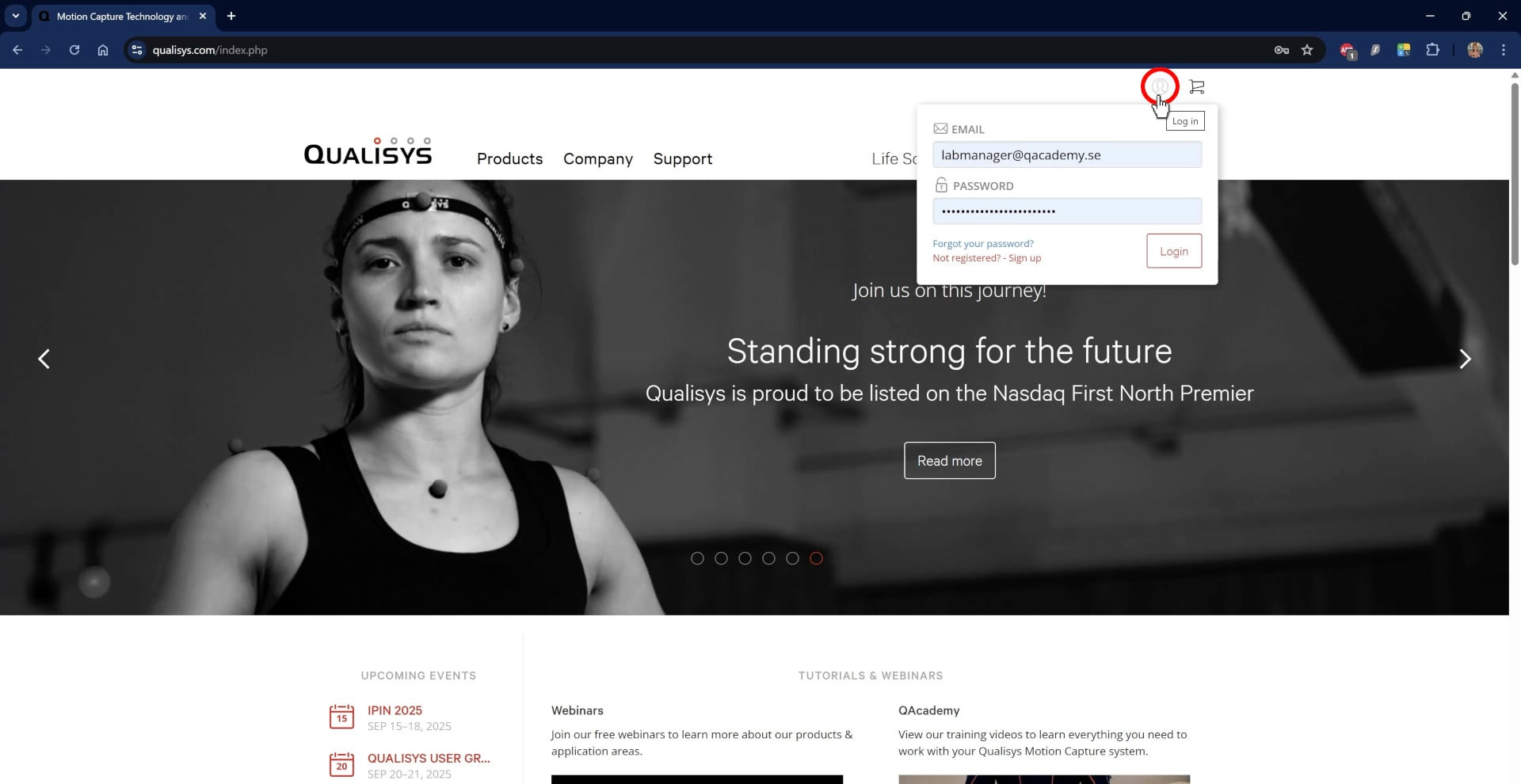
Navigate in your browser to Qualisys.com and hover over the lock icon to log in or to sign up for an account.
When you log in for the first time, you’ll be prompted to enter your QTM username and license key. These can be found on the inside of the welcome box sent with your system or in an email sent to the purchaser. If you cannot locate your license, please contact Qualisys Sales.
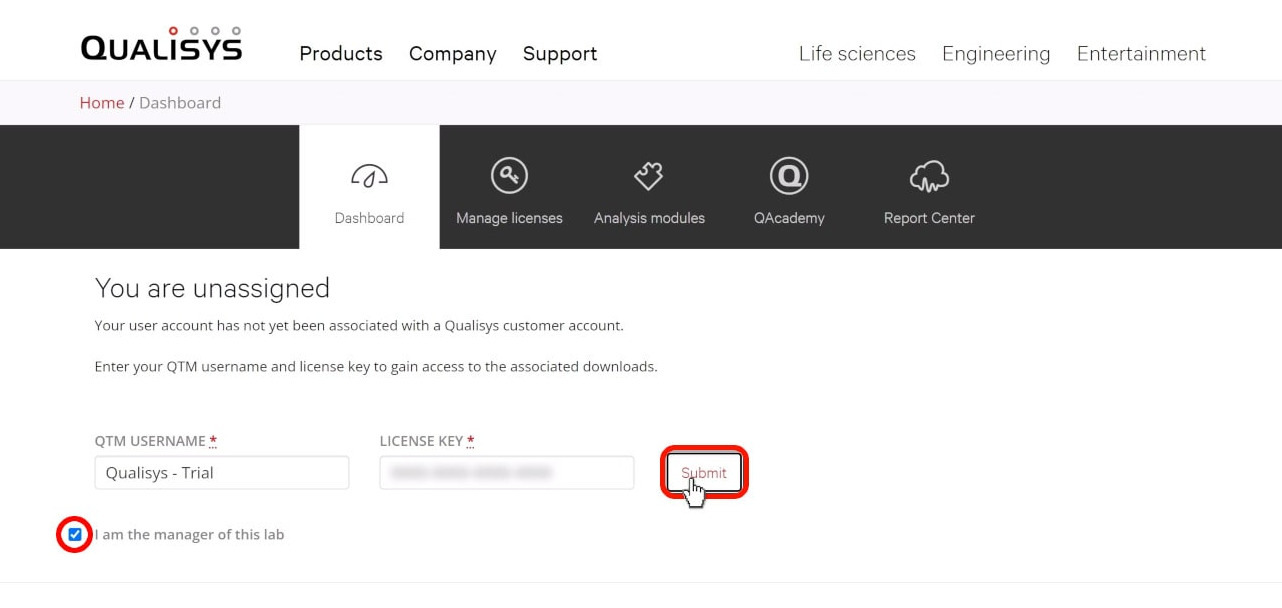
If you are a lab manager, selecting the checkbox will let you add team members and customize the online report center for your lab.
Once your account is associated with a license, your dashboard will link to the latest releases of the QTM software, Qualisys plugins, and camera firmware.
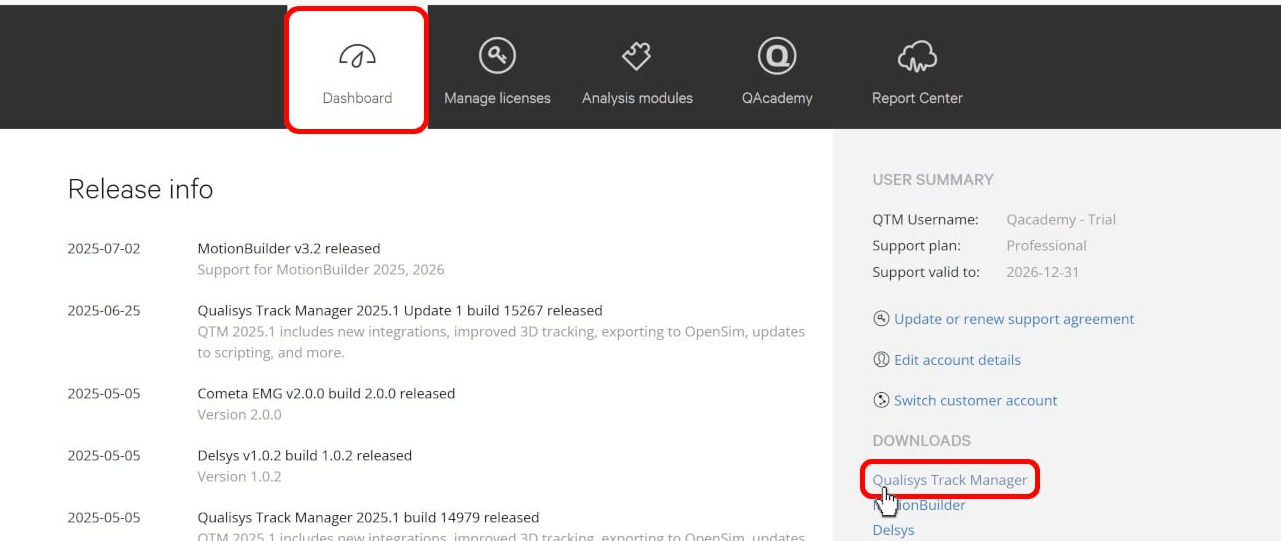
Click on a link to view any documentation such as release notes, user manuals, and auxiliary files and to download the latest build.
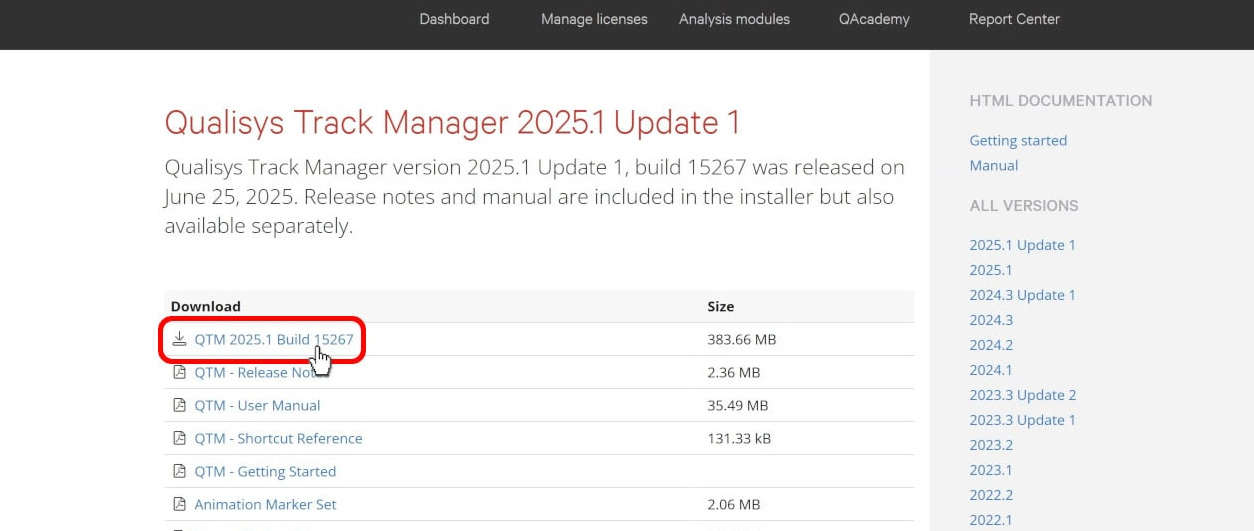
From your dashboard, you can also follow links to update your support agreement, modify your profile, or associate your username with a different QTM license.
Additional tabs on the dashboard lead to other resource pages. Under Manage licenses, you will see your QTM username and the information on all licenses included in your support agreement.
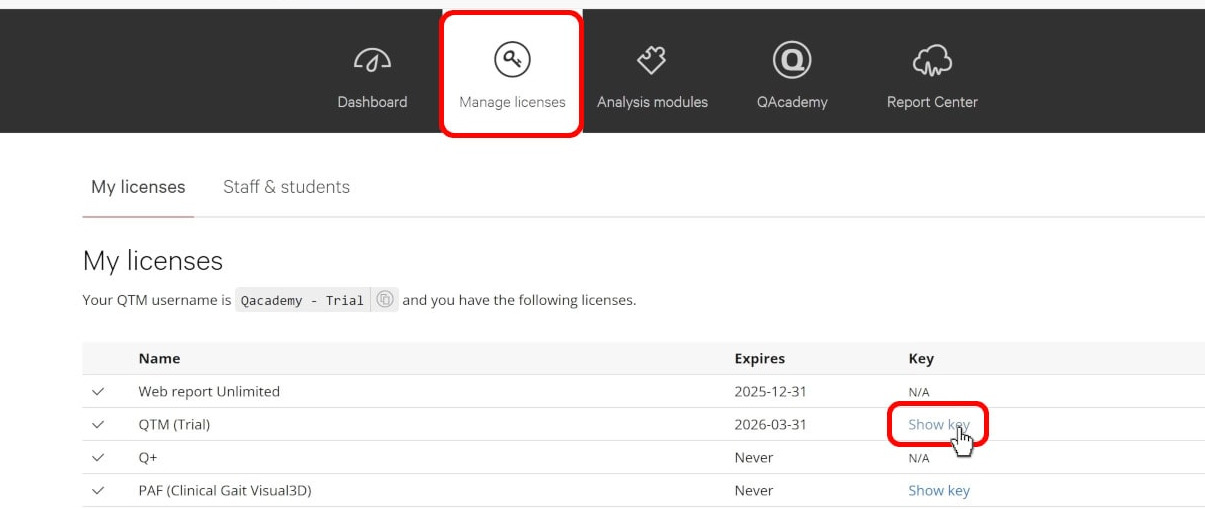
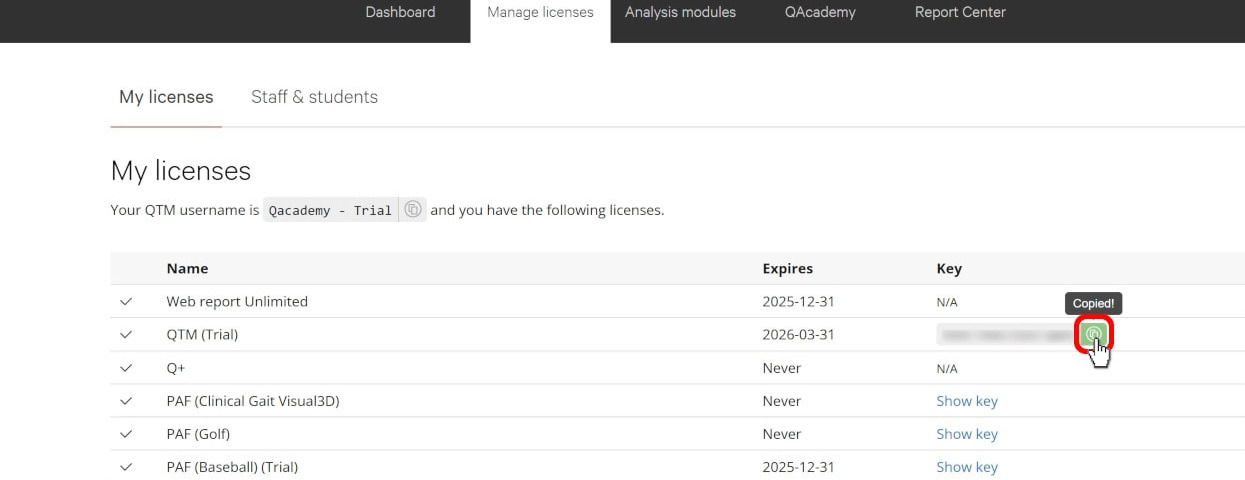
Clicking the icon beside a license key copies it to your clipboard so that you can easily paste it into QTM.
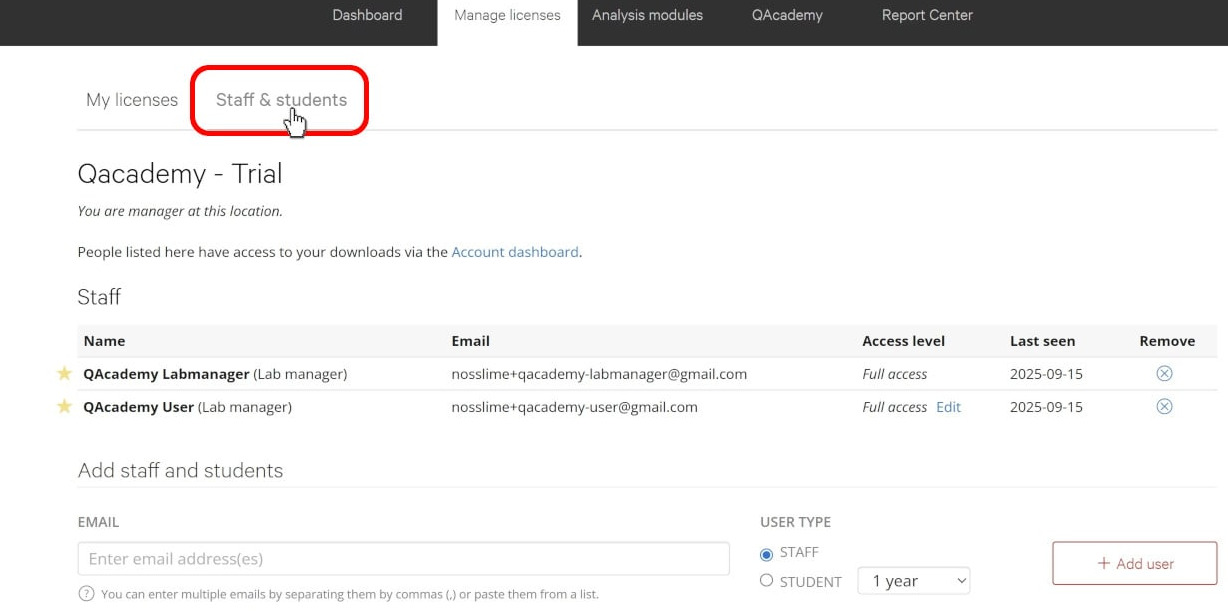
Lab managers can also click “Staff & students” to manage the team members who have access to their downloads.
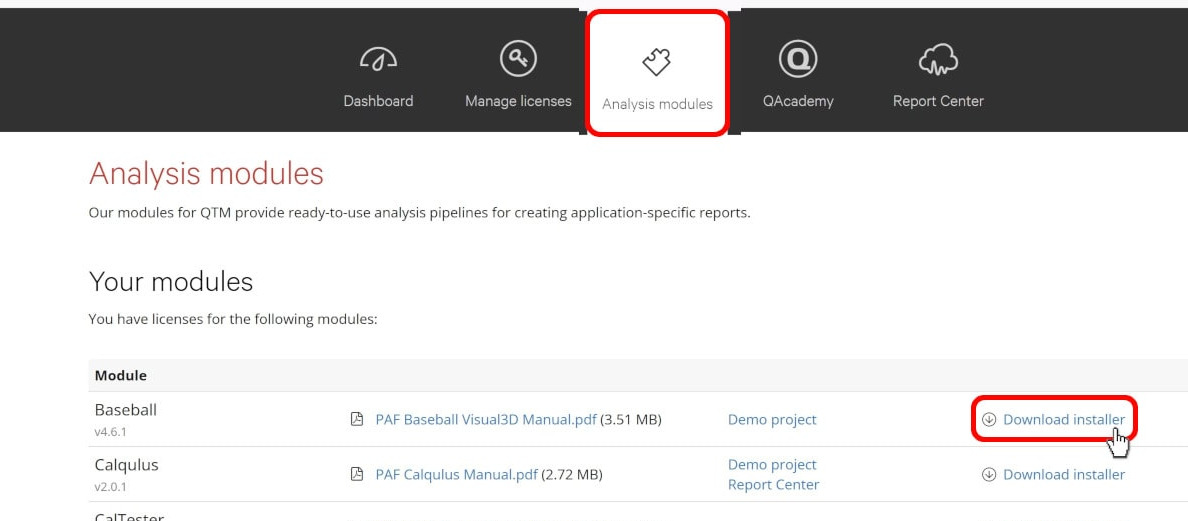
Under Analysis modules, you will find the QTM analysis pipelines included with your account. Follow the links beside the module names to download resources including user manuals, demo projects, and installer files.
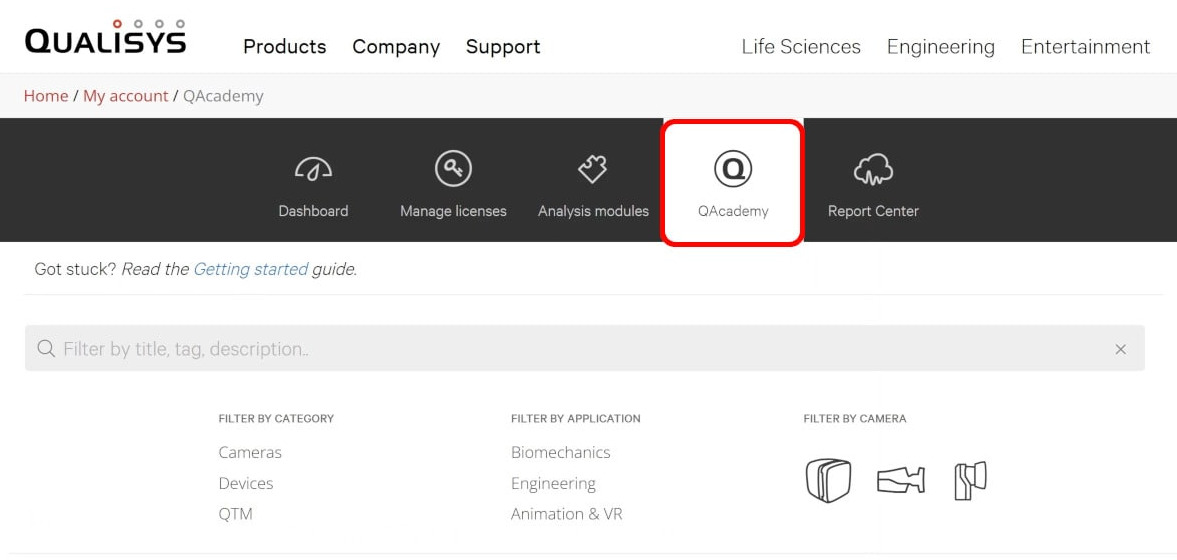
QAcademy opens the Qualisys training library, which is covered in the following section.
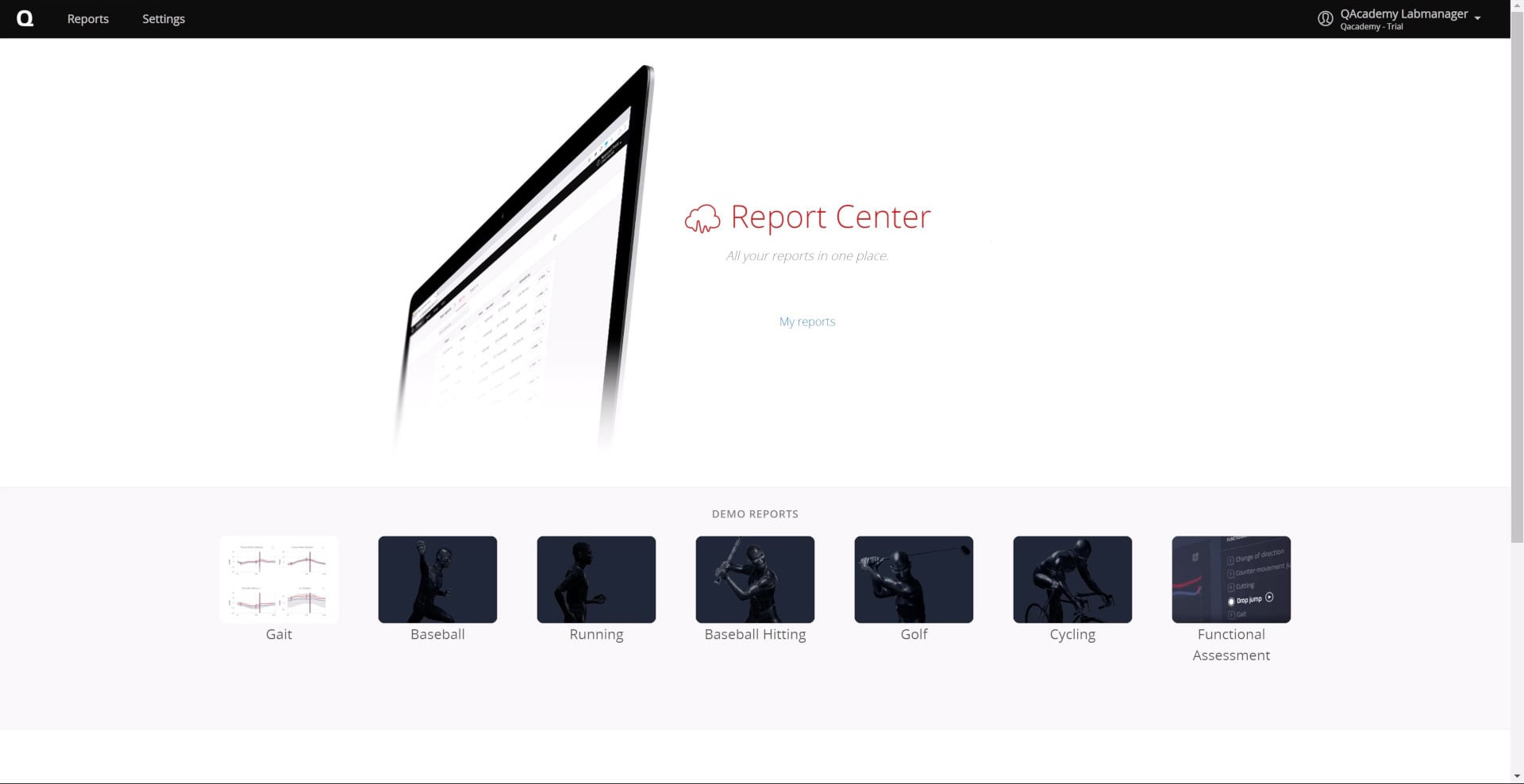
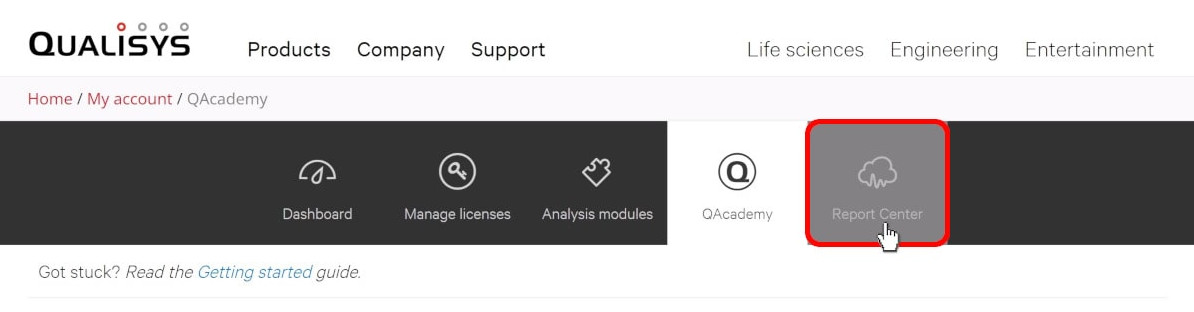
Finally, Report Center leads you to the hub for all of the online reports you generate using analysis modules.
For in-depth details on how to create, access, and use the online report system, please refer to the dedicated web report course on QAcademy.