Training resources
Qualisys offers a range of tutorials, manuals, and other documentation for learning how to use your system.
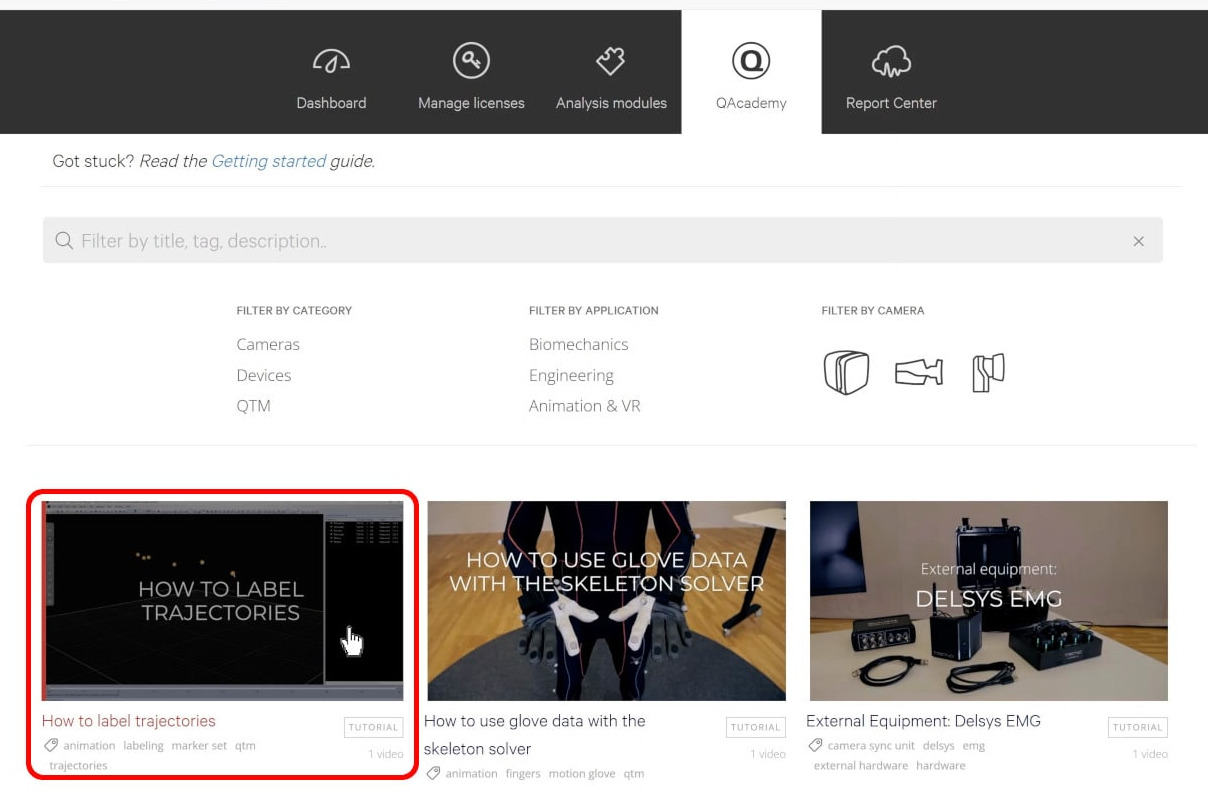
QAcademy is our online training library, which offers video tutorials on a wide range of topics, from basic camera setup to advanced data processing.
-
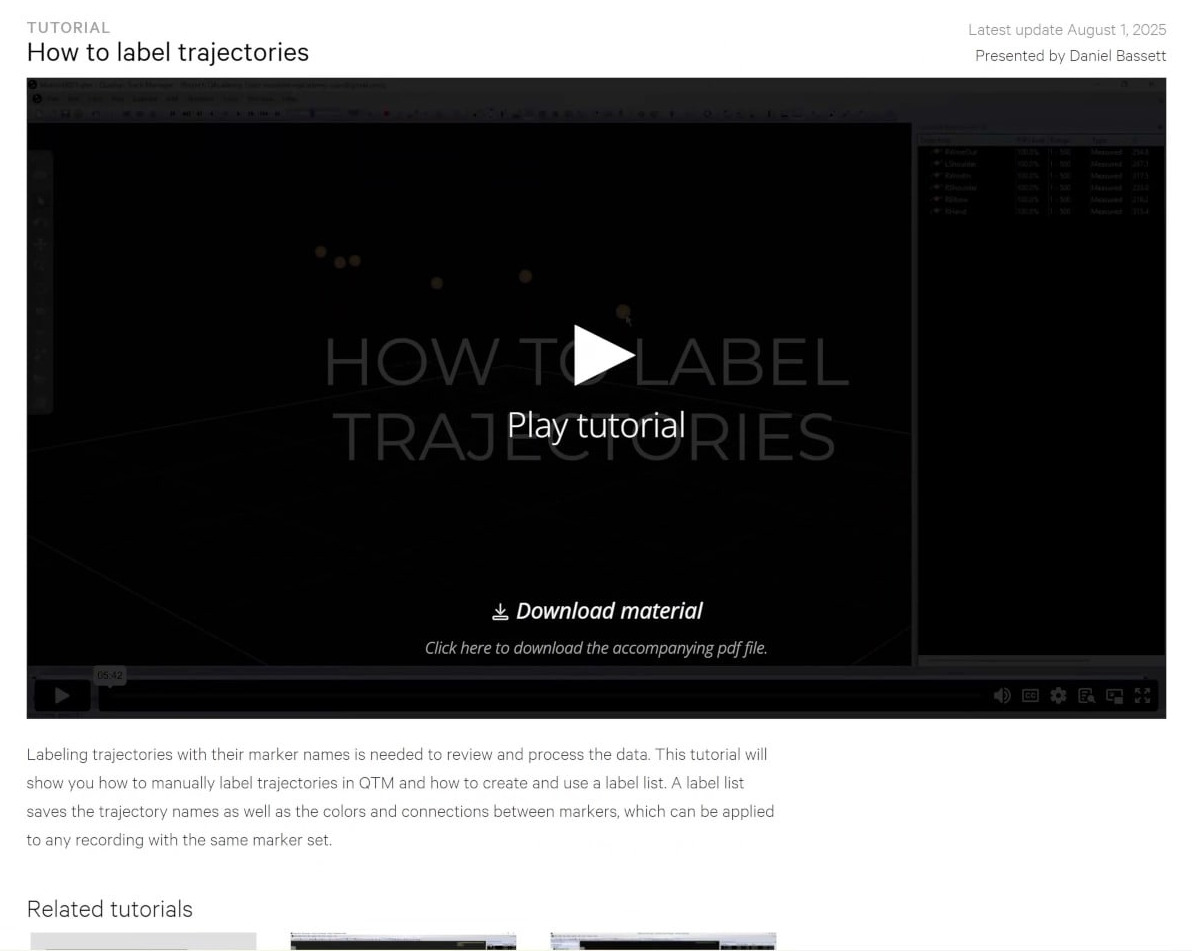
Click on a tutorial to watch the video, download the companion manual, and see related courses.
-
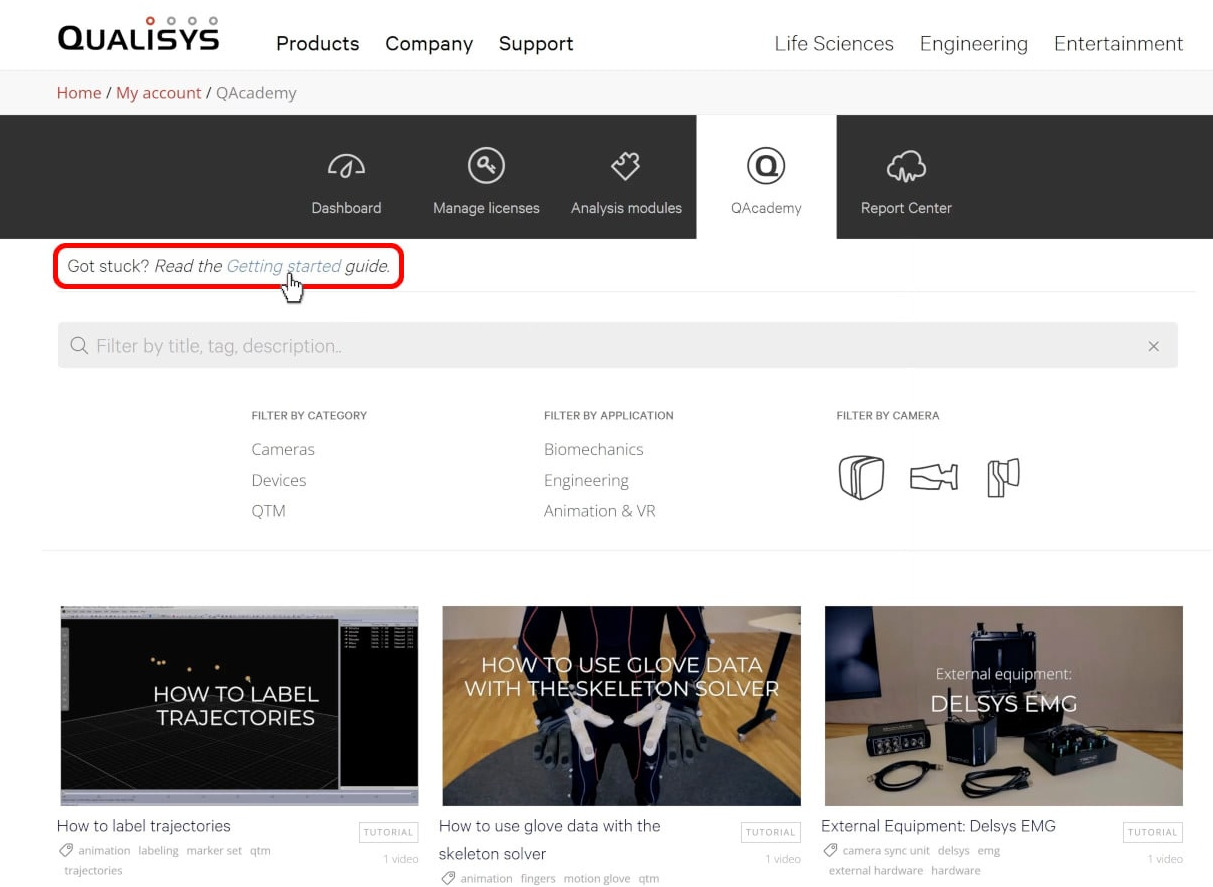
You can type in a search term or filter the tutorials by category, application, or camera series.

-
If you’re not sure where to begin on QAcademy, the Getting Started guide covers each step of using a Qualisys system in order.
Software manuals are also an essential resource, as they go into detail on every aspect of using a program.
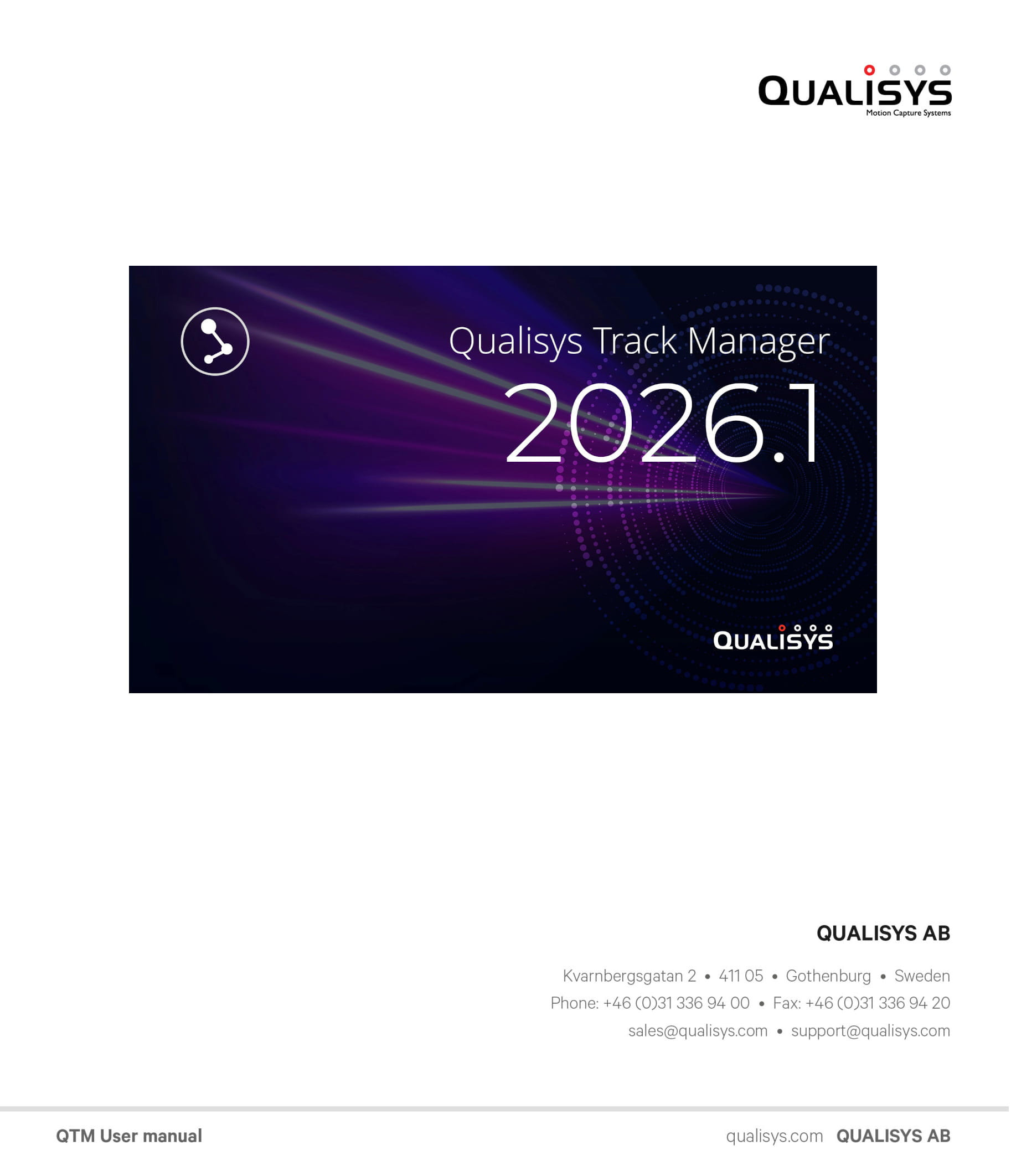
The QTM user manual describes all of the Qualisys Track Manager features and options, and it is included with the software download.
-
You can find the PDF on your computer in your Qualisys Track Manager “Documentation” folder.

-
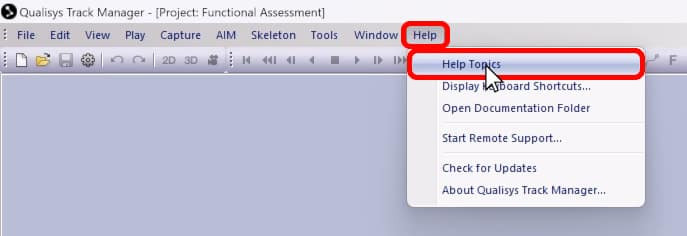
You can access a web version by clicking “Help” in the QTM menu bar and selecting “Help Topics” or by following the link available from the Qualisys homepage.
-
The QTM user manual can also be downloaded from your Qualisys.com dashboard.

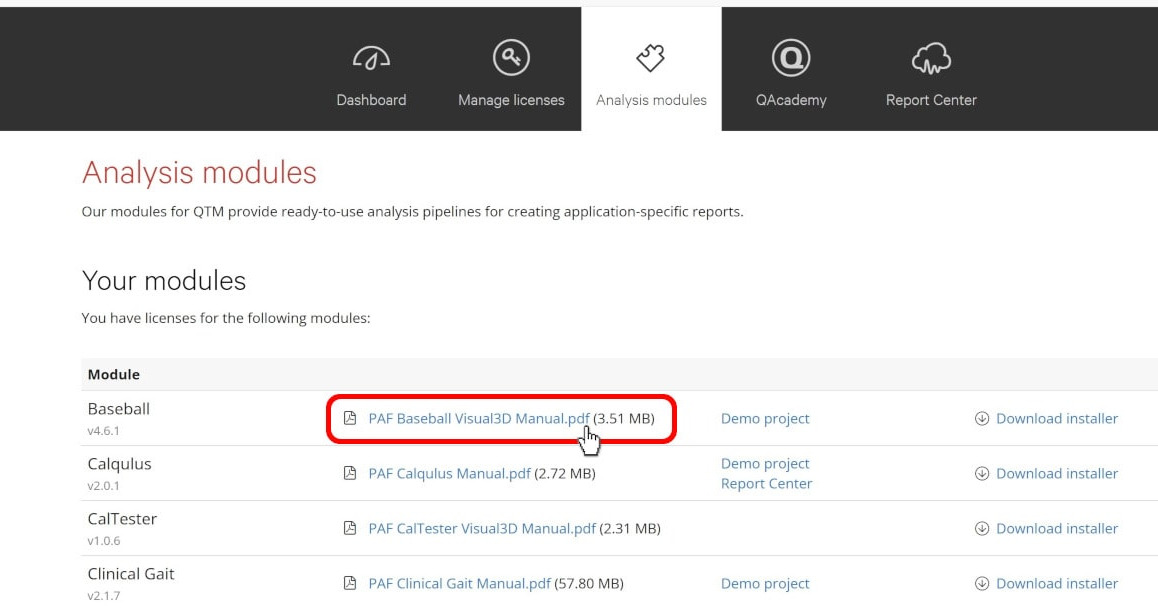
User manuals for specific analysis modules can be downloaded from the “Analysis modules” tab.
Additional resources open to all users can be accessed from the Qualisys homepage by hovering over the Support tab. From here, you can easily open links such as the Qualisys Github page and locate documentation on particular topics.
