Swapping trajectories
If two trajectories have taken each other’s places, you can directly swap them instead of having to un-identify and re-label them. You can also swap a trajectory part or a range of parts.
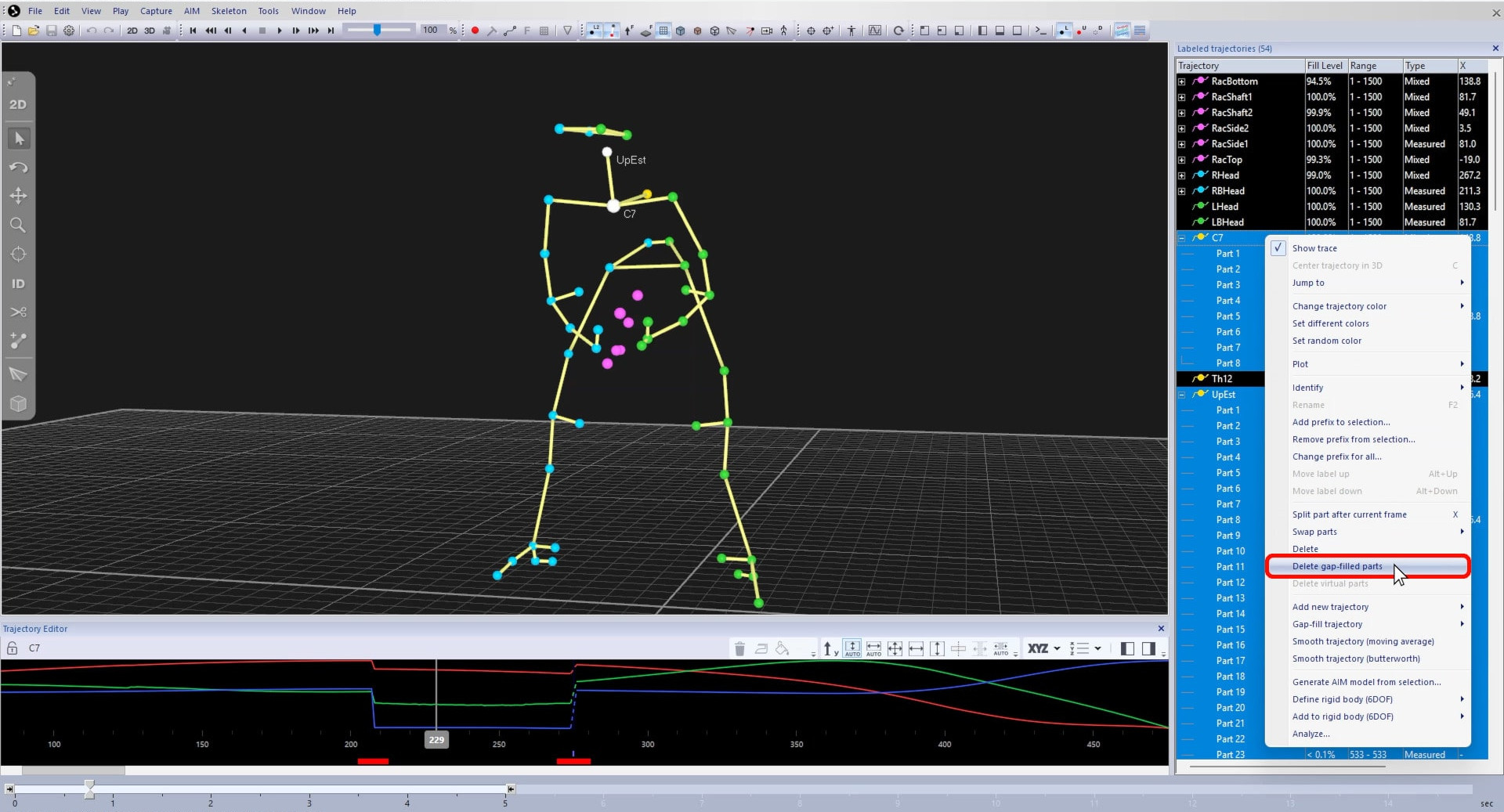
Note that you should first remove any gap-filled parts at the start or end of the sections to be swapped by right-clicking and selecting “Delete gap-filled parts.”
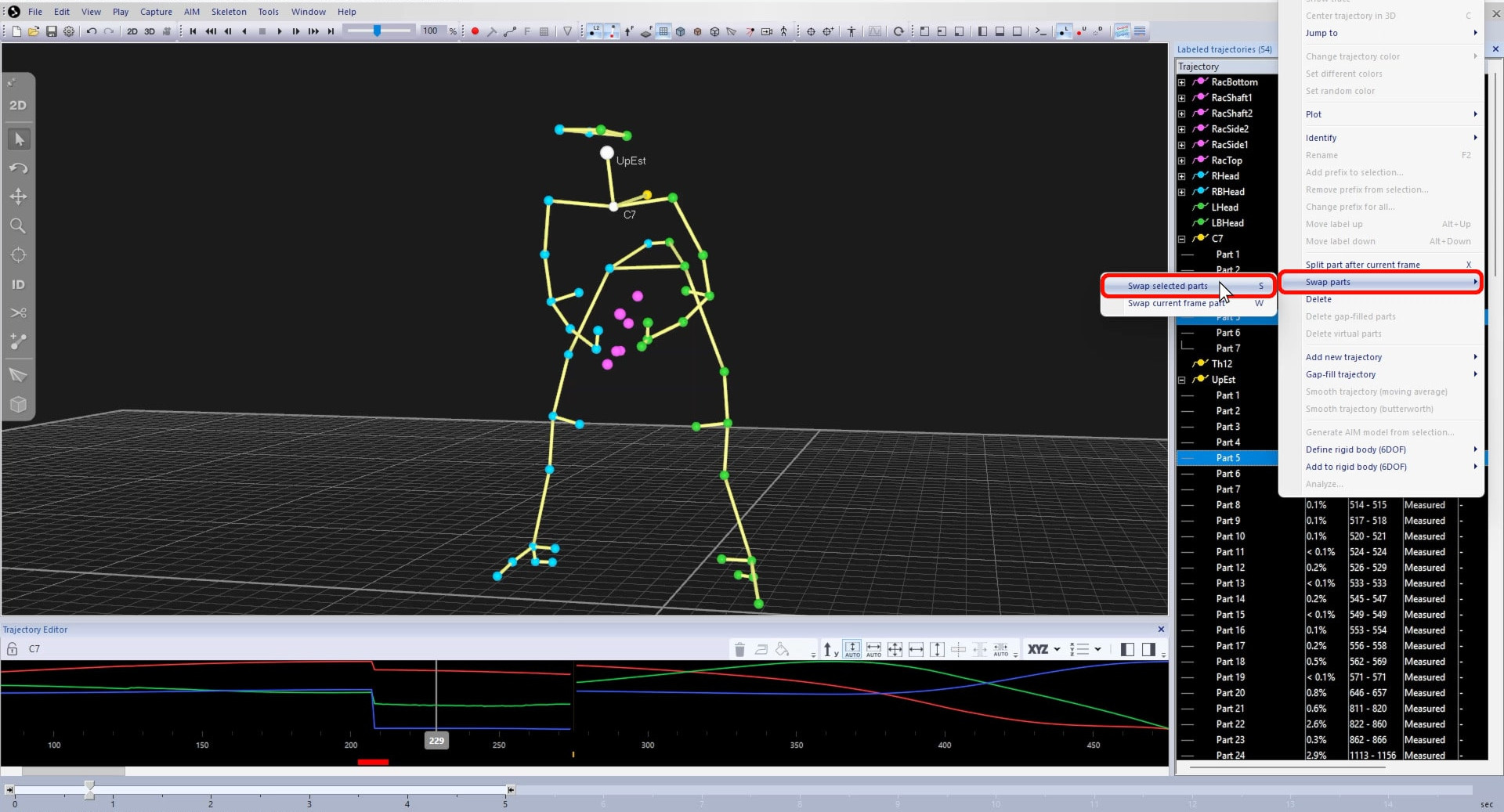
To swap the parts, hold down Ctrl while selecting both of them, then right-click and choose “Swap parts” à “Swap selected parts” or just type S.
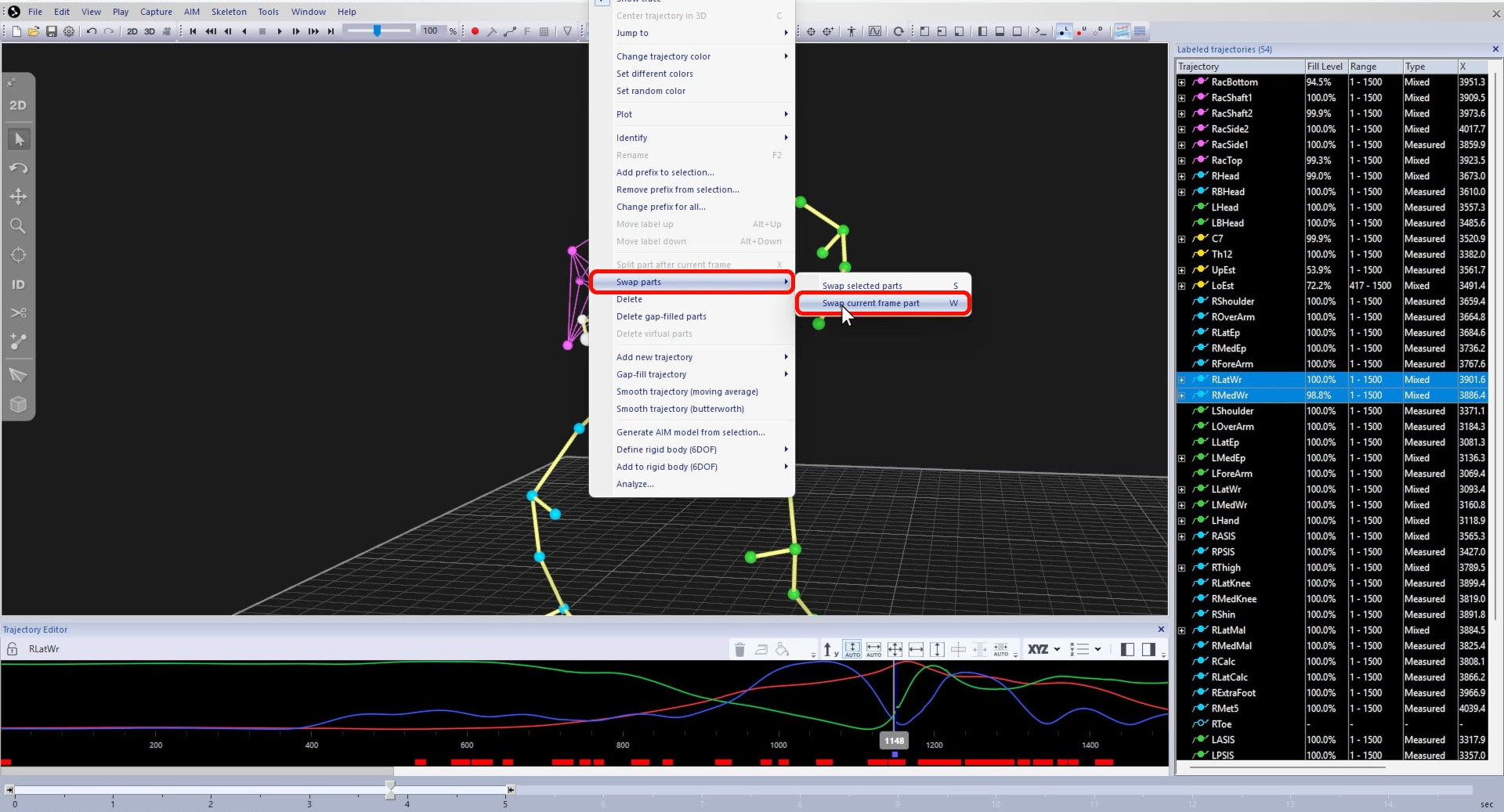
To swap parts only at the current frame, choose “Swap parts” à “Swap current frame part” or type W.
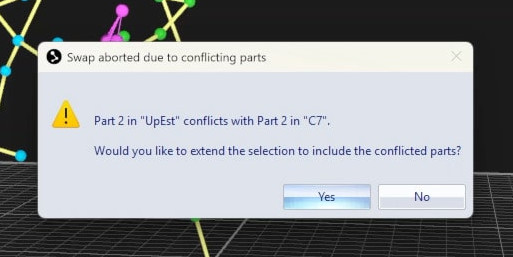
If you cannot swap because of overlap with parts of other trajectories, you may need to extend the selection or to split the trajectories as explained in the following section.