Re-labeling trajectories
If trajectories have been mislabeled, you can easily un-identify them or swap them with the correct labels.
-
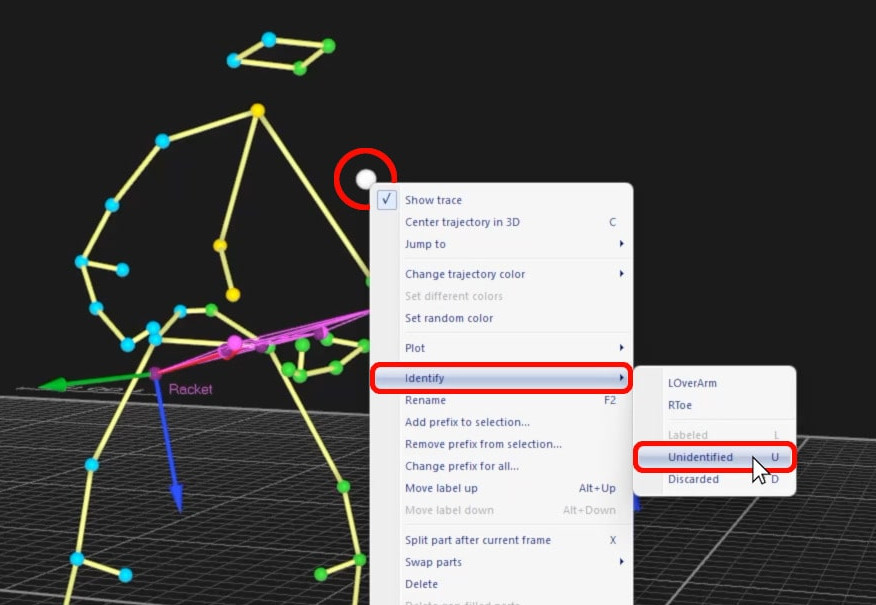
To unlink a trajectory from its label, right-click on it and select “Identify” à “Unidentified” or simply select it and type U.
-
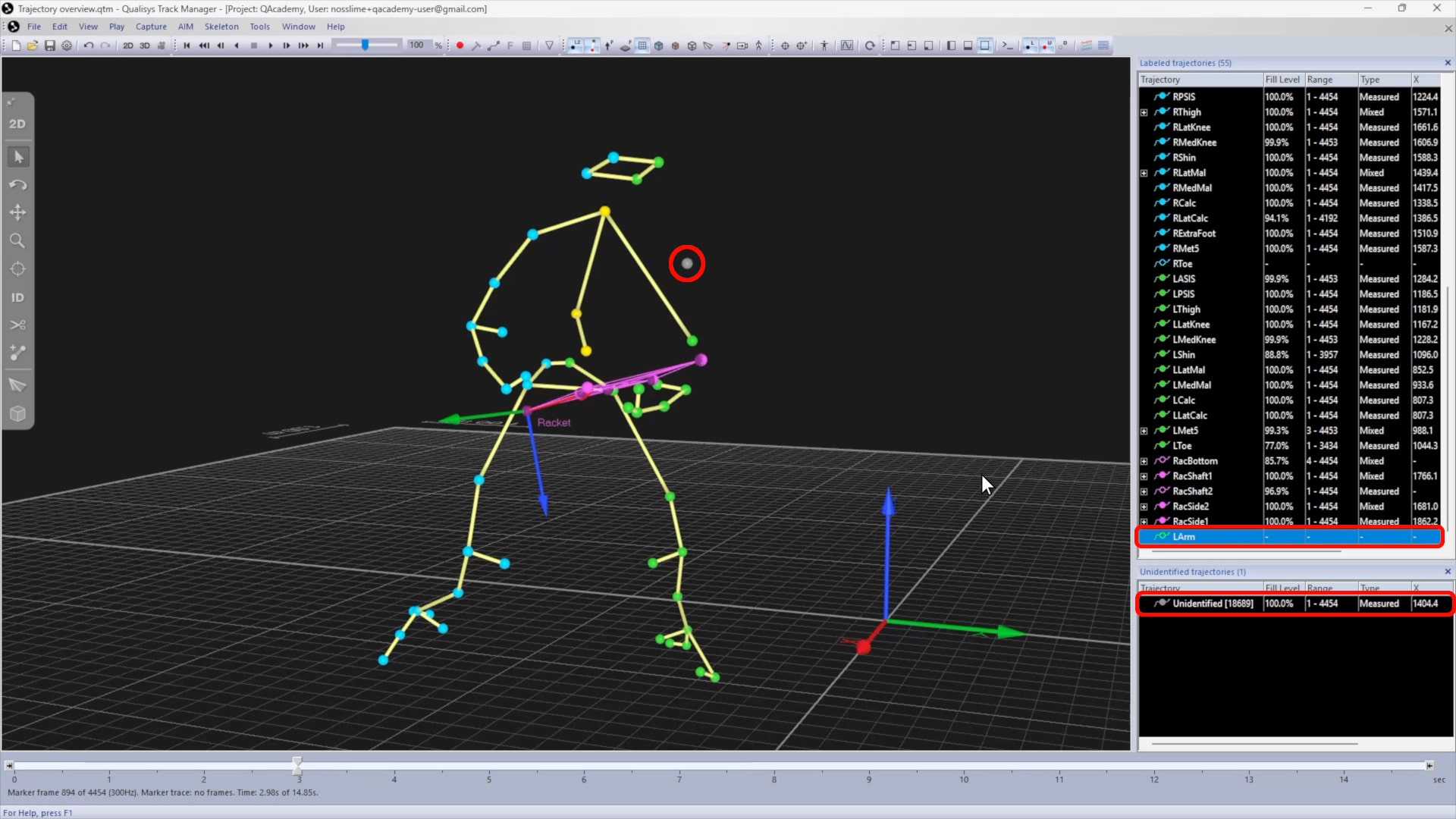
The trajectory will be moved to the “Unidentified trajectories” pane, and the label will show as empty.
-
You can now drag the trajectory into its correct label, as long as that label is also empty. If not, un-identify the other label to unlink its trajectory before dropping the correct one into it.
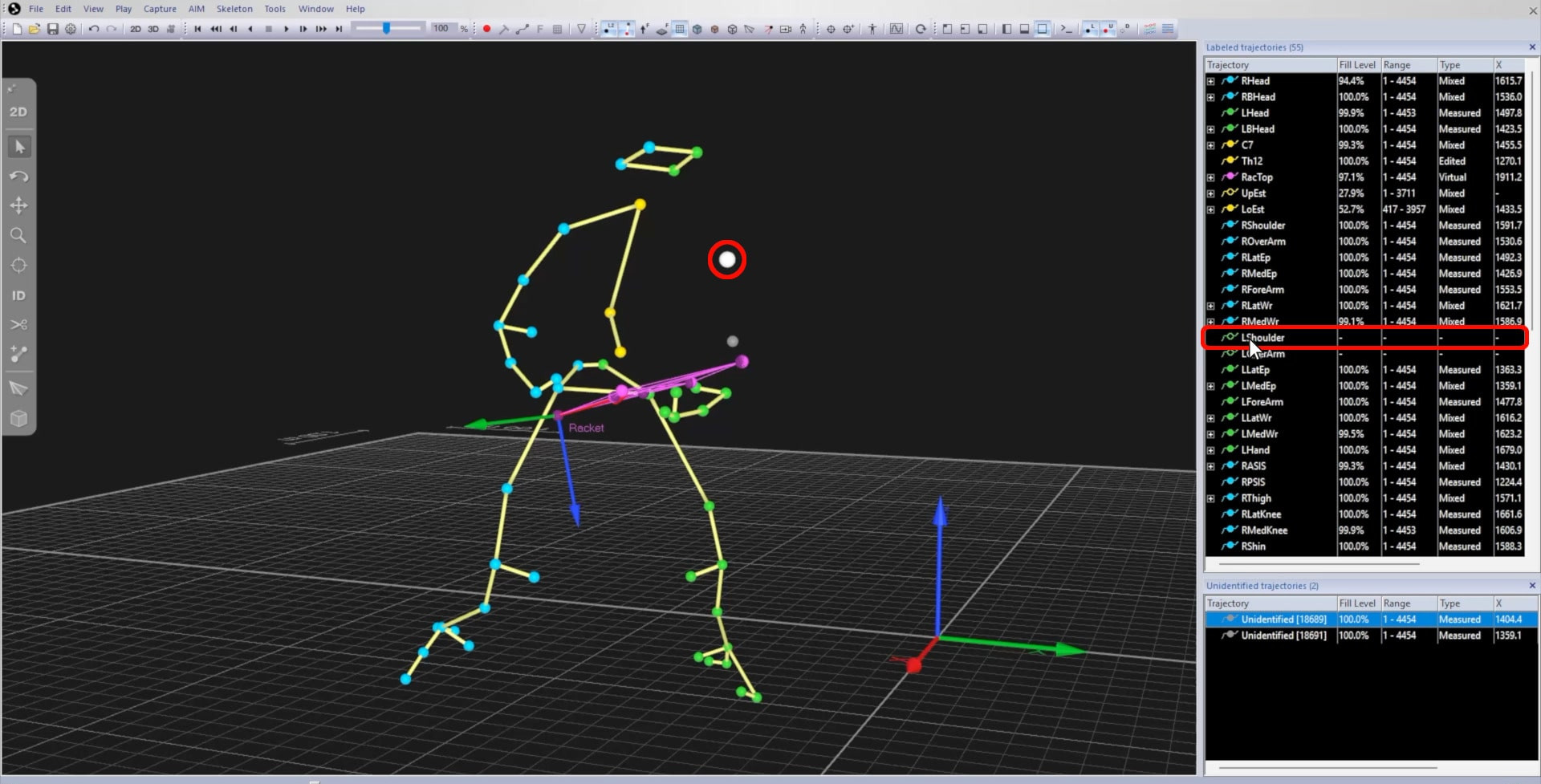
This process can also be done for trajectory parts. As long as the frame numbers of a trajectory part do not overlap with a filled range, you can simply drop the part into the correct label. If the frames do overlap, you will first need to re-label or un-identify additional parts, or possibly swap or split the trajectories as explained in the following sections.
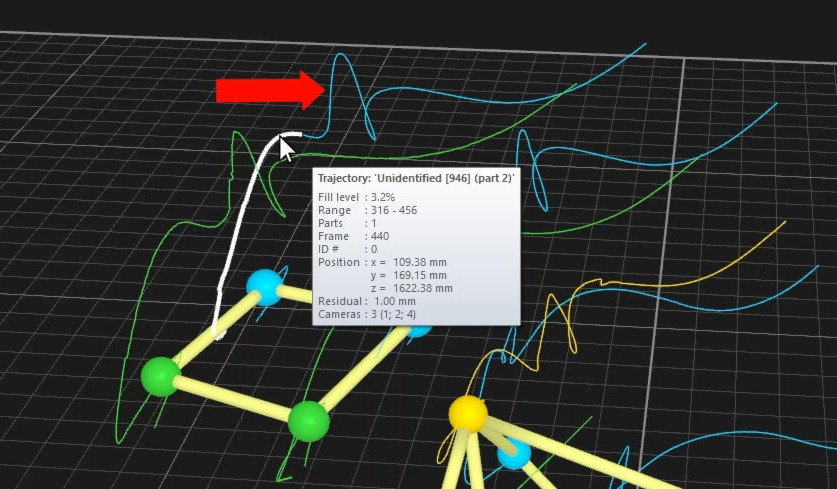
To more easily visualize trajectory parts, you can expand traces in the 3D viewer.
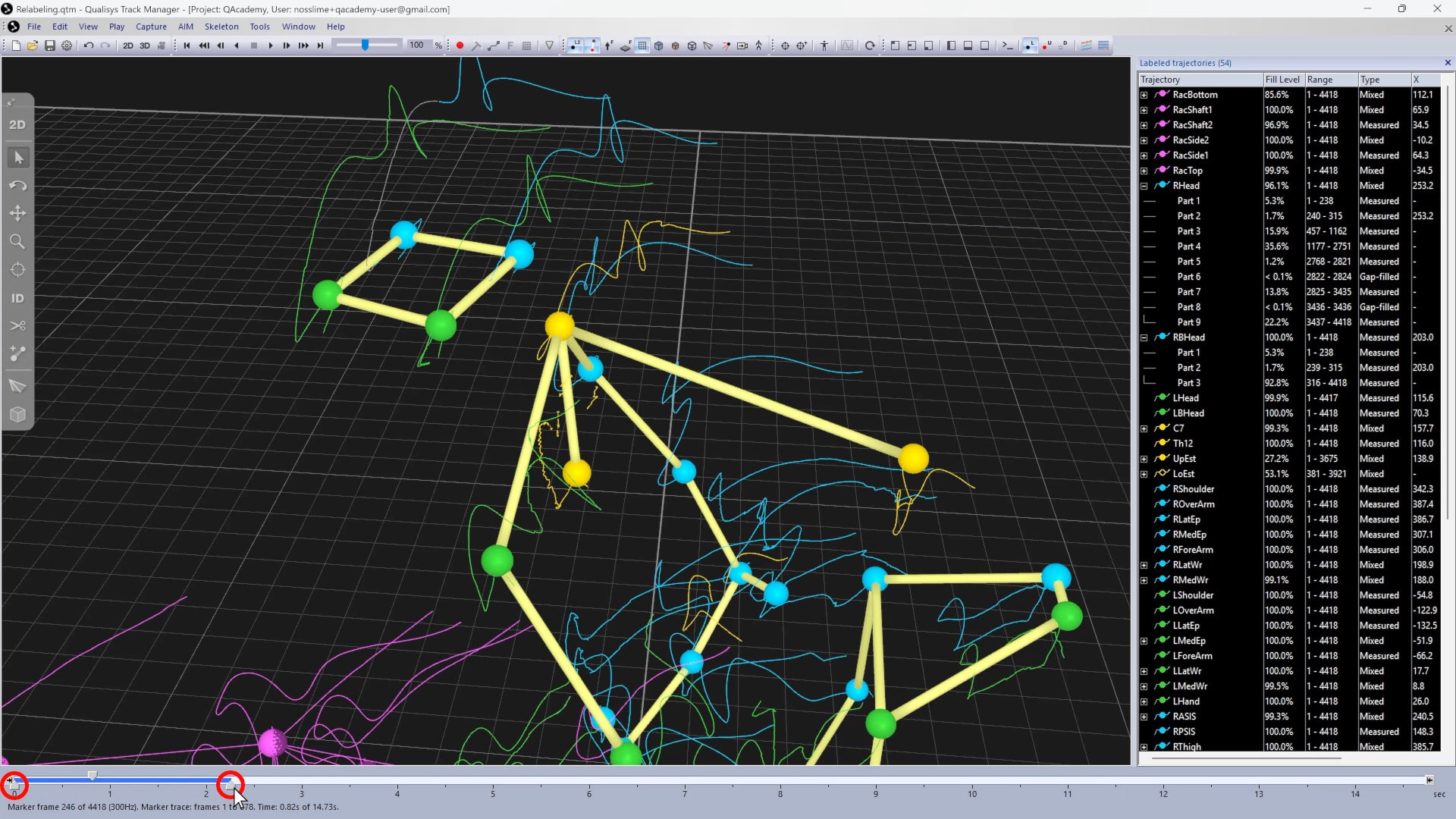
Unidentified or mislabeled sections can be dropped directly into the correct traces.