Gap-filling and smoothing
Gap-filling and smoothing tools are available to fix trajectories that have missing sections or abrupt spikes. Whether or not to use these functions depends on your application and how your data will be used outside of QTM. Note that any labeling errors should be corrected before you use these tools.
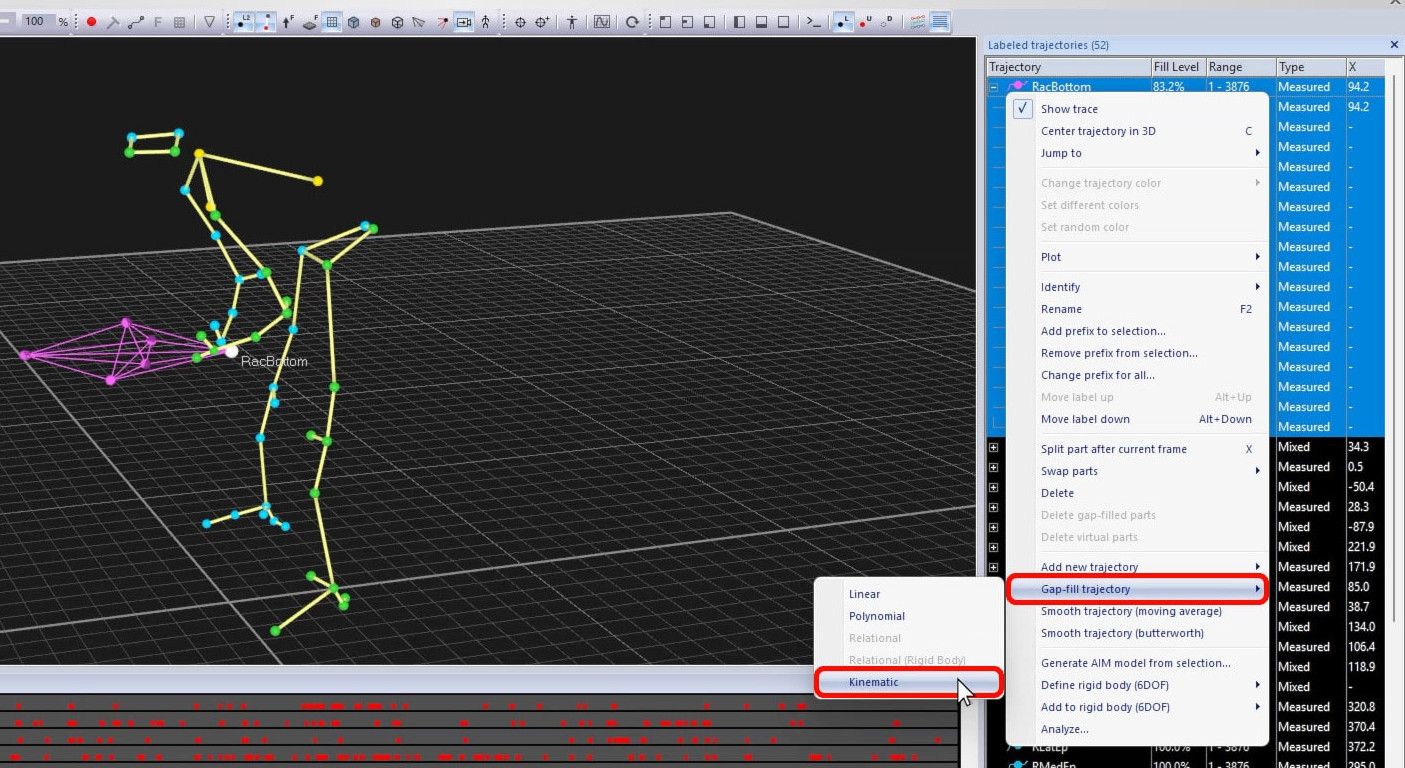
To quickly fill the gaps of selected trajectories or parts, right-click on your selection, choose “Gap-fill trajectory,” and pick a fill method.
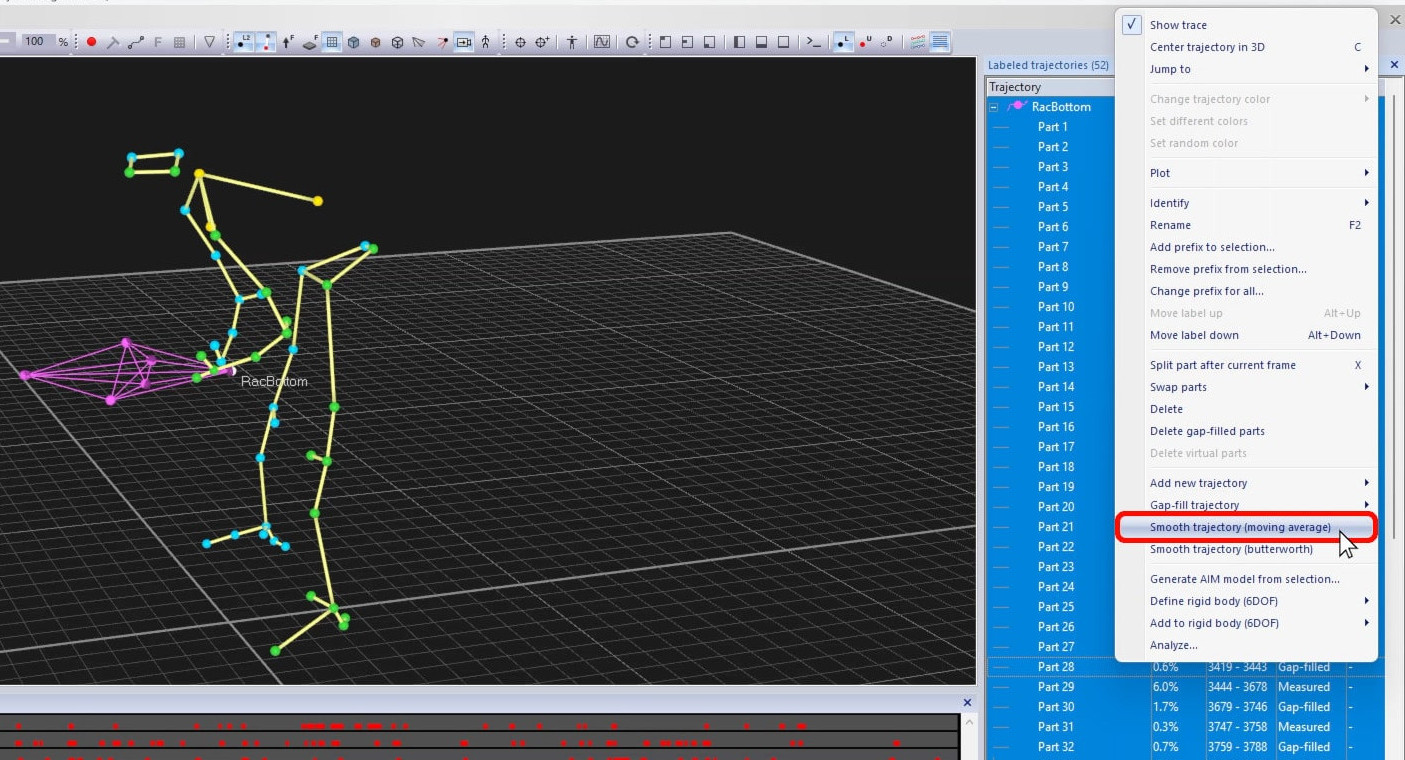
If you need to smooth your data, right-click on a selection of trajectories or trajectory parts and select one of the smoothing options.
For better visualization and control when filling gaps or smoothing data, it is recommended to use the trajectory editor. For example, this lets you display extra parameters, change settings, and select custom ranges.
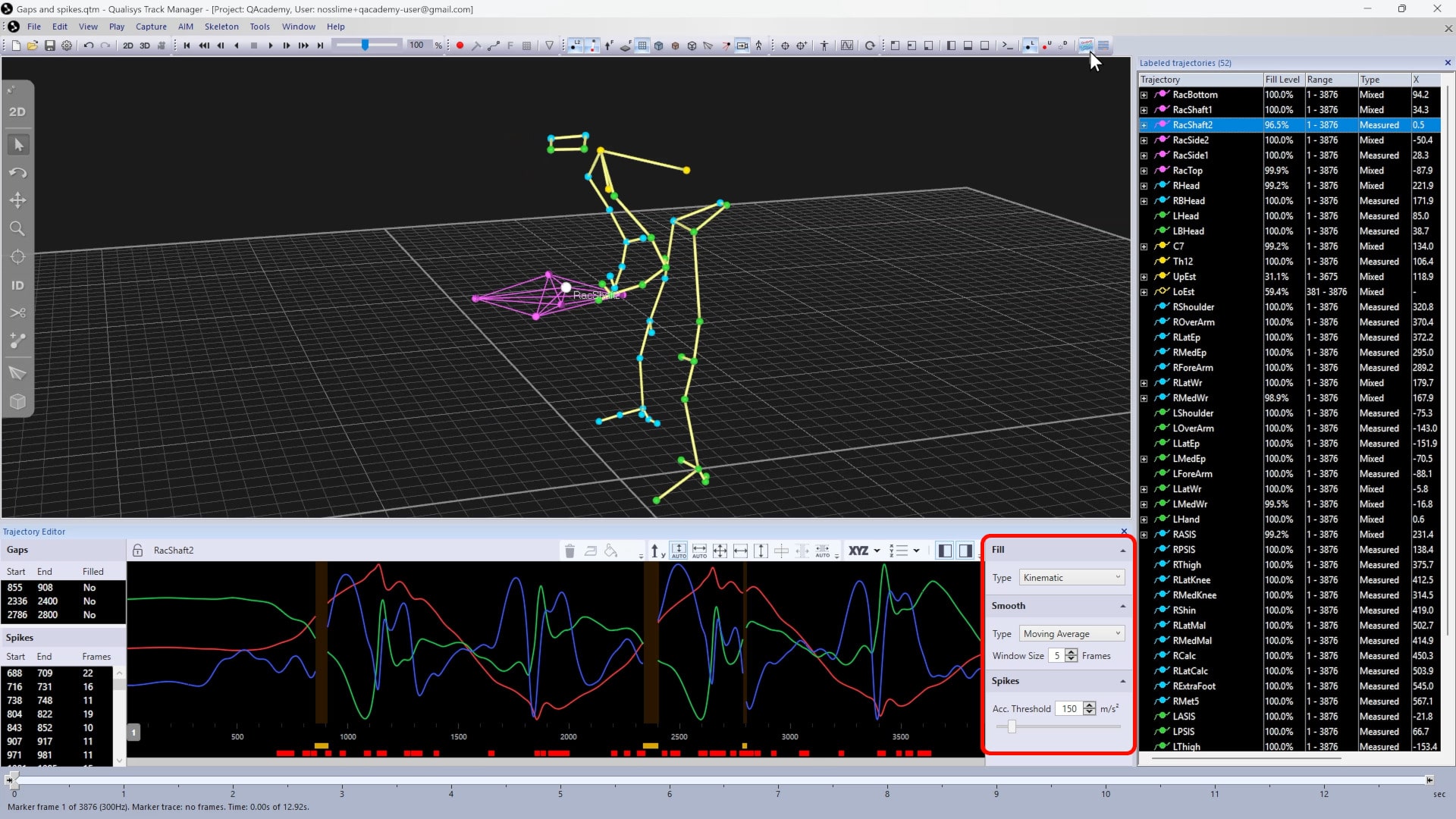
For more details, please refer to our QAcademy series on how to use the trajectory editor.