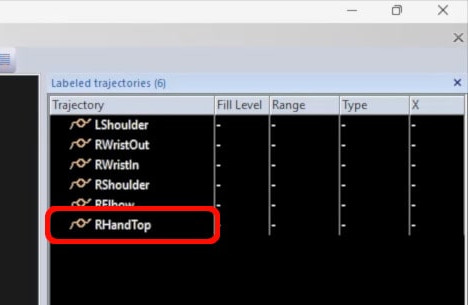
Editing a label list
You can easily make changes to a label list in QTM.
-
With the list loaded and the markers correctly assigned, you can directly change the labels, colors, or visual connections.
-
To rearrange the order of trajectories, select a label and hold the Alt key while pressing the up or down arrow.
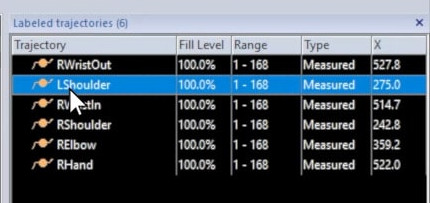
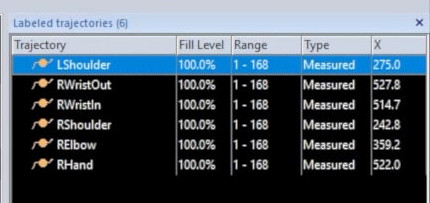
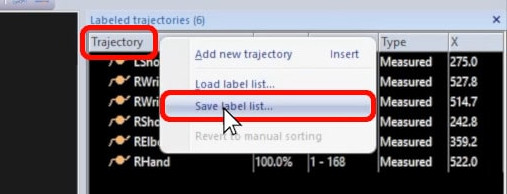
Once you’re satisfied with your changes, right-click on “Trajectory,” select “Save label list,” and overwrite the original file.
It is also possible to open the label list in a text editor to change details.
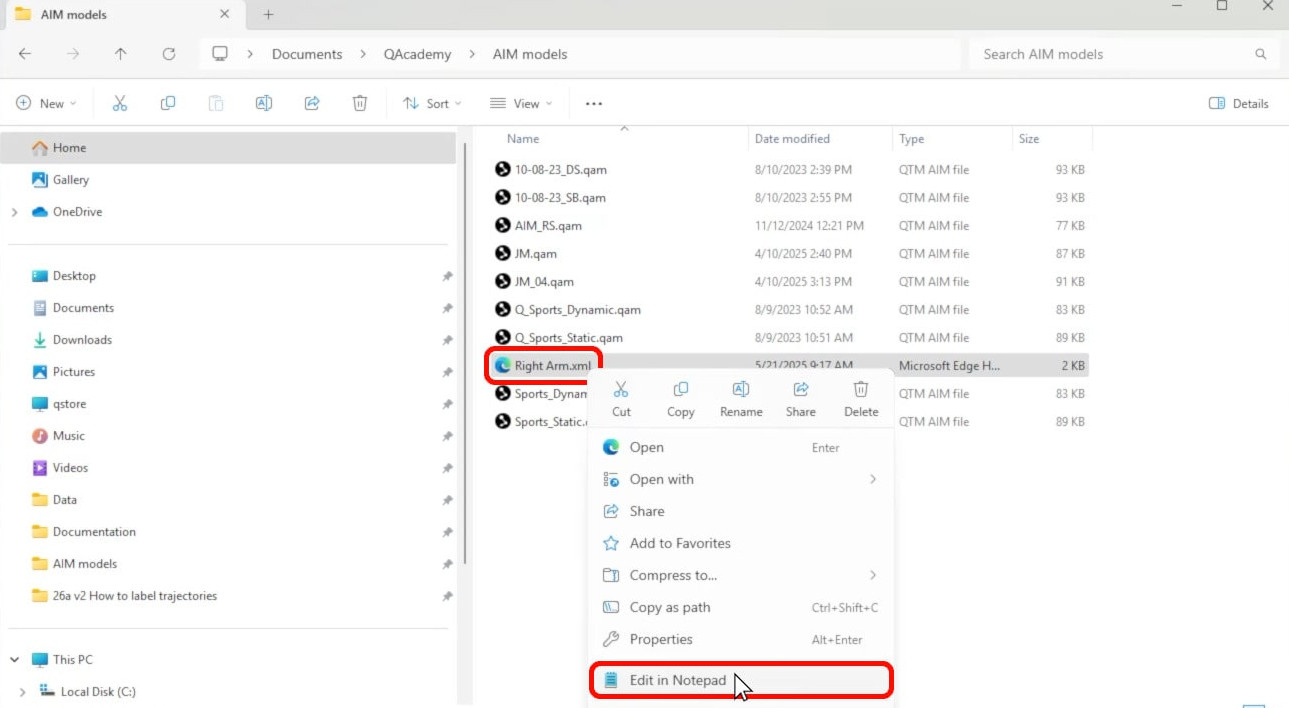
For example, you can edit the marker labels or colors.
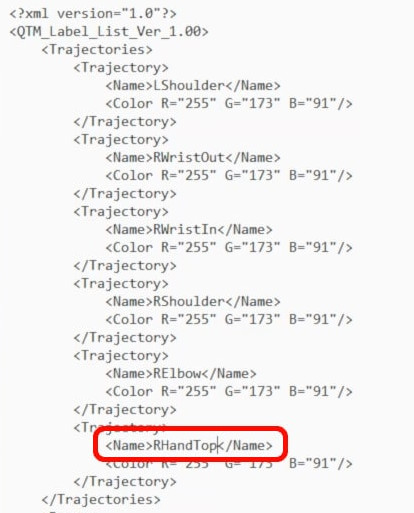
Save the file to overwrite the original (Ctrl+S), and you will see your changes reflected the next time you load this label list in QTM.