Connecting a trigger
External triggers are plugged into your Qualisys system through BNC connectors.
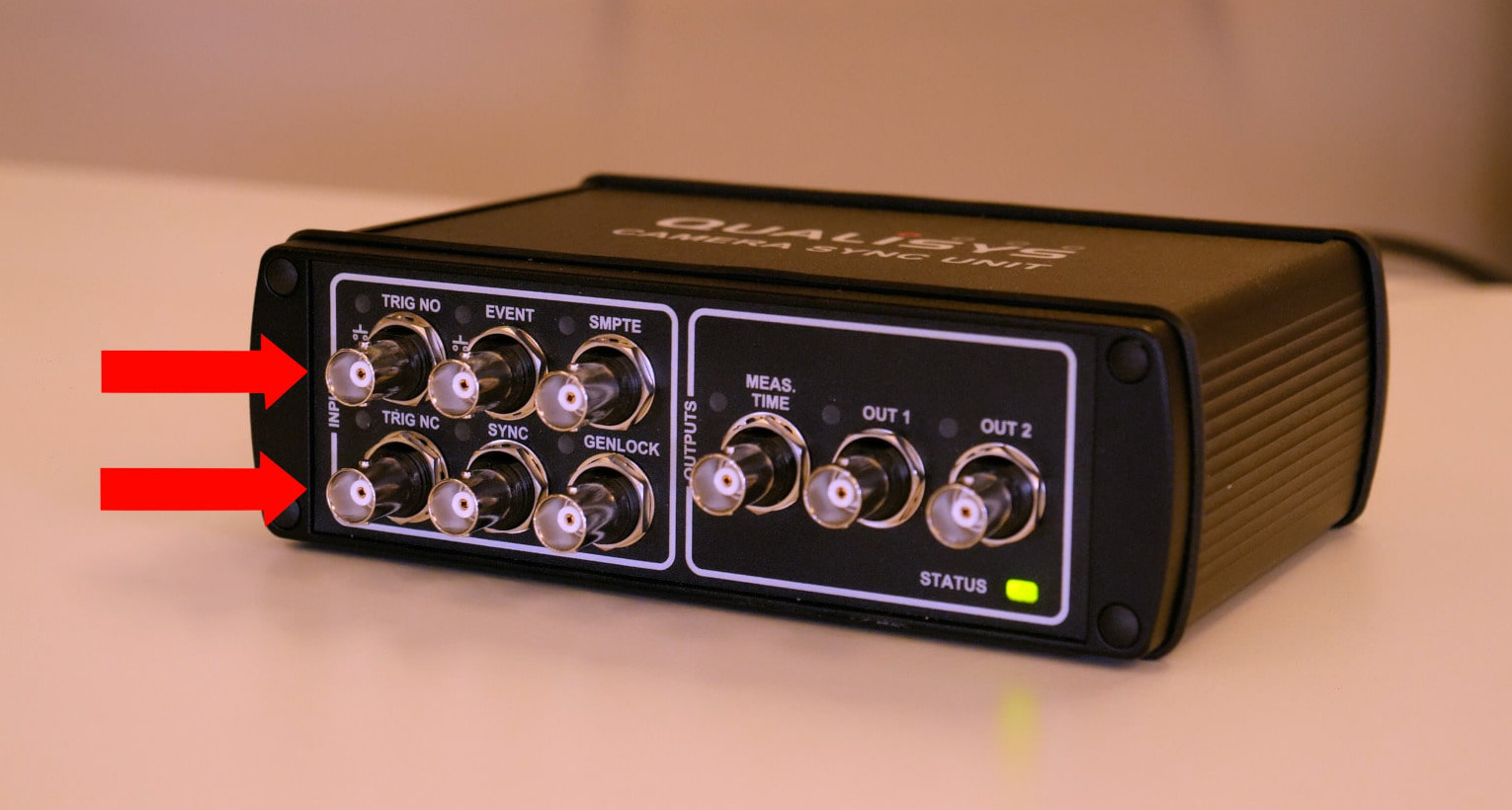
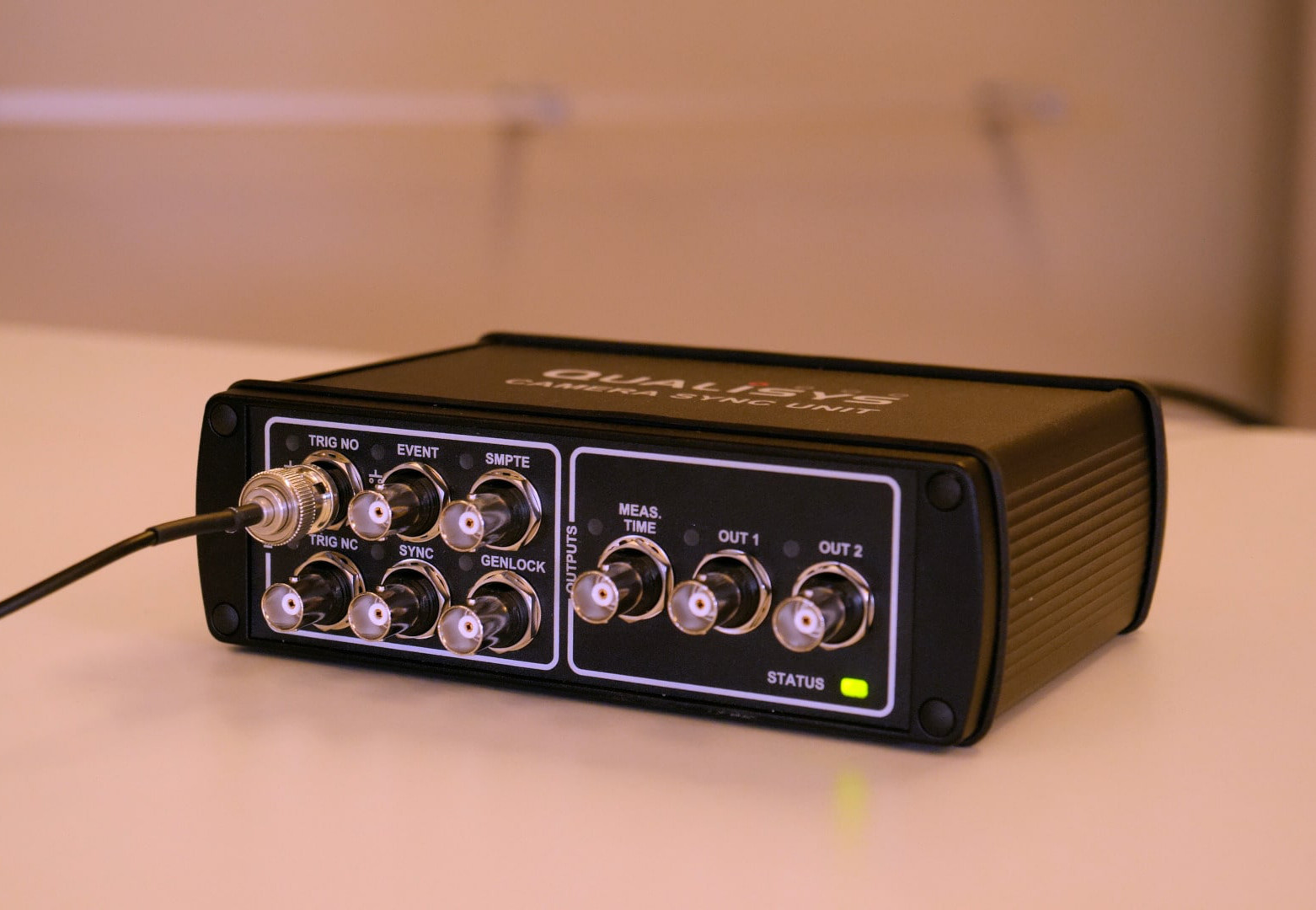
In systems with a camera sync unit, TRIG NO (normally open) and TRIG NC (normally closed) are both trigger input ports which will let you choose the function of the trigger. The normally open input can be used with the Qualisys trigger button, while the normally closed input requires an active trigger device.
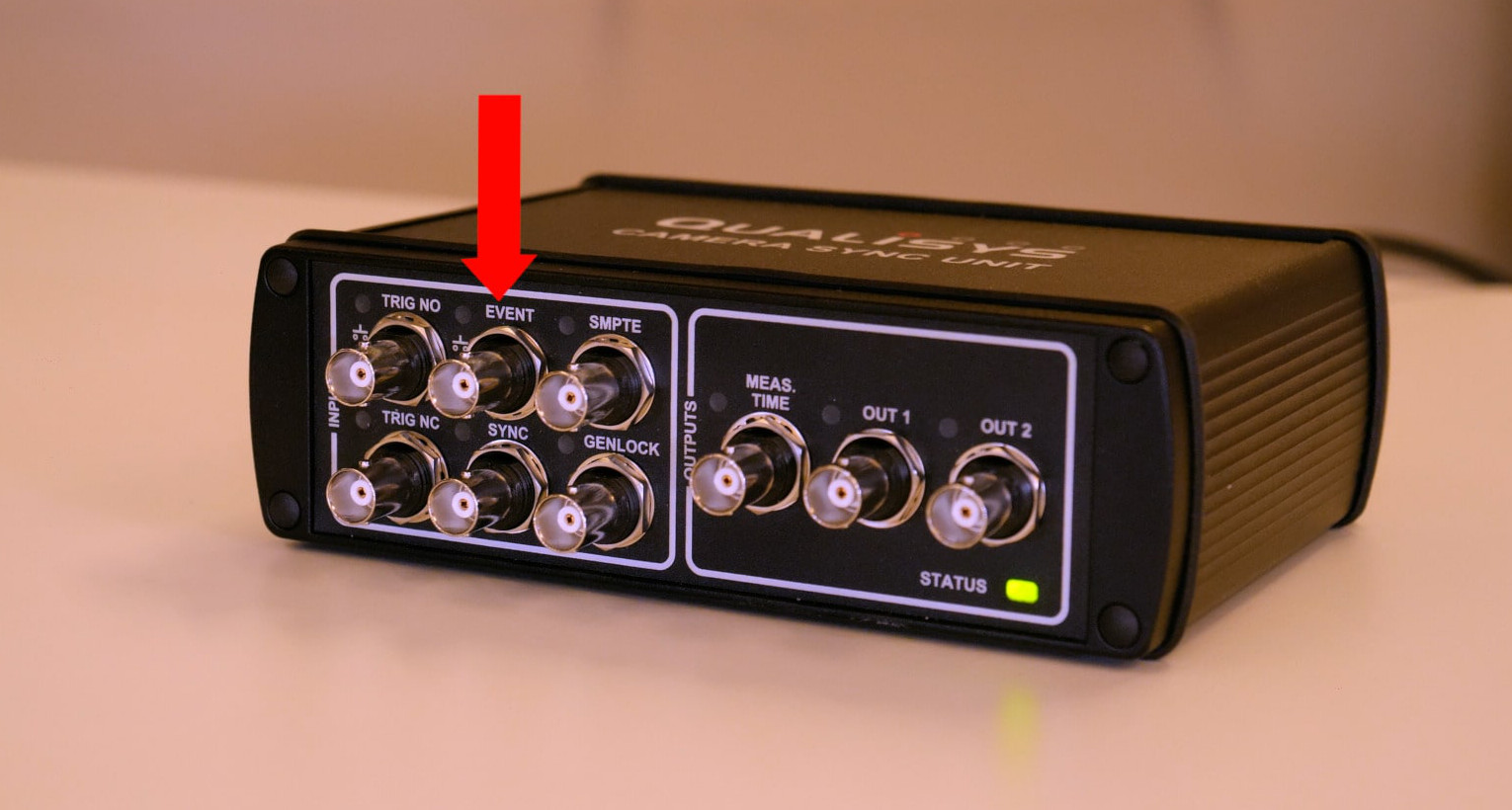
You can also plug a trigger into the EVENT port, which is only for creating events.
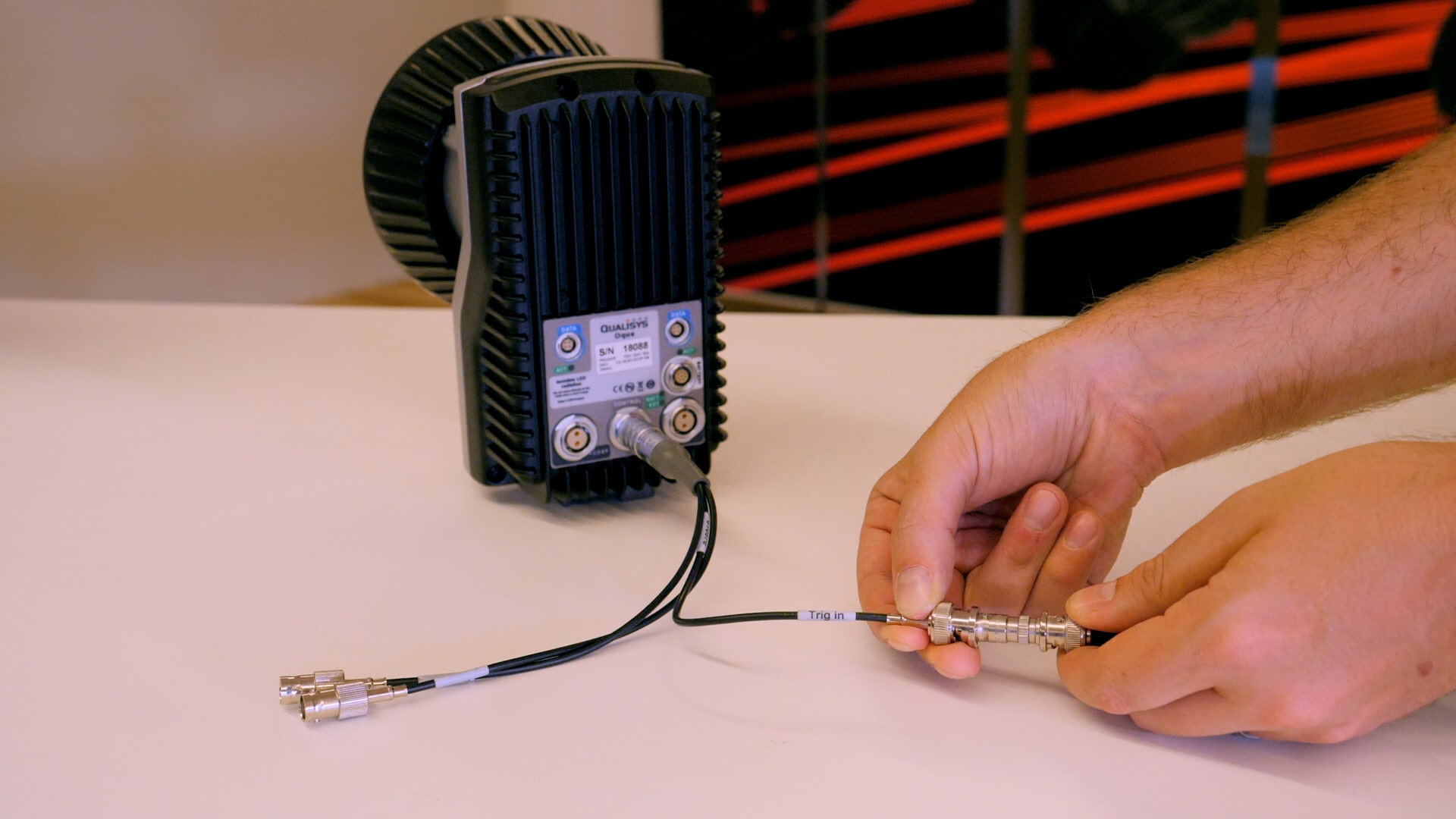
In an Oqus system, the trigger is plugged into the control port on the back of a camera through a sync/trig splitter using the “Trig In” connector.
There are two possible ways to set up simultaneous start of your Qualisys system with an external system that captures data:
-
If your external device supports trigger output, it can be used as the trigger to simultaneously start capture with your Qualisys cameras.
-
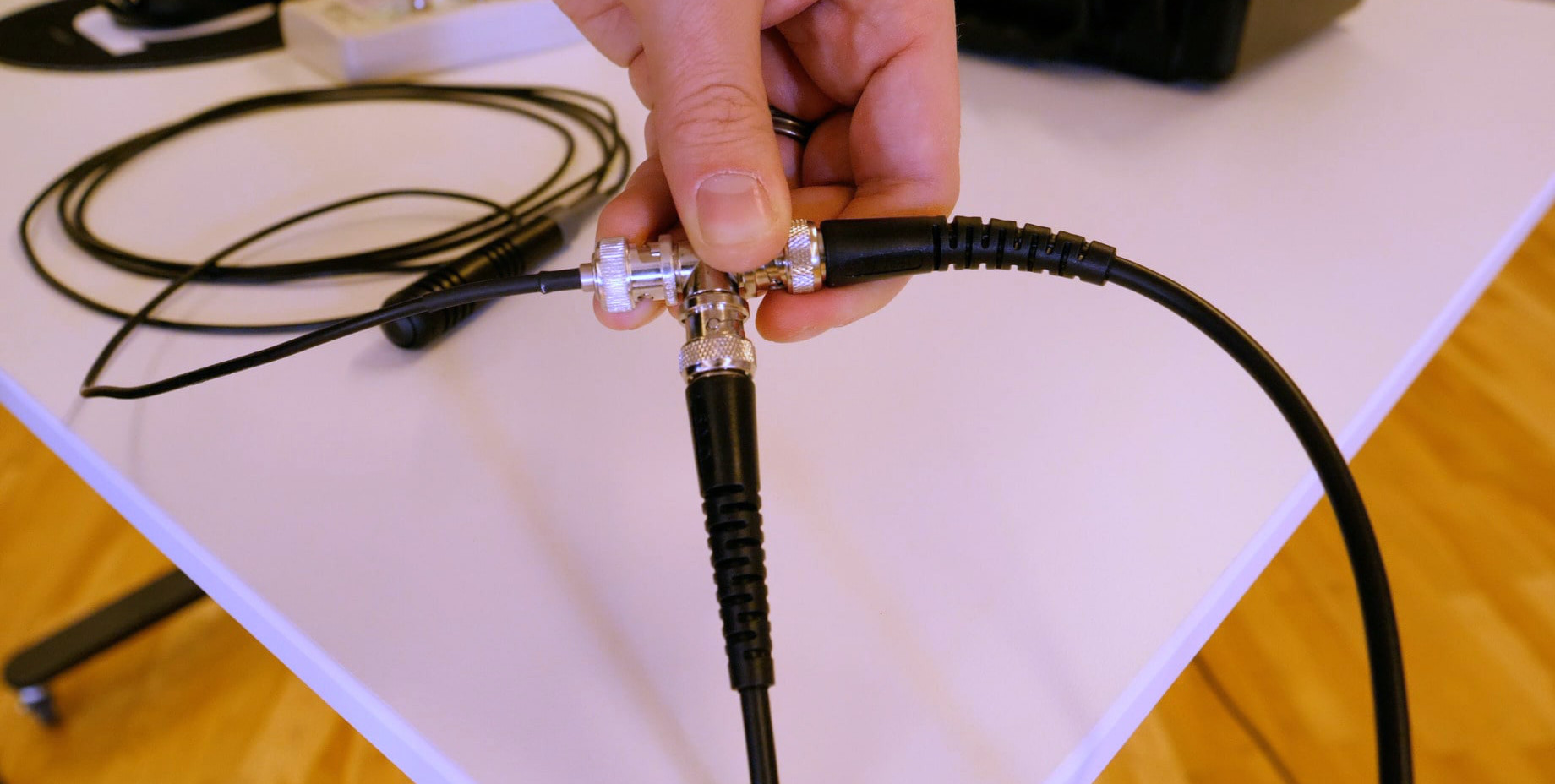
The other possibility is to use a trigger along with a T-connector to link your Qualisys system with an external device that accepts trigger input.
When a trigger port on your Qualisys system receives an input of the polarity that you select, QTM will perform the trigger action that you’ve specified and then wait through a designated hold-off time before listening for the next trigger.
Note that you can set up multiple trigger devices simultaneously, including wireless or software triggers, and any of them will perform the functions that you set.