Timestamps
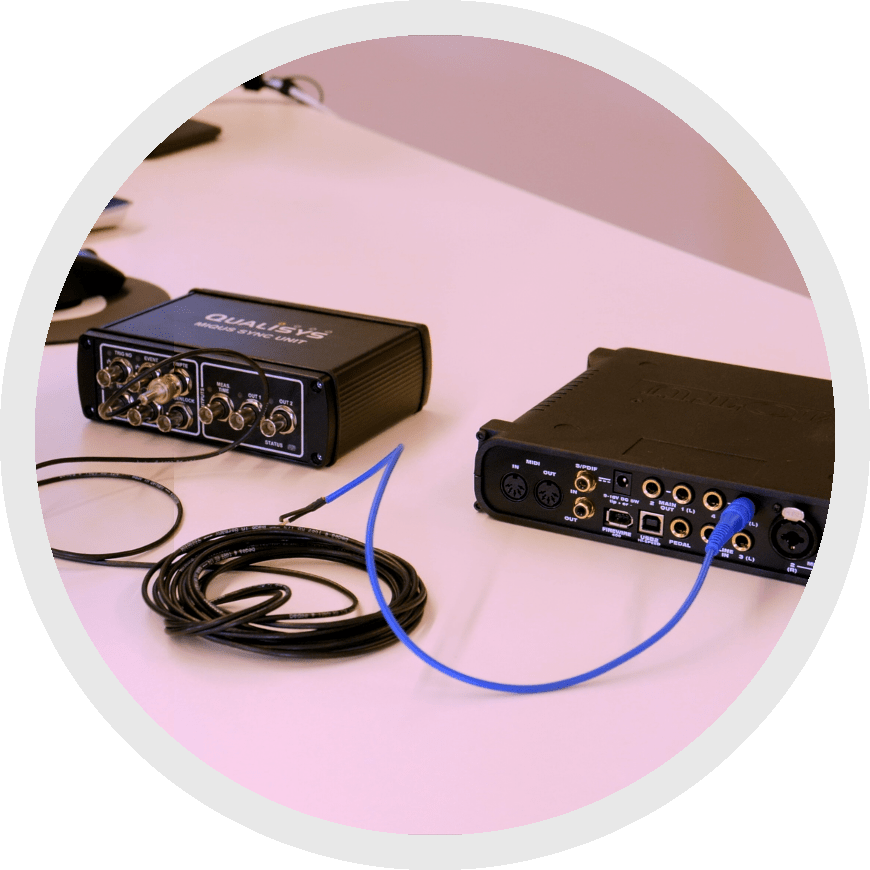 Another synchronization option is using timestamps to label each data point with its time reference. This can be done using PTP, SMPTE, or IRIG signals. Timestamps allow you to synchronize the data after recording—for example, when using a device that cannot output data.
Keep in mind that as with simultaneous start, this method does not track clock speeds, so drift could impact your data over time.
To use timestamps, connect your external device to your camera sync unit. Depending on the type of signal coming in, use either the SMPTE or GENLOCK port.
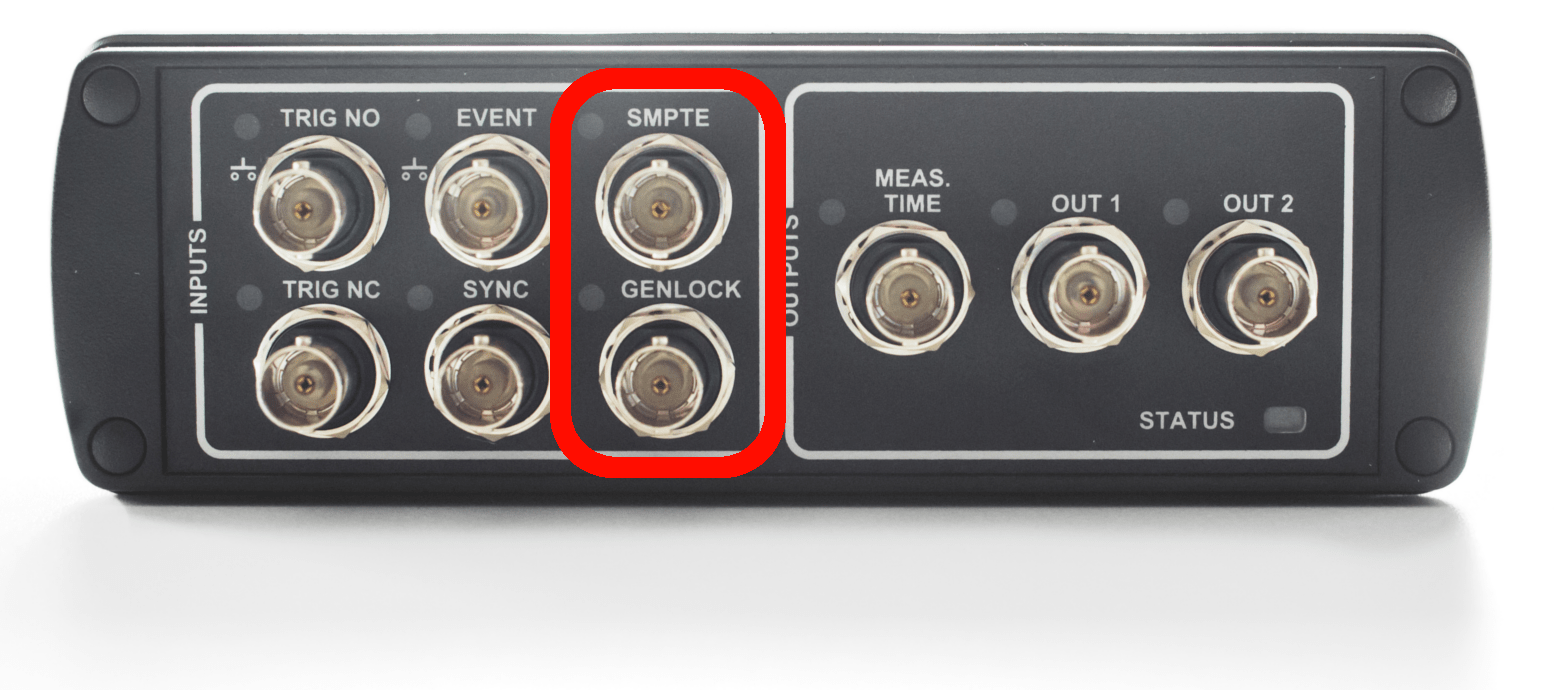
You can now adjust the timestamp settings in QTM:
-
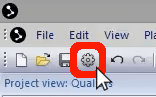
Open Project Options by clicking the gear icon near the top left of your screen or by typing the keyboard shortcut Ctrl+W.
-
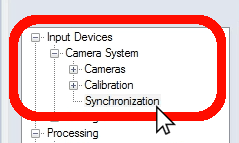
In the left pane, under “Input Devices” à “Camera System,” select “Synchronization.”
-
In the right pane of the window, under “Timestamp,” you can change settings such as timestamp type and frequency according to your equipment.
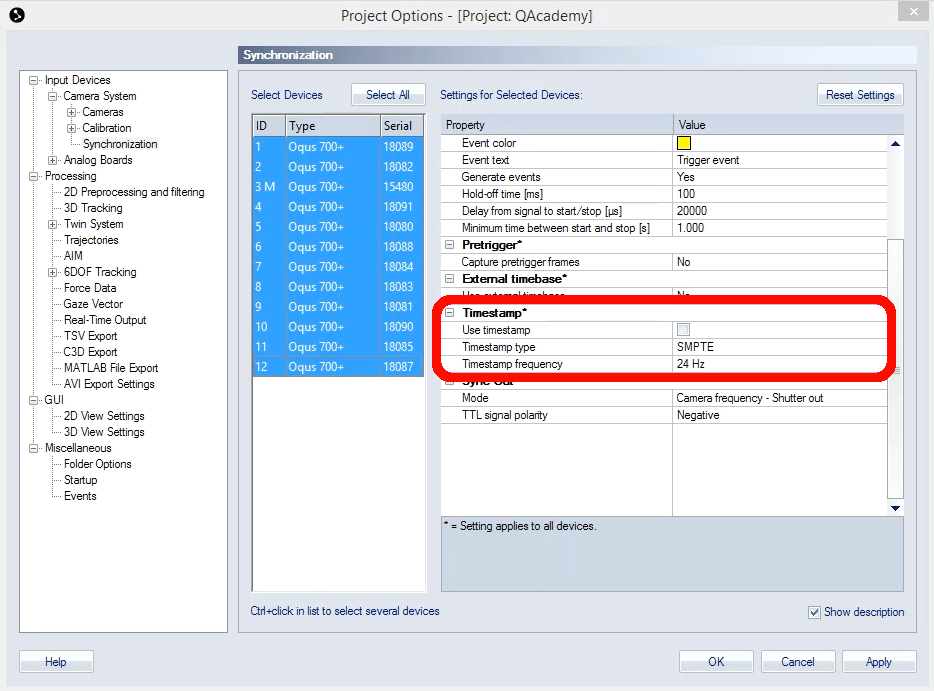
- Click “OK” to save your settings and close Project Options.