Sync out
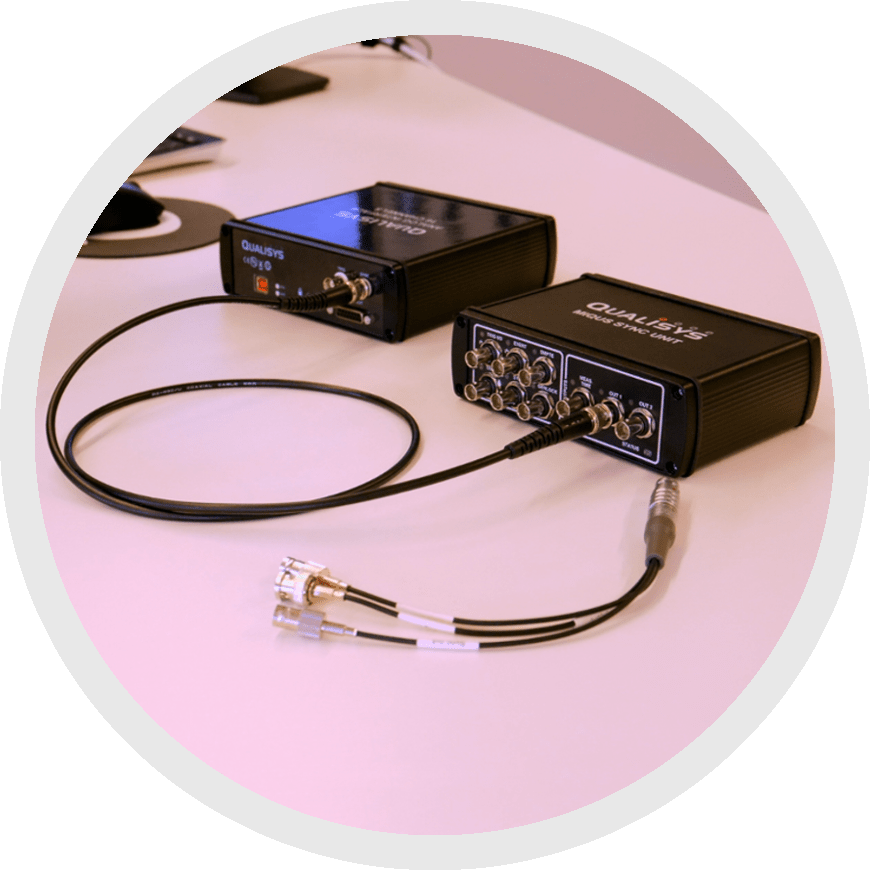 The sync out option allows your Qualisys system to determine the pace of recording for your external equipment. It can be used to sync any external equipment that can receive a pacing signal. This is a very reliable way of synchronizing as it tracks both the point in time and clock speeds, which means that you don’t have to worry about drift.
Sync out is the recommended method of synchronizing with your Qualisys system as long as your external equipment supports it.
To use sync out, connect your external device to the “Sync out” end of a Sync/Trig splitter plugged into your Oqus system or to the “OUT 1” or “OUT 2” port on your camera sync unit.
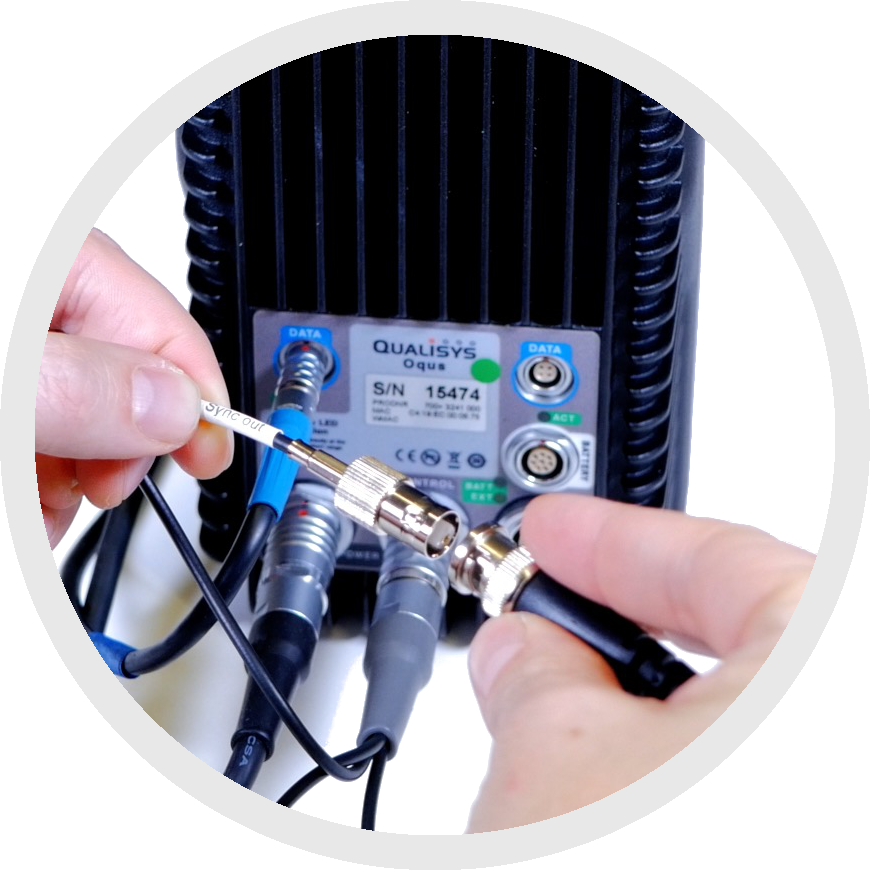
|
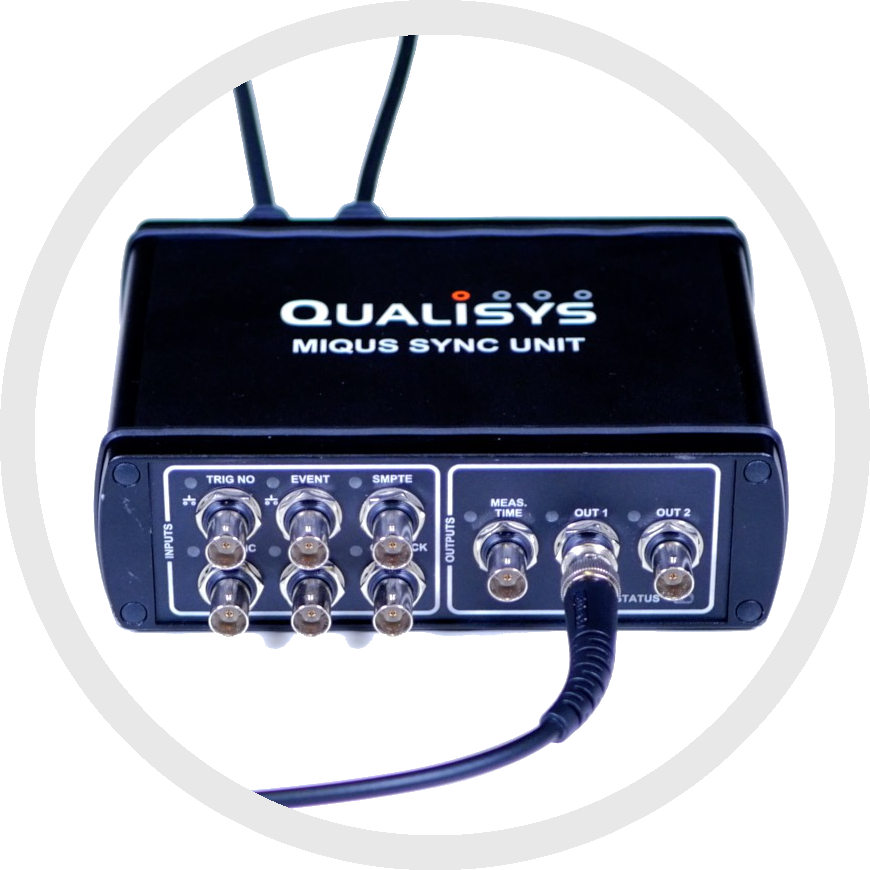
|
You can now adjust the sync out settings in QTM:
-
Open Project Options by clicking the gear icon near the top left of your screen or by typing the keyboard shortcut Ctrl+W.
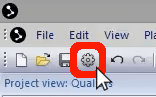
-
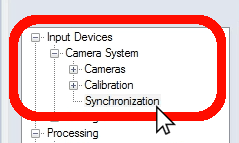
In the left pane, under “Input Devices” à “Camera System,” select “Synchronization.”
-
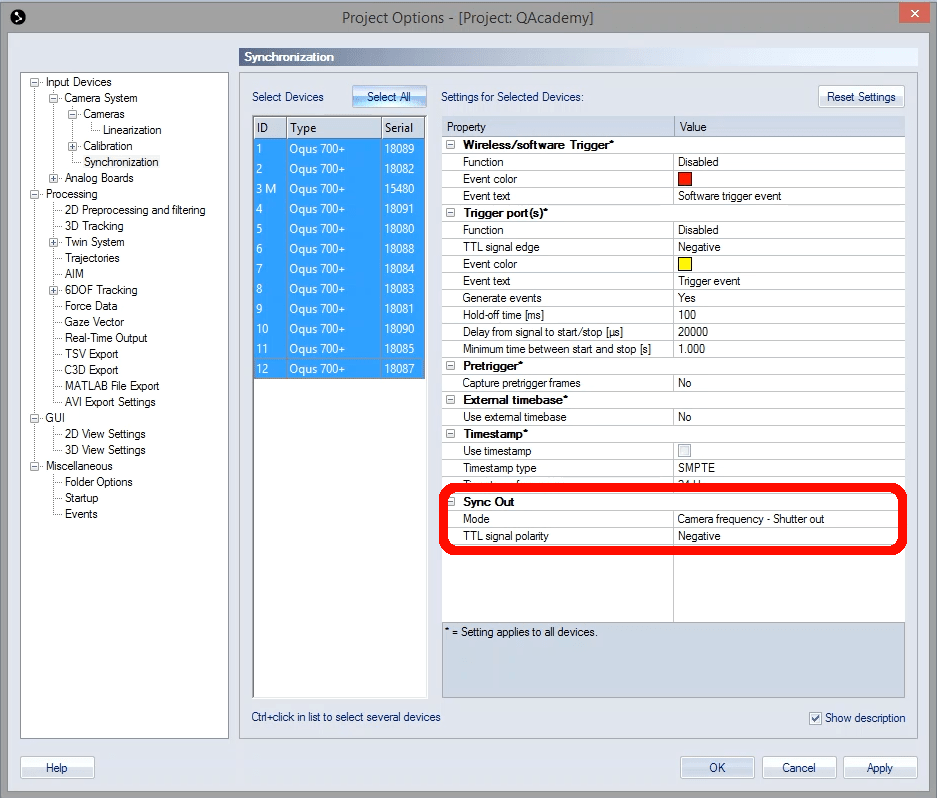
In the right pane of the window, under “Sync Out,” you can change settings such as mode and TTL signal polarity.
- Click “OK” to save your settings and close Project Options.