Sync in
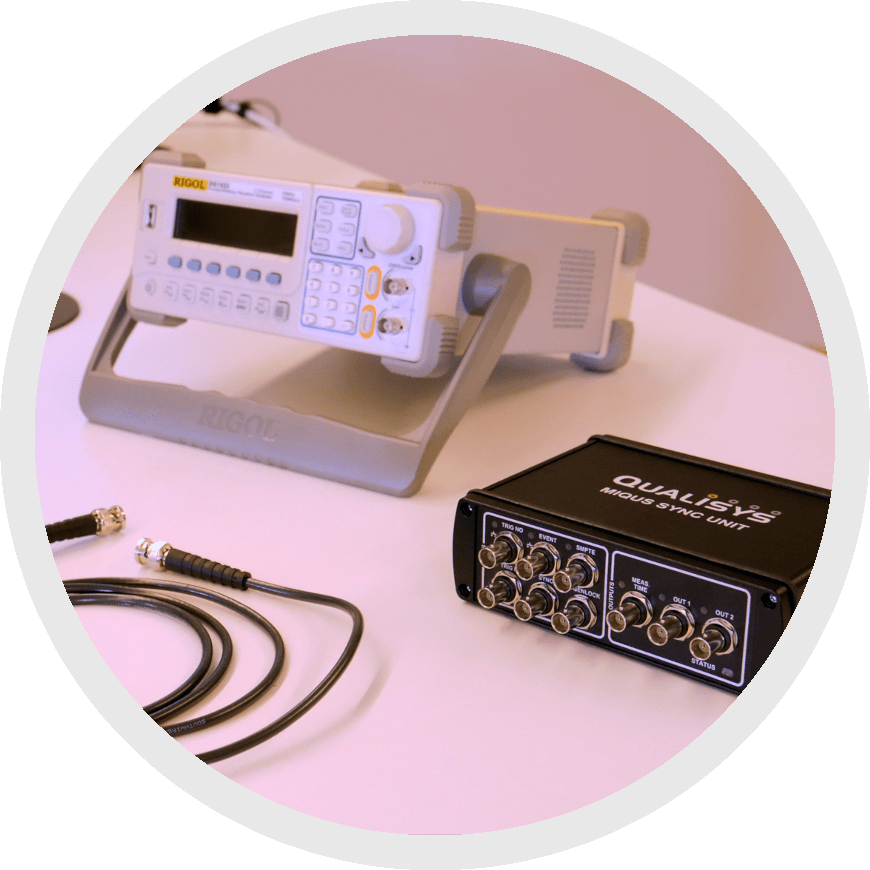 The sync in option synchronizes the internal clocks of your Qualisys cameras with the internal clock of your external device. This can be used to synchronize any equipment that outputs an SMPTE, VIDEO, IRIG, or TTL signal.
Sync in gives you the ability to integrate a wide variety of devices that you might not be able to synchronize otherwise. However, it is more complicated to set up, and it takes some time before each recording for the camera system to lock on to the signal.
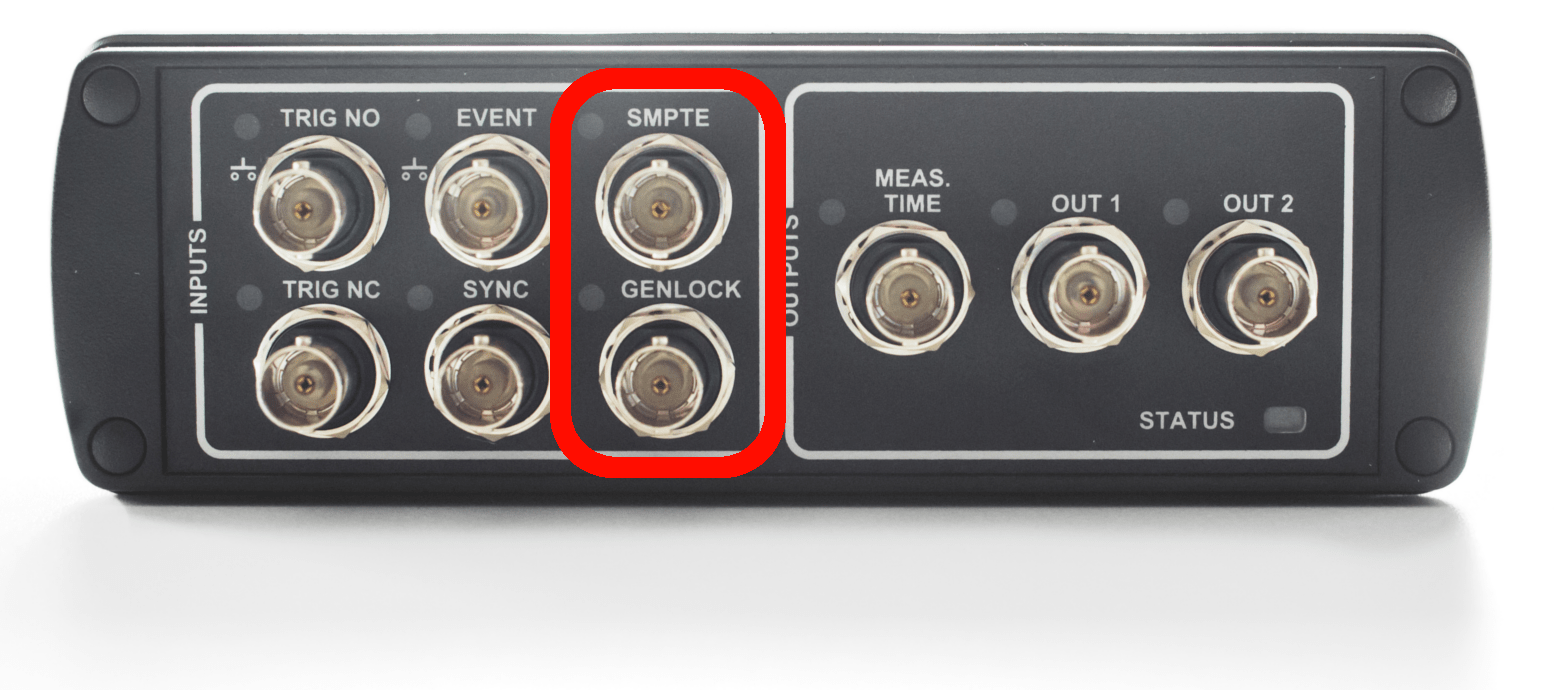
To use sync in, connect your external device to your camera sync unit. Depending on the type of signal coming in, use either the SMPTE or GENLOCK port.
PTP (Precision Time Protocol)
Another form of sync in can be done through PTP, which synchronizes the clocks of all your devices to a master clock.
The primary advantages of using PTP are that you don’t have to wait for your Qualisys system to lock on to the signal as you do with the standard sync in method and that it eliminates the possibility of drift.
A typical example of syncing through PTP is connecting your devices to the GPS of a grand master clock.
For detailed instructions on setting this up, please refer to the QAcademy tutorial How to sync Qualisys cameras with PTP.