Simultaneous start
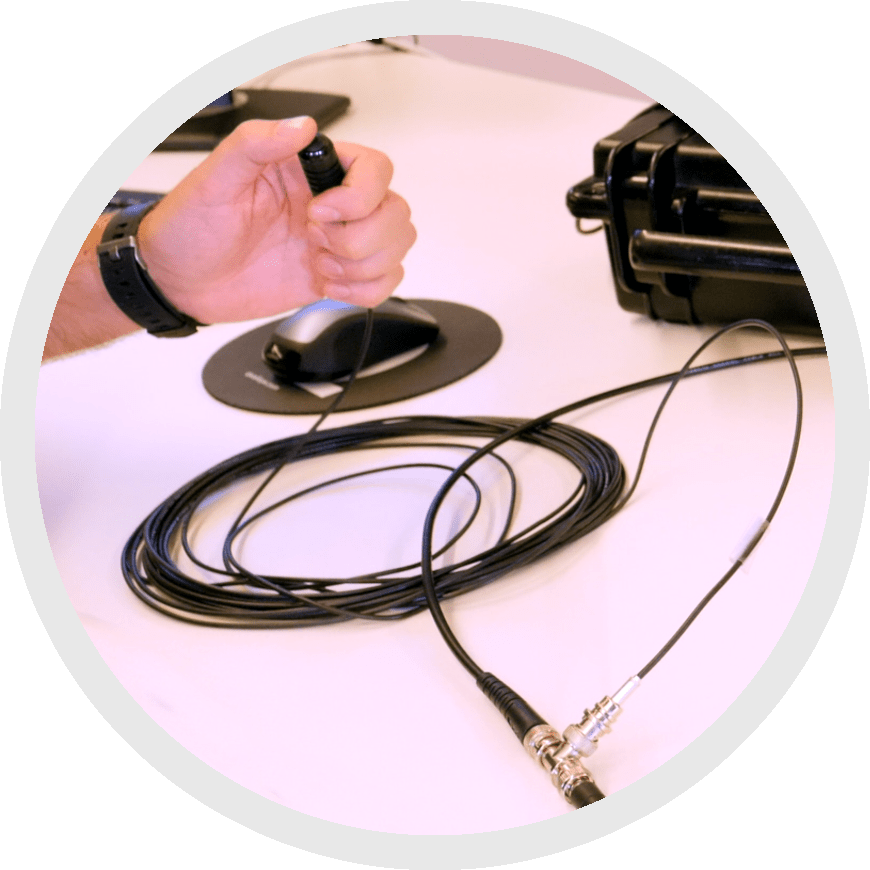 The simultaneous start option allows you to sync your Qualisys system with any device that can be started with an electrical signal (TTL pulse). It starts recording from your external equipment at the same moment you start recording with your motion capture cameras.
This is the simplest way to sync an external device with Qualisys data.
However, be aware that simultaneous start simply begins the Qualisys system and the external device at the same time; it does not track the speed of their internal clocks. This means that the two systems will slowly drift apart over time. Therefore, this method is not recommended for longer measurements.
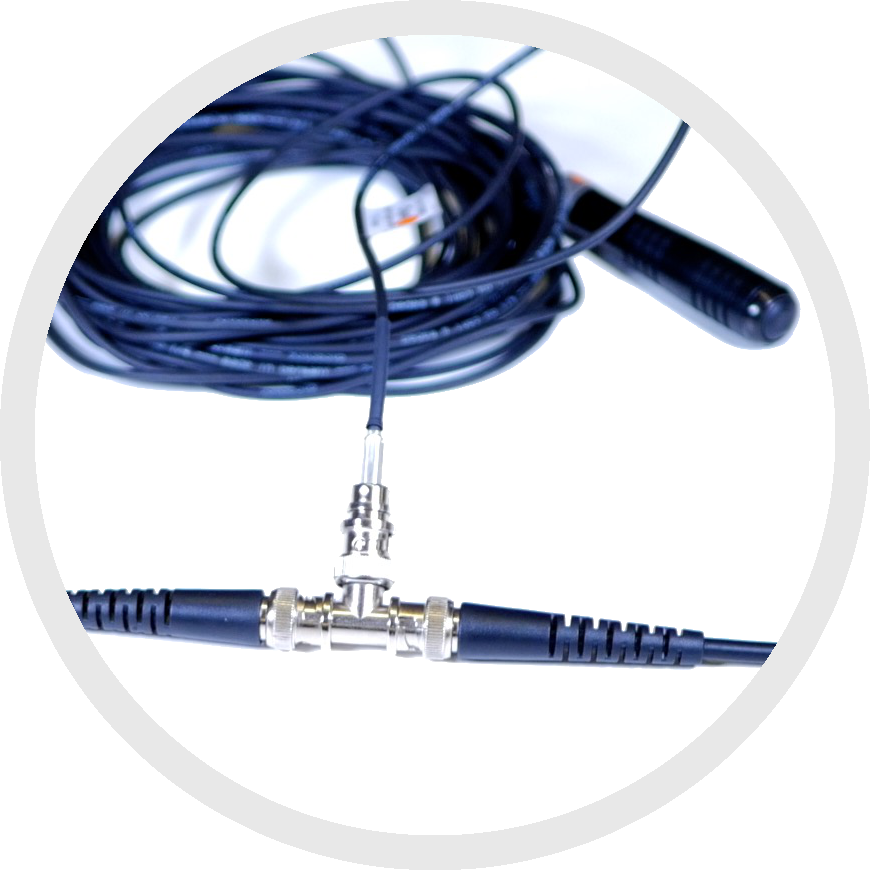
To use simultaneous start, connect your external device to a Qualisys trigger cable using a T-connector.
|
|
|
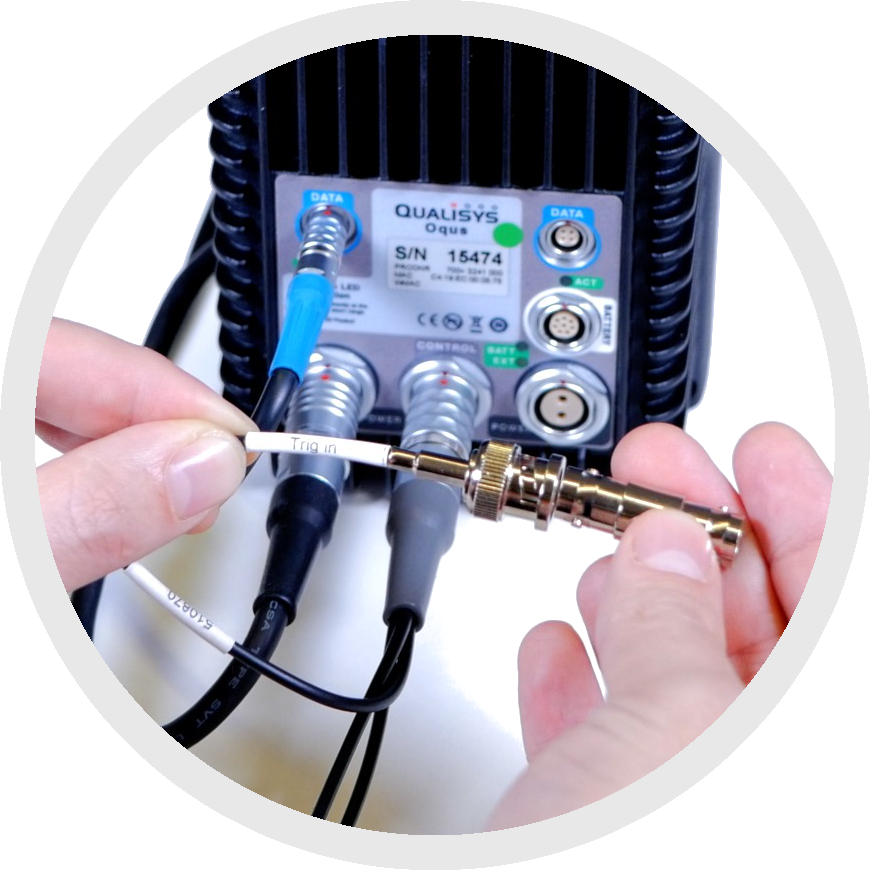
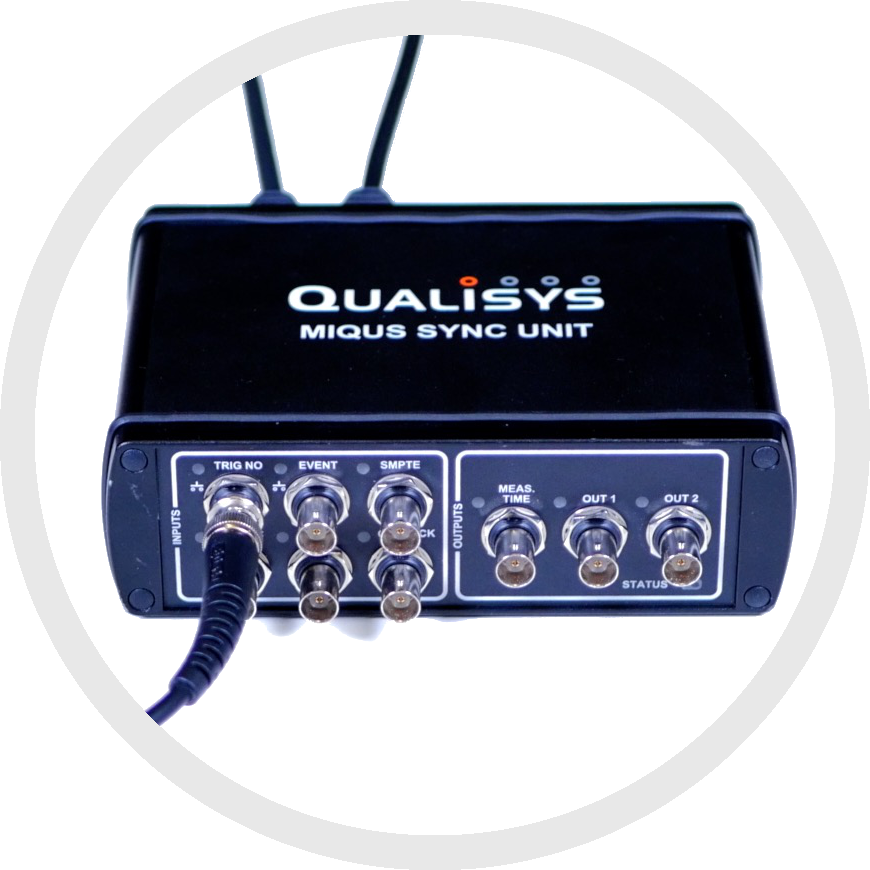
Use the third side of the T-connector to connect to the “Trig in” end of a Sync/Trig splitter plugged into your Oqus system or the “TRIG NO” port on your camera sync unit.
Next, you will need to enable trigger start in QTM:
-
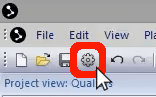
Open Project Options by clicking the gear icon near the top left of your screen or by typing the keyboard shortcut Ctrl+W.
-
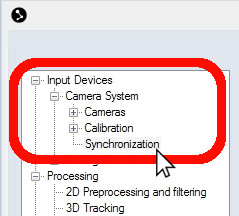
In the left pane of the window that opens, click the plus sign beside “Input Devices” to show the sub-categories, then click the plus sign beside “Camera System” to show its sub-categories as well. Select “Synchronization.”
-
In the right pane of the window, you will see a category labeled “Trigger port(s).” Click on “Function” just beneath it, then use the drop-down menu to the right of Function to select “Start capture.”
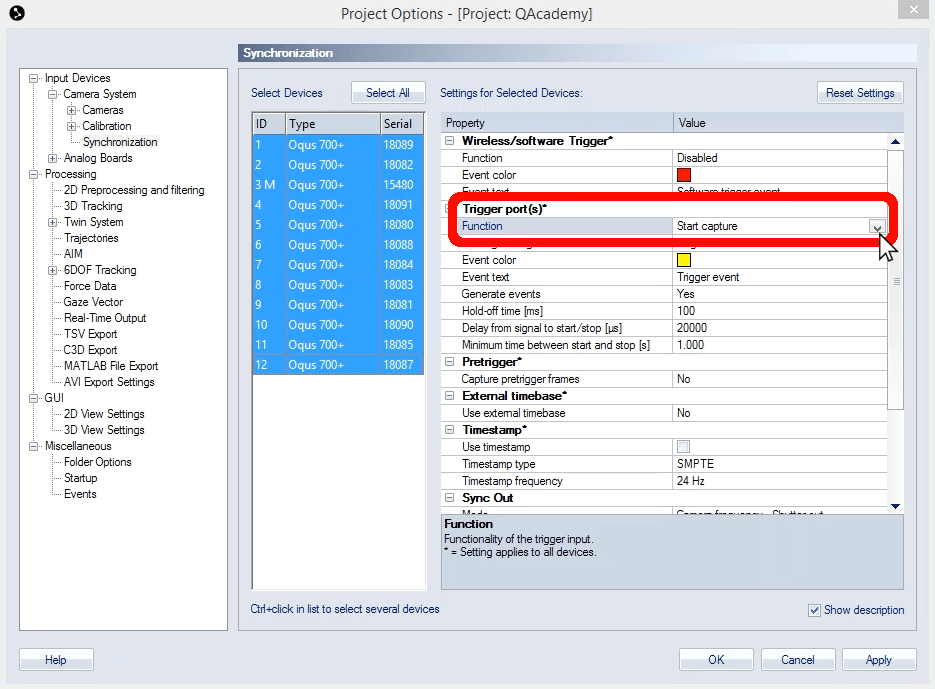
- Click “OK” to save your settings and close Project Options.
Recording is now set to begin from both your Qualisys system and your external device when you push the trigger.