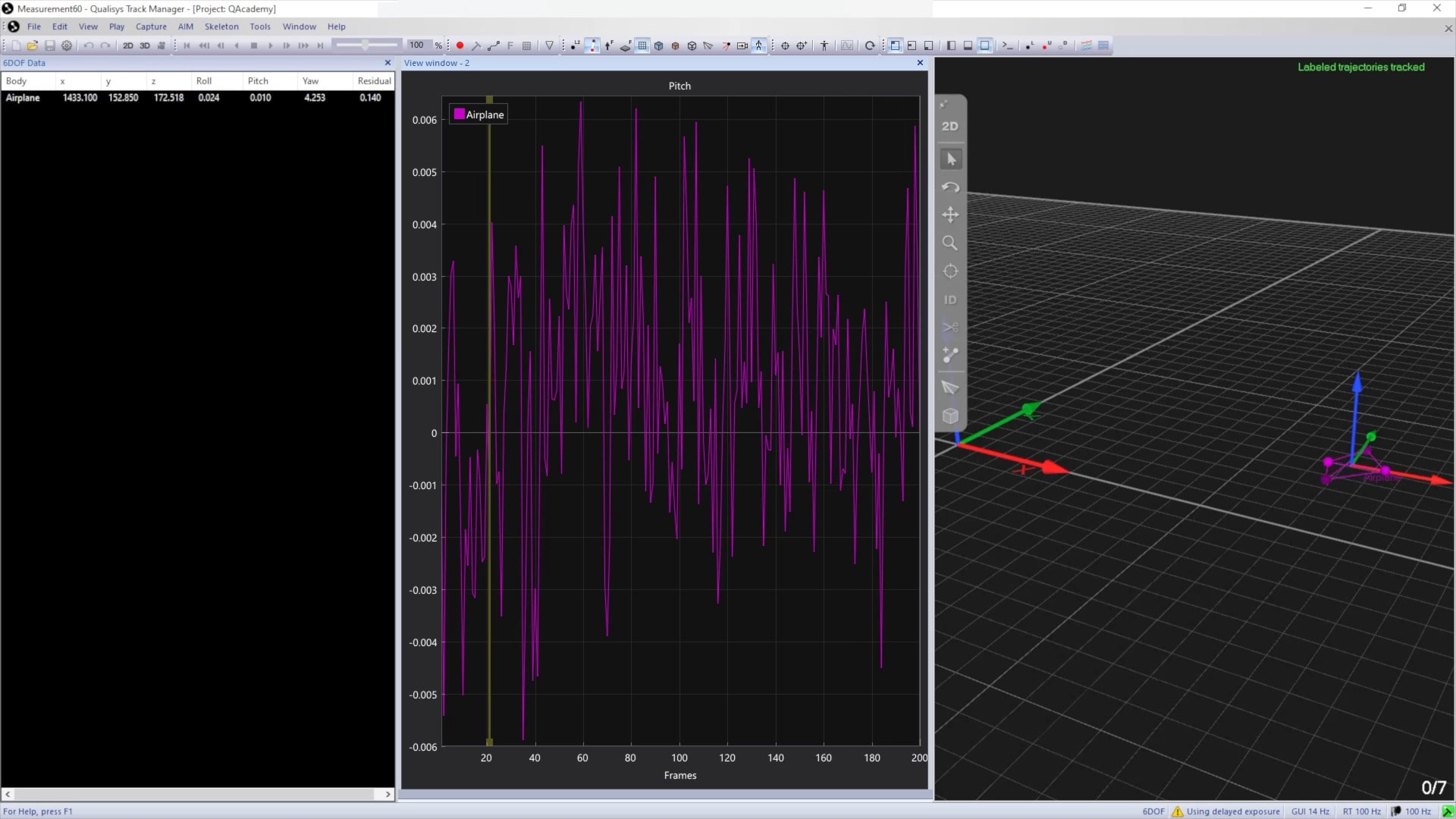
Viewing 6DOF data
As long as “Calculate 6DOF” is enabled as a processing step, any rigid bodies that are part of your project will automatically be recognized in QTM based on their marker configurations.
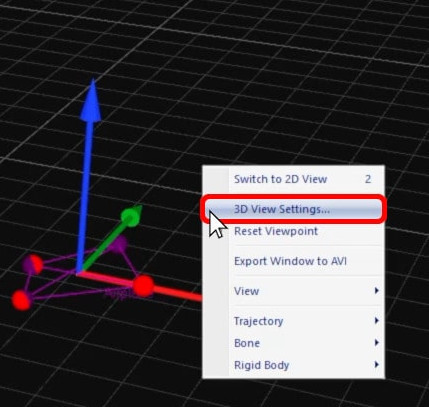
You can customize how rigid bodies are displayed in the 3D viewer by right-clicking on a blank area of the viewer and selecting “3D View Settings.”
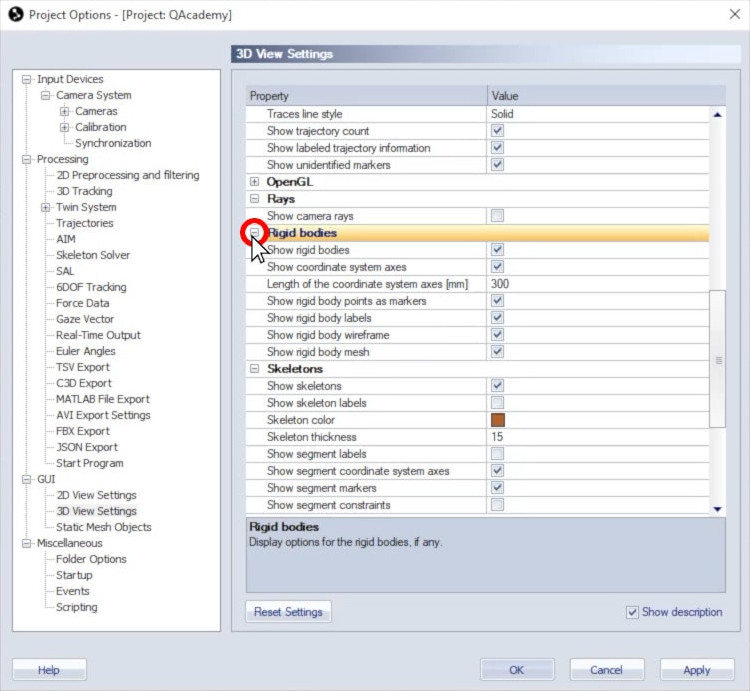
In the settings window below “Rigid bodies,” you can toggle the display of rigid bodies and set other viewing options.
You can also view the details of the 6DOF data:
-
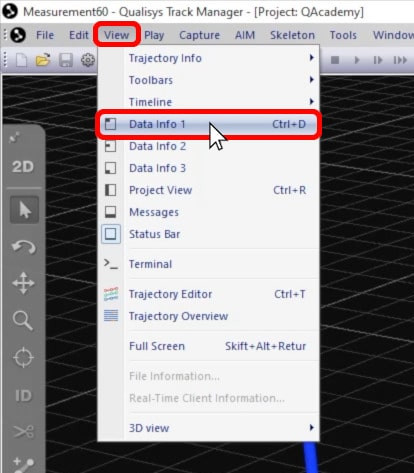
Click on “View” in the top menu bar and select a data info window or type keyboard shortcut Ctrl+D.
-
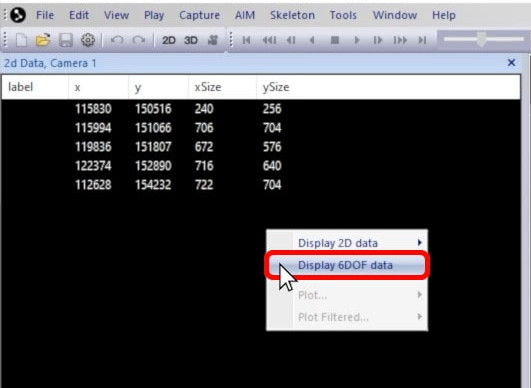
Right-click on a blank area of the data info pane and select “Display 6DOF data.”
-
The coordinates, angles, and residual of the rigid bodies will be displayed.
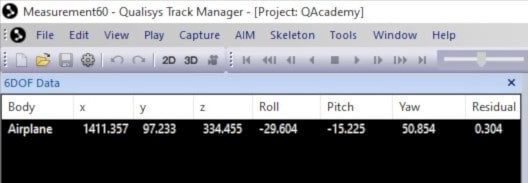
Rigid bodies that have been disabled will still be shown in the list but without data.
You can plot the rigid body data by right-clicking on a rigid body in the data info pane, hovering over “Plot,” and selecting the data type to be graphed.
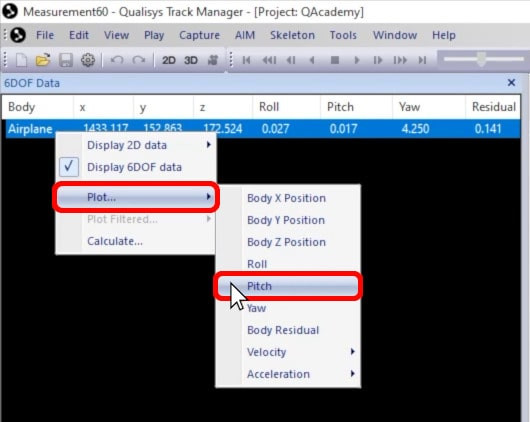
QTM will plot the data in a new viewing window.