Exposure delay
In a setup with cameras directly facing each other or pointed at a reflective surface, the cameras could interpret each other’s LED strobes as markers.

If there is nothing else you can do to prevent this, you can use QTM to divide the cameras into groups with shifted exposure times so that they flash slightly out of phase with each other. This will not put your motion capture data out of sync, although it can make tracking fast movements more difficult. (Note that exposure delay will not help if a camera is recording the reflections from its own LEDs.)
-
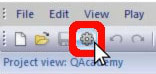
Open Project Options by clicking the icon or typing the keyboard shortcut Ctrl+W.
-
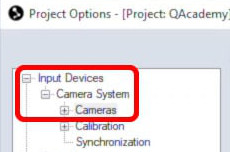
Navigate to “Input Devices” à “Camera System” à “Cameras.”
-
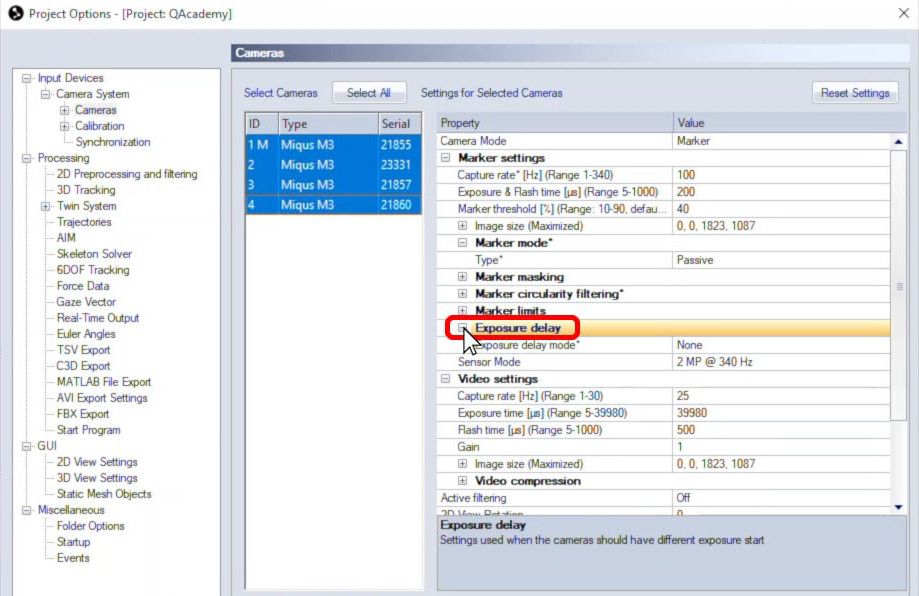
Click the plus sign to expand “Exposure delay.”
-
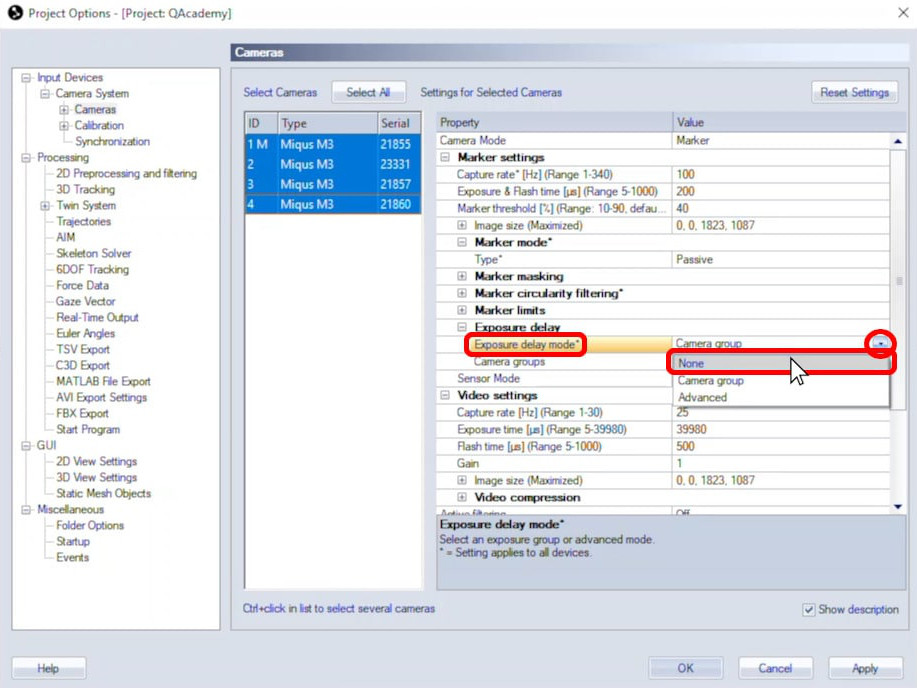
Then, next to “Exposure delay mode,” select “Camera group.” By default, all of the cameras are now assigned to camera group 1.

-
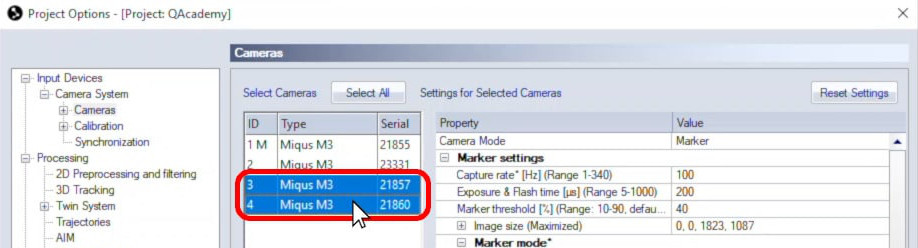
Next, hold down the Ctrl or Shift key while selecting only the cameras to be assigned to the second group.
-
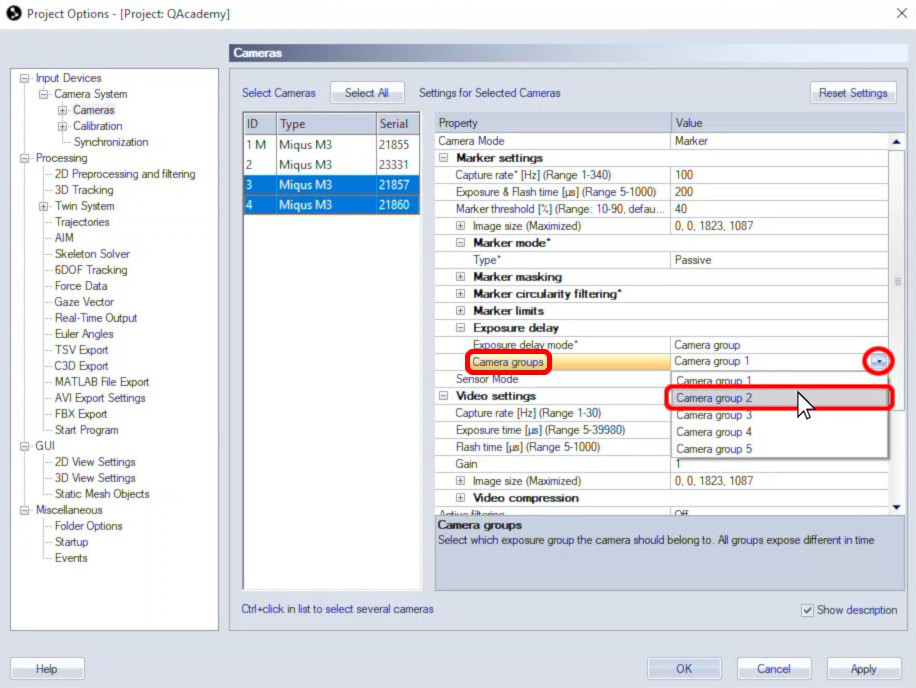
Click the field beside “Camera groups” to assign the selected cameras to group 2. QTM will automatically shift the exposure so that the two groups of cameras will no longer interfere with each other.
-
Click “OK” at the bottom to save your settings.
If necessary, you can assign cameras to more groups as well, but it is recommended to keep the number of groups to a minimum. Detailed guidance can be found in the QTM user manual.
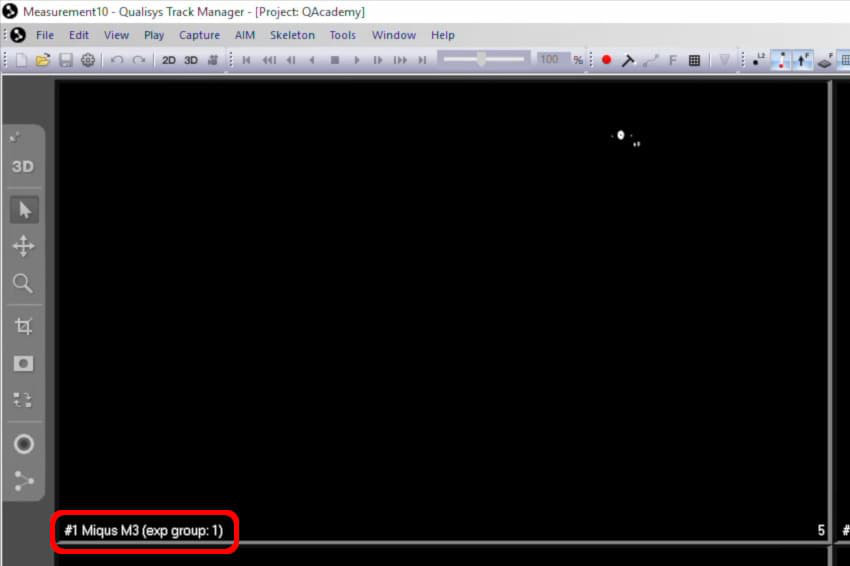
When viewing the cameras in 2D mode (keyboard shortcut 2), you will now see the exposure group number next to the camera number.
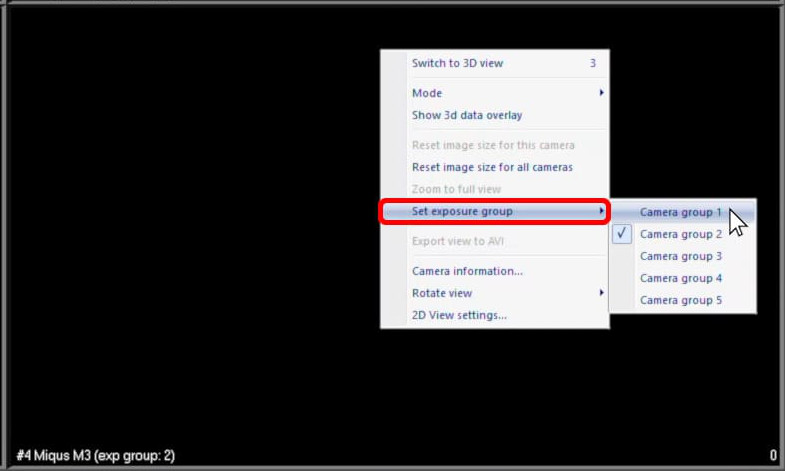
You can easily assign a camera to a different group from its 2D feed by right-clicking, clicking “Set exposure group,” and selecting the camera group number.
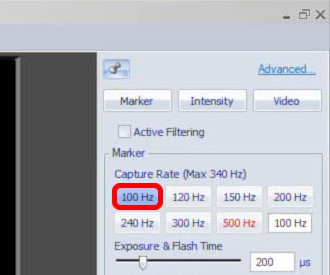
To get the best results when using exposure delay, it is recommended to set your capture rate to at least 100 Hz.
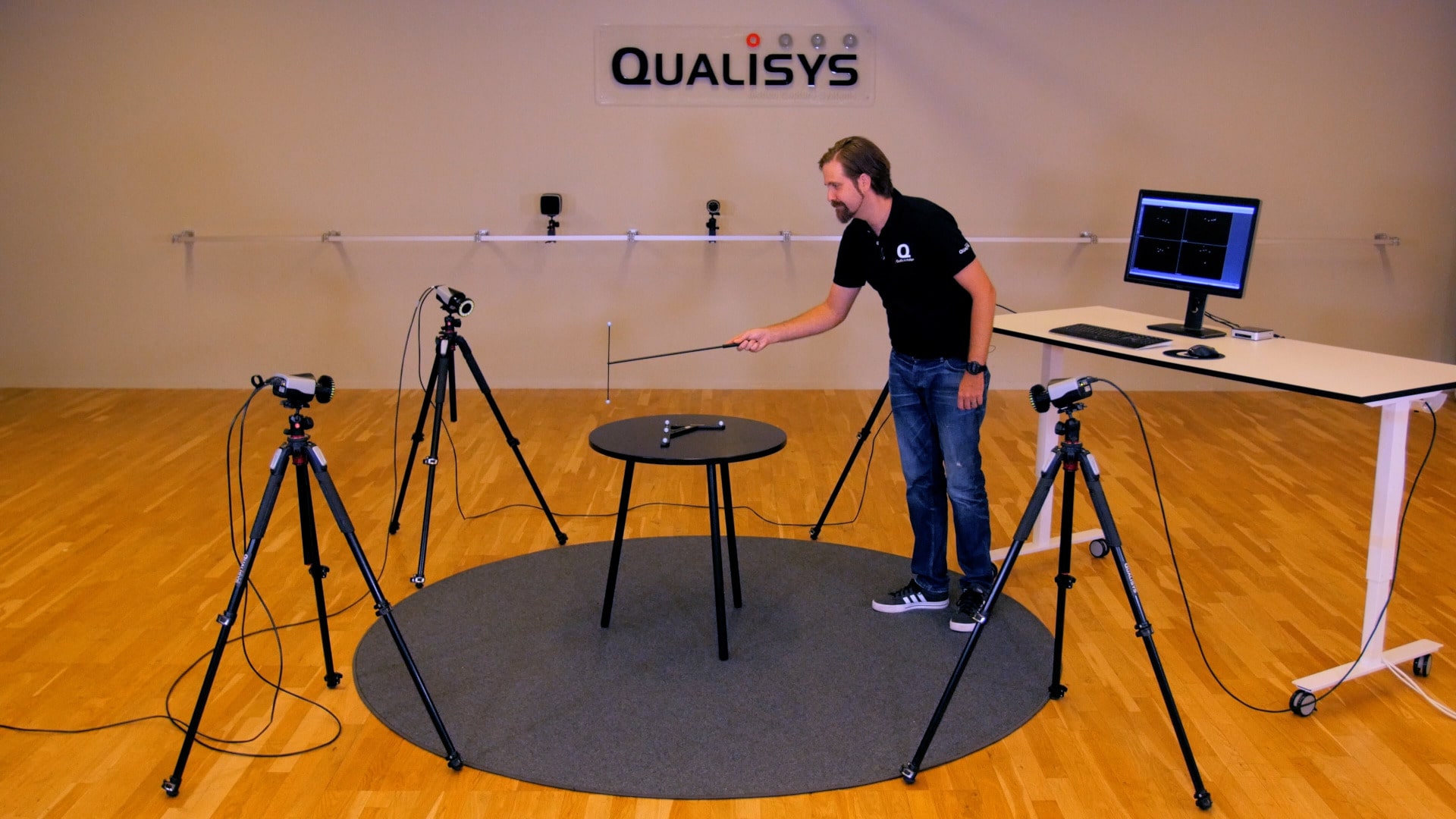
You will also need to move your wand more slowly during calibration.
To disable exposure delay, reopen the “Cameras page” in Project Options. With all cameras selected, click the dropdown menu beside “Exposure delay mode,” and select “None.”