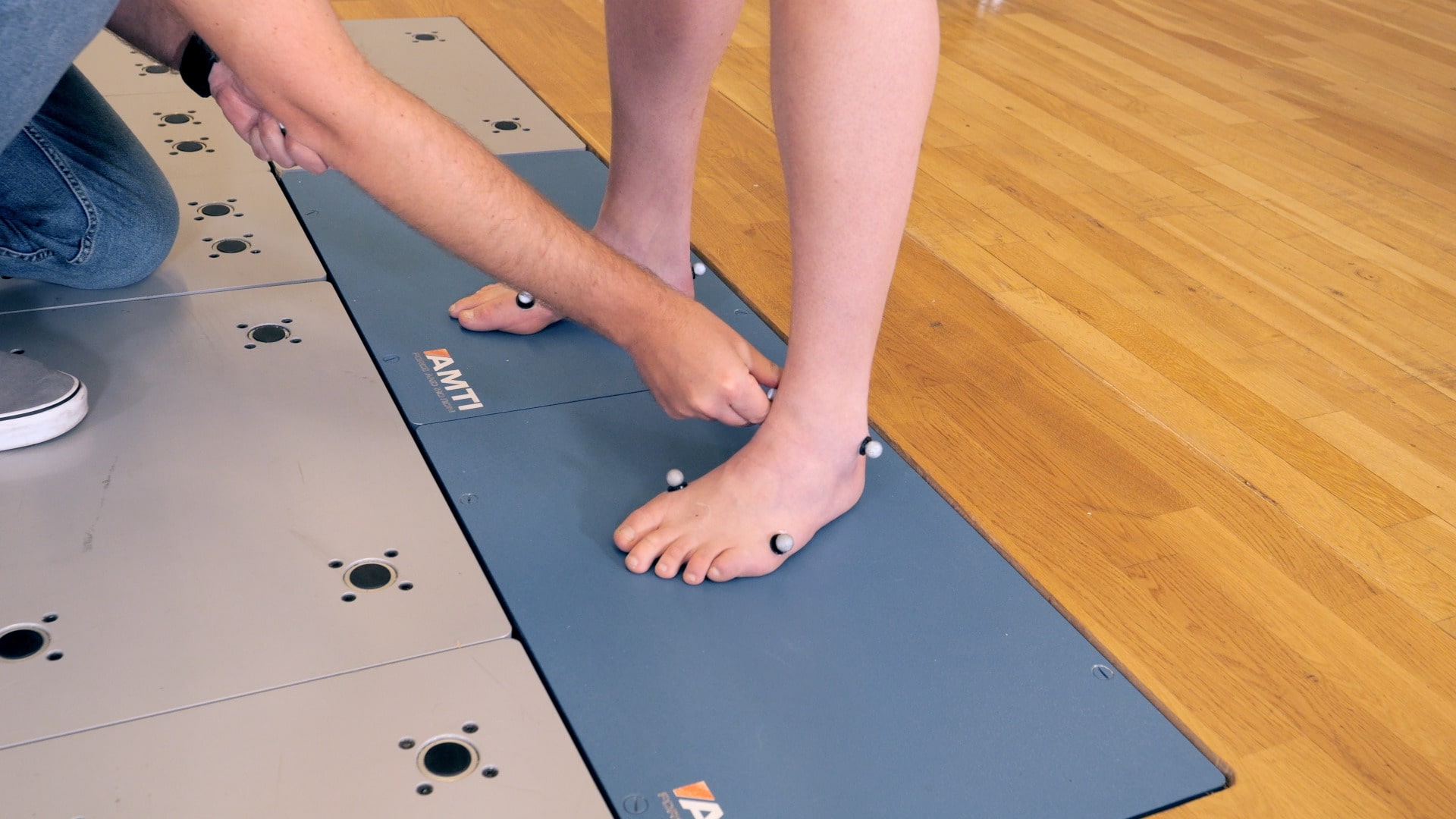
Static trial
For biomechanical applications, marker-based motion capture sessions usually begin with a static trial. Its purpose is to define the biomechanical model, which will then be applied to dynamic trials when the data is processed.
If you are running a QTM analysis module such as Clinical Gait, you will see the static trial listed first in the project automation pane.
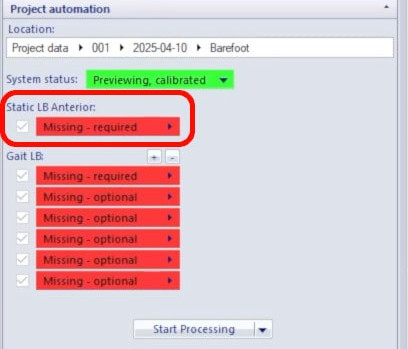
Note that some marker sets include static-only markers, which will be removed after the static trial is complete.
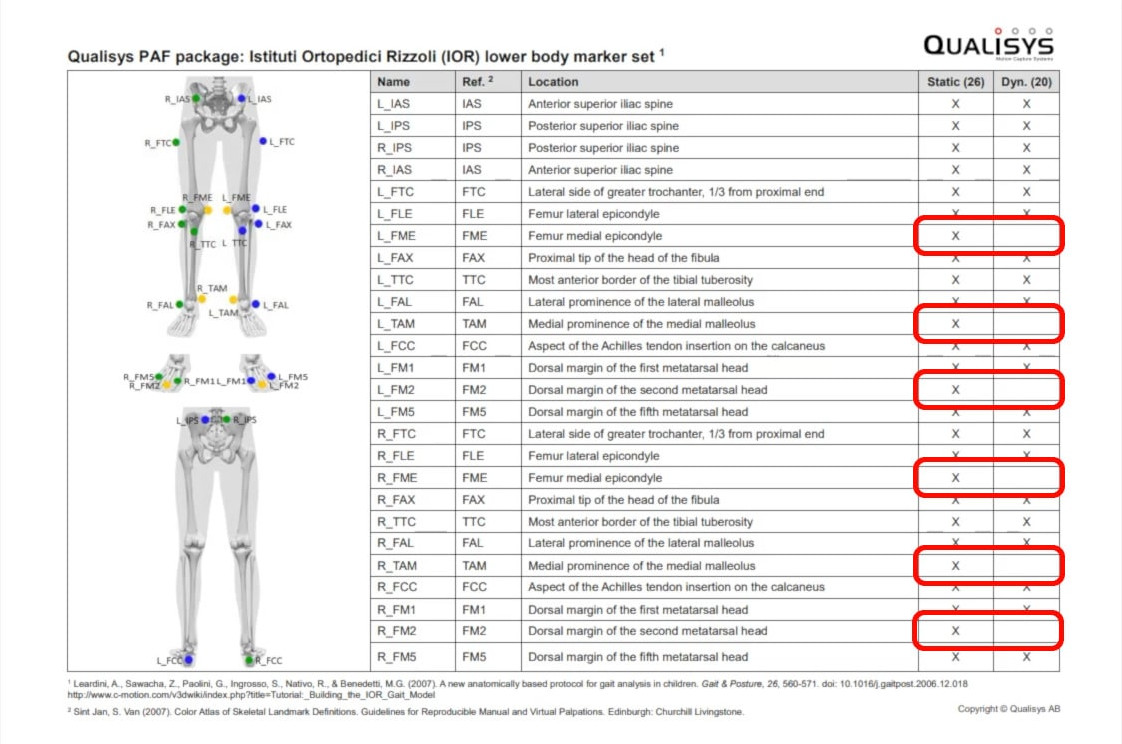
To record the trial:
-
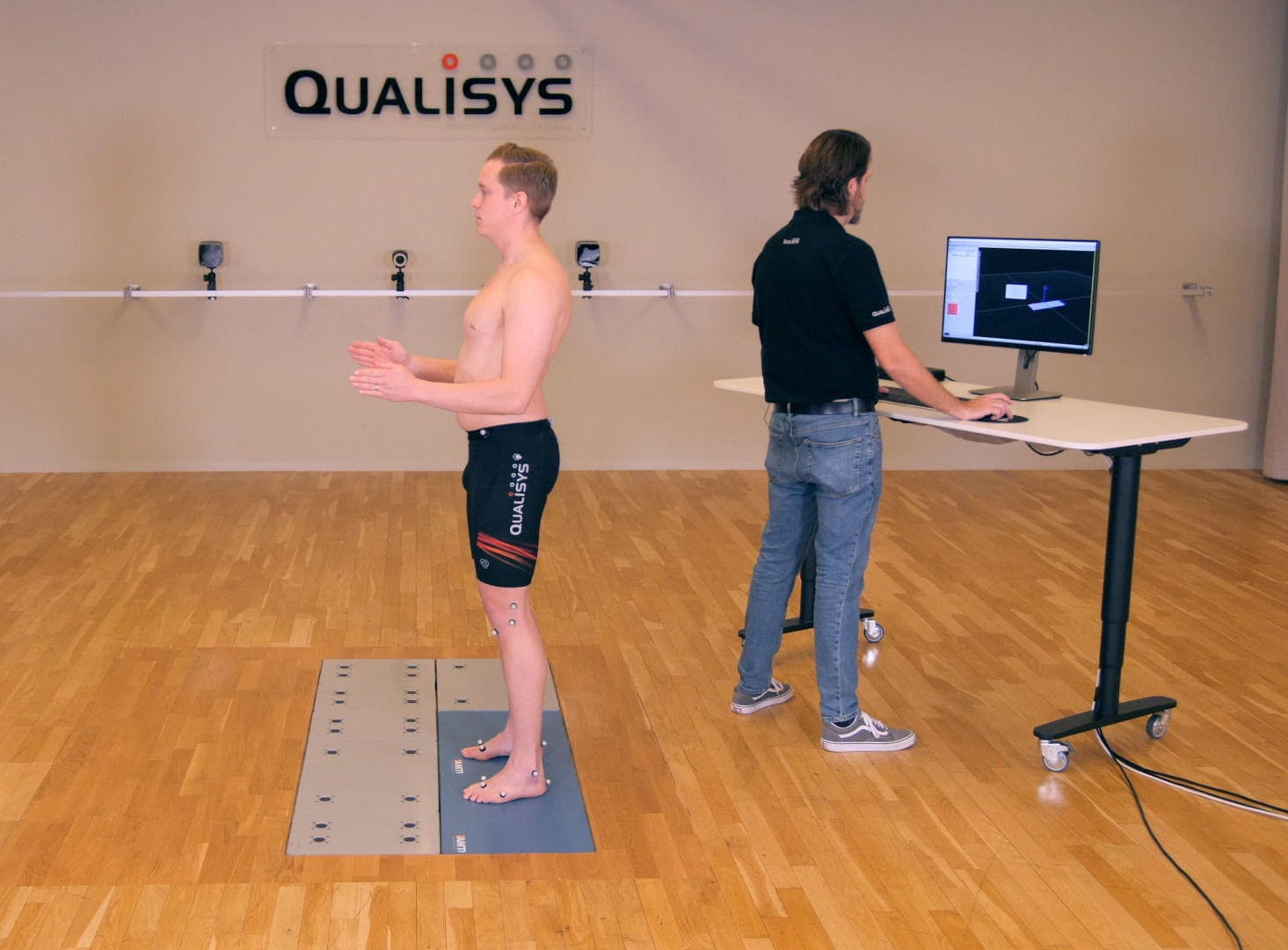
Have your subject stand in the recording volume in the static pose associated with the biomechanical model you’re using. Examples include the anatomical neutral position, the ski-pole position, and the A-pose.
-
If force data is being collected, the subject should stand with one foot on each force plate or both feet on a single plate.
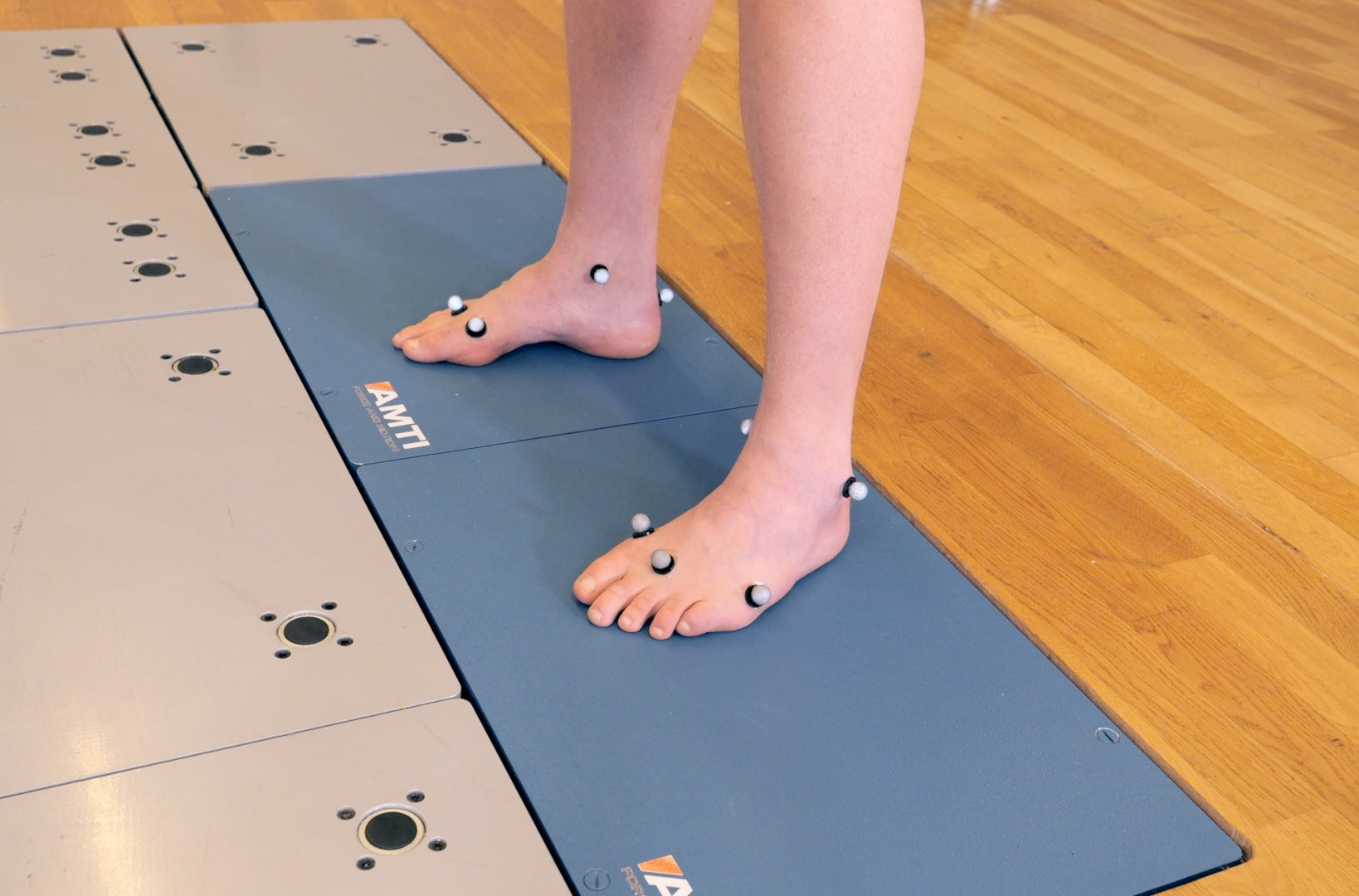
-
The subject should hold as still as possible while the static trial is captured, which can be just a few seconds.
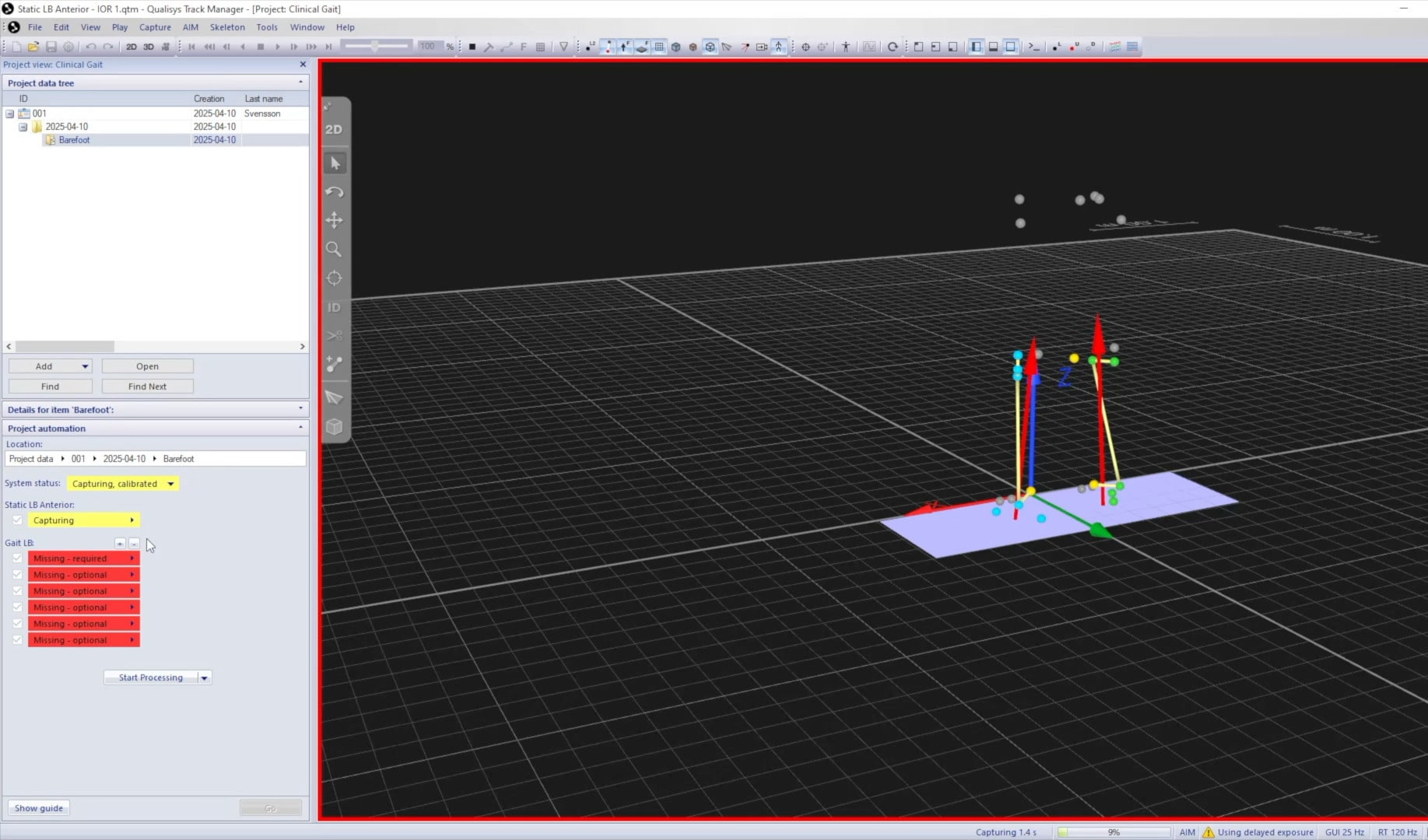
Before moving on to the dynamic trials, it’s important to confirm that the static capture was successful:
-
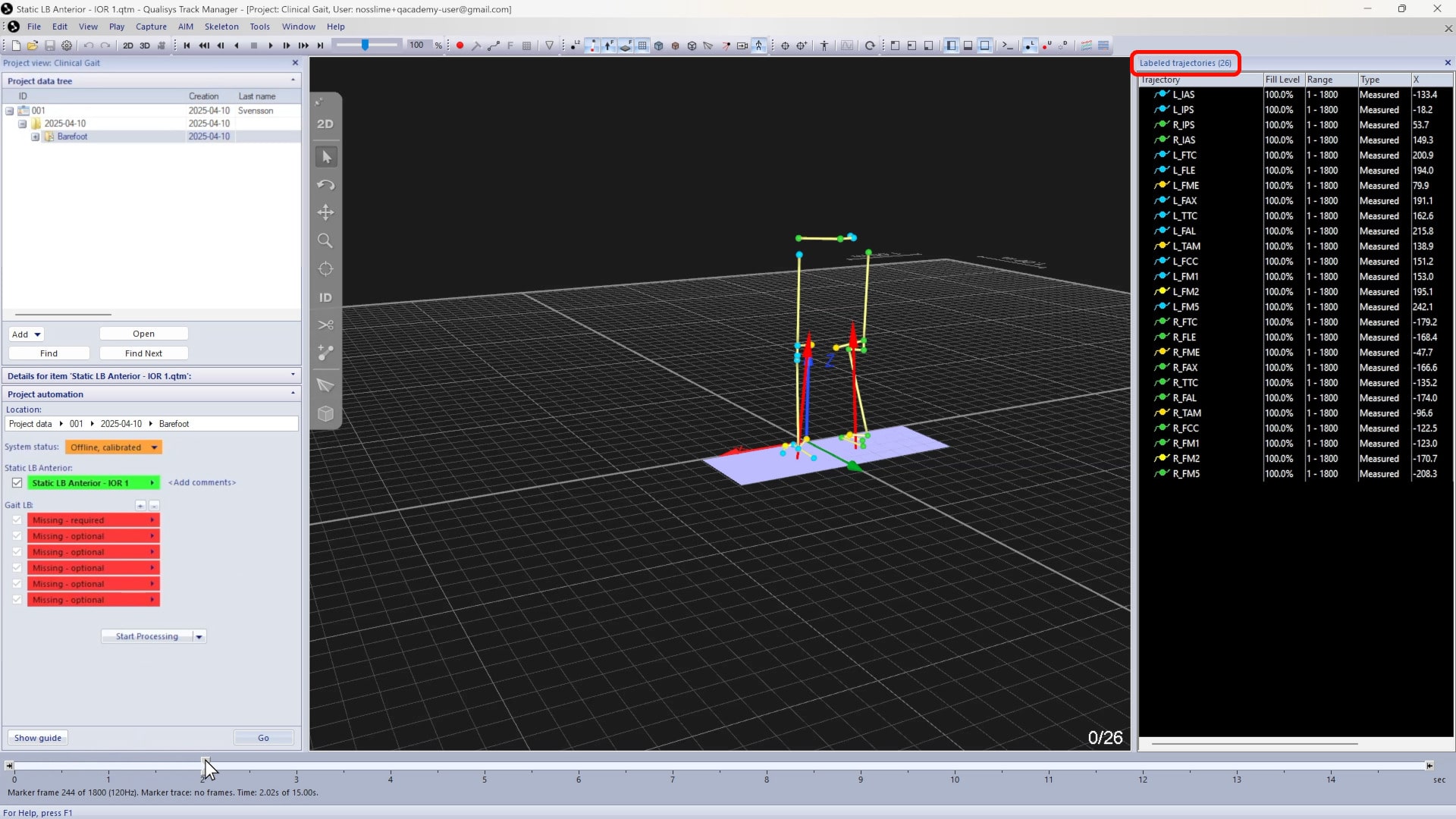
Review the file to make sure that all the markers are visible and identified correctly.
-
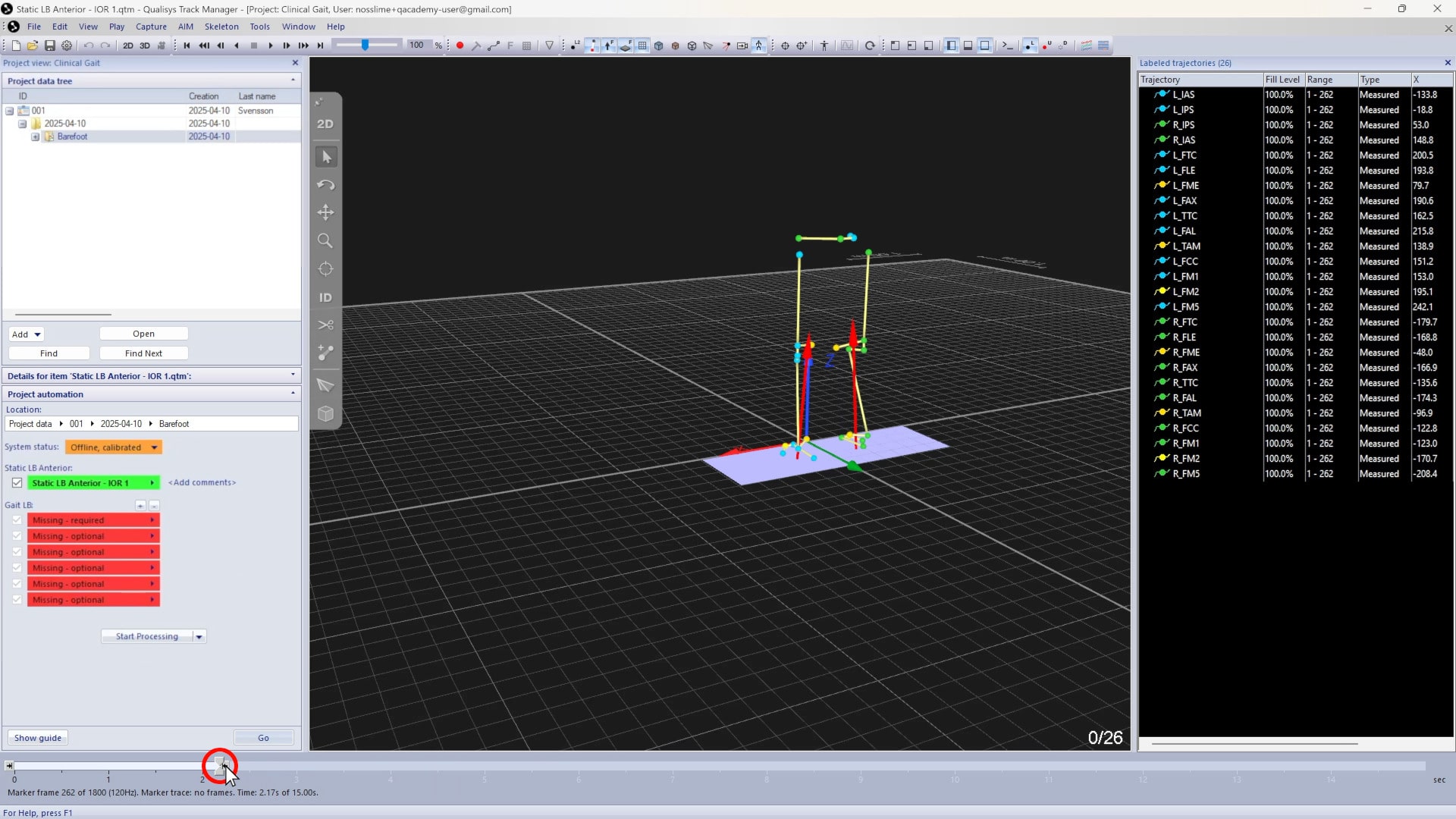
You can crop the file to a shorter section to exclude movement or other issues.
-
Remember to save the file (Ctrl+S) after making any changes.
Static-only markers from your marker set should now be removed from the subject.