.
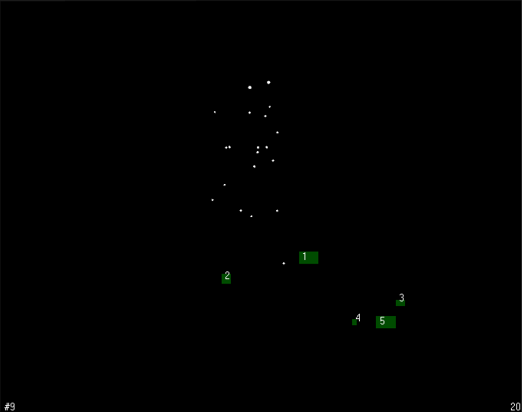
.Enter 2D view and first physically remove all reflective objects, such as the calibration kit or similar reflective equipment, from the measurement volume.
- Go to the Camera settings sidebar on the right side of the 2D view. Click on Enable for Marker masks.
-
Click on “Auto-create” and start. QTM will mask all unwanted reflections. For manual masking options and advanced handling of camera settings and marker masks, please refer to the QTM Manual.
Place the L-shaped calibration reference on the floor.
Note the coordinate system must be set up so that the global x- or y-axis is pointing in the running direction or against the running direction:
Note the coordinate system must be set up so that the global x- or y-axis is pointing in the running direction:
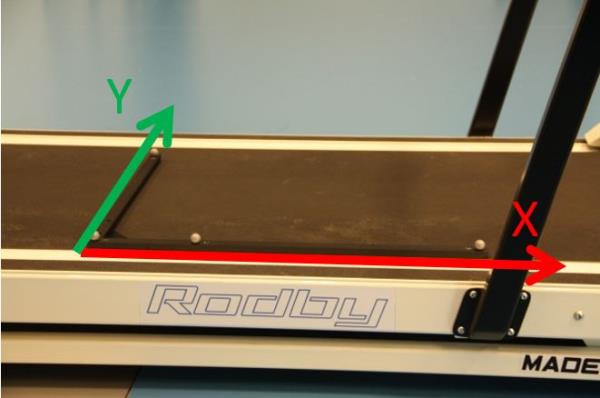
Note: if you are not using a treadmill, make sure the x- or y-axis is parallel to the intended running direction.
To calibrate, click on the calibration tool on the top menu bar.