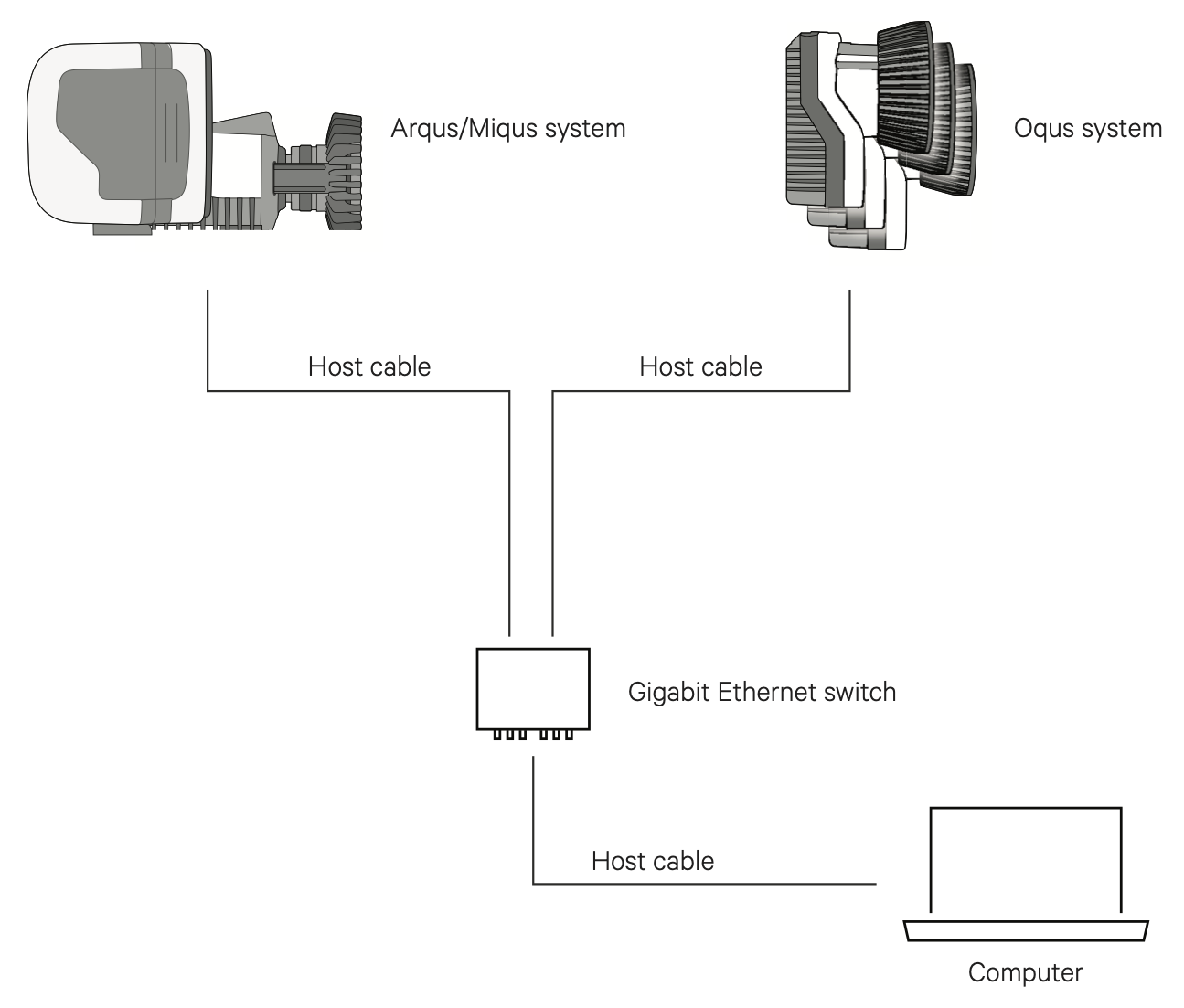
Connecting a mixed system
All Qualisys devices are compatible and can be combined in a single system.
When mixing camera types, the global camera settings will default to the lowest of the camera limits. This means for example that the capture rate will be limited to 183 Hz at full field of view when Miqus M5 is combined with Miqus M3. However, individual settings can always be set within the limit of the camera type.
Devices with the same cable type can be connected in a daisy chain, for example Arqus and Miqus cameras with cables of type A, see Power and camera cable requirements. The total number of cameras that can be connected to a power supply depends on the number of Arqus and Miqus cameras, see chapter Mixing Arqus and Miqus.
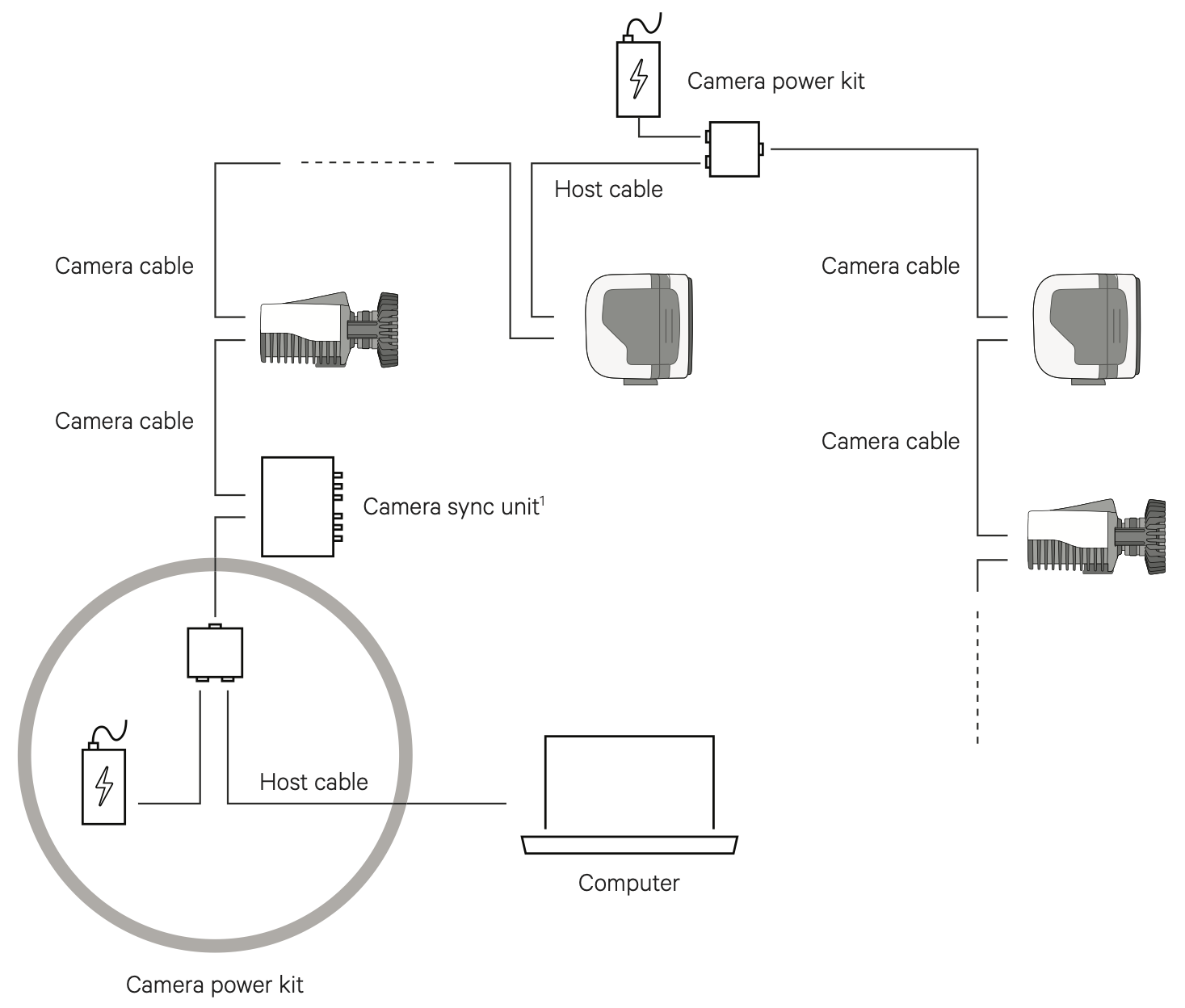
For combining devices with different cable type the use of a Gigabit Ethernet switch is required. For example, for mixing Arqus or Miqus cameras with Oqus cameras, the respective systems are connected in their own daisy chain configurations. The chains are then connected with host cables to the Ethernet switch, see chapter Connecting a Qualisys system through an Ethernet switch for more information.