Messages window
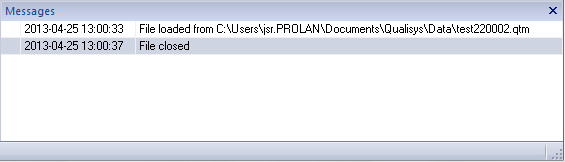
The Messages window contains the processing messages, camera error messages and some status information about what has happened in QTM, since it was last started. The messages are displayed with the oldest first in the list, scroll down to the bottom to see the latest messages.
The following mouse actions are supported:
-
Use the scroll wheel to scroll up and down the message list.
-
Double click on an error to open an error dialog with more specific information.
-
Right click and select Clear list to clear the message list.