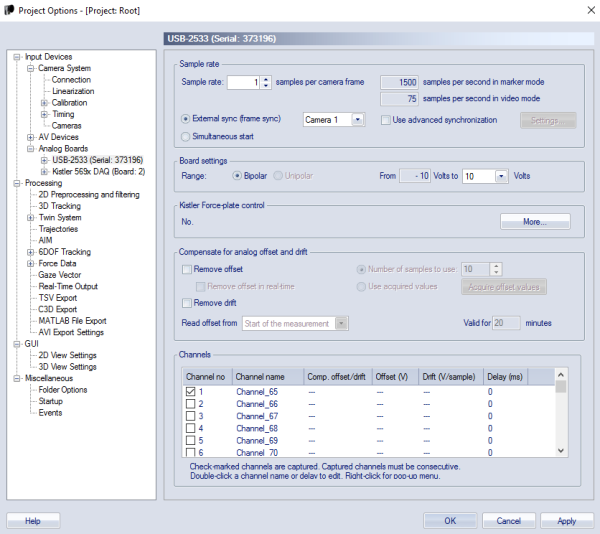
Only the USB-2533 and USB1608G boards are supported.
Enter the muscle names by changing the analog channel names in Project Options > Input Devices > Analog boards > USB-2533. See EMG naming conventions for correct signal names.
Important: All EMG channels must be prefixed by "EMG_" so that the channels is recognised as EMG channel during processing.
Important: you must enter the correct scaling factor for the analog data to EMG unit (microV) in the file [project folder]\Templates\settings.php. Open the file in a text editor and enter the value. QTM interprets all analog signals as V so you need to refer to the EMG manufacturer's manual to know the unit of their analog output, and thus the correct scaling factor. The default factor is 1000.